
Basic Movement & Interaction
Mastering the fundamental controls in A Way Out is crucial for both characters, Leo and Vincent, as seamless cooperation is the heart of the game. Whether you're navigating the confines of the prison, exploring the outside world, or engaging in critical interactions, understanding these basics will ensure a smoother escape.
Character Movement & Camera Control
Your primary method of getting around is through the analog sticks on your controller or the traditional WASD keys on PC. The game is designed for a split-screen experience, even when playing online, meaning each player controls their character independently.
- Controller (PS4/Xbox One):
- Movement: Use the Left Analog Stick to move your character (Leo or Vincent) in any direction.
- Camera Control: The Right Analog Stick allows you to adjust your camera view in third-person perspective. During certain first-person interactions, this stick may also allow you to look around within that limited view, offering a closer inspection of objects or surroundings.
- PC (Keyboard & Mouse):
- Movement: Use W, A, S, D keys to move your character.
- Camera Control: The Mouse controls the camera. Moving the mouse will pan your view in third-person. Similar to controllers, the mouse may also control looking around during specific first-person interactions.
Interacting with the World
Interaction is key in A Way Out, as many puzzles and story progression points require specific actions, often in tandem with your partner. Look out for prompts that appear on screen when you are near an interactable object or NPC.
- Use/Interact Button: This is your primary action button for most interactions.
- Controller (PS4): Press X
- Controller (Xbox One): Press A
- PC (Keyboard & Mouse): Typically E key (default settings may vary, check in-game keybindings).
- Usage: This button is your go-to for picking up items (like the chisel or wrench during the prison escape), opening doors, talking to non-player characters (NPCs) such as guards or fellow inmates, and initiating contextual actions. For instance, when you need to get the chisel in the prison, you'll use this to interact with the environment.
- Contextual Actions & Quick Time Events (QTEs): Beyond simple interactions, A Way Out heavily features contextual actions and QTEs that require precise timing or rapid button presses. These are often indicated by on-screen prompts that appear during specific sequences, such as escaping a tight spot or engaging in a physical struggle. For more detailed information on these advanced interactions, refer to our "Contextual Actions & QTEs" guide section.
Cooperative Interactions: The Core of A Way Out
Many actions in A Way Out cannot be completed by a single player. The game frequently requires both Leo and Vincent to work together, often simultaneously, to overcome obstacles. This is where communication with your partner becomes paramount.
- Simultaneous Actions: You and your partner might need to press an interaction button at the same time to lift a heavy object, open a reinforced door, or perform a synchronized stealth maneuver. Pay attention to on-screen prompts that indicate a two-player action.
- Contextual Prompts: When approaching an object that requires cooperation, you'll often see two distinct interaction prompts, one for each character. Ensure both players are in position and ready before initiating.
- Communication & Ping Mechanic: Since the game is designed for cooperative play, verbal communication with your partner is essential. Additionally, A Way Out includes a "ping" or "call out" mechanic.
- Controller (PS4/Xbox One): Pressing the Left Analog Stick (L3/LS) allows your character to call out to your partner, drawing their attention to an object or area.
- PC (Keyboard & Mouse): The default key for pinging is typically Q.
- Usage: This is crucial for highlighting interactive elements, coordinating movements, and planning actions together, especially during critical moments like escaping the cell or navigating the laundry room, and when independent camera views might obscure your partner's perspective.
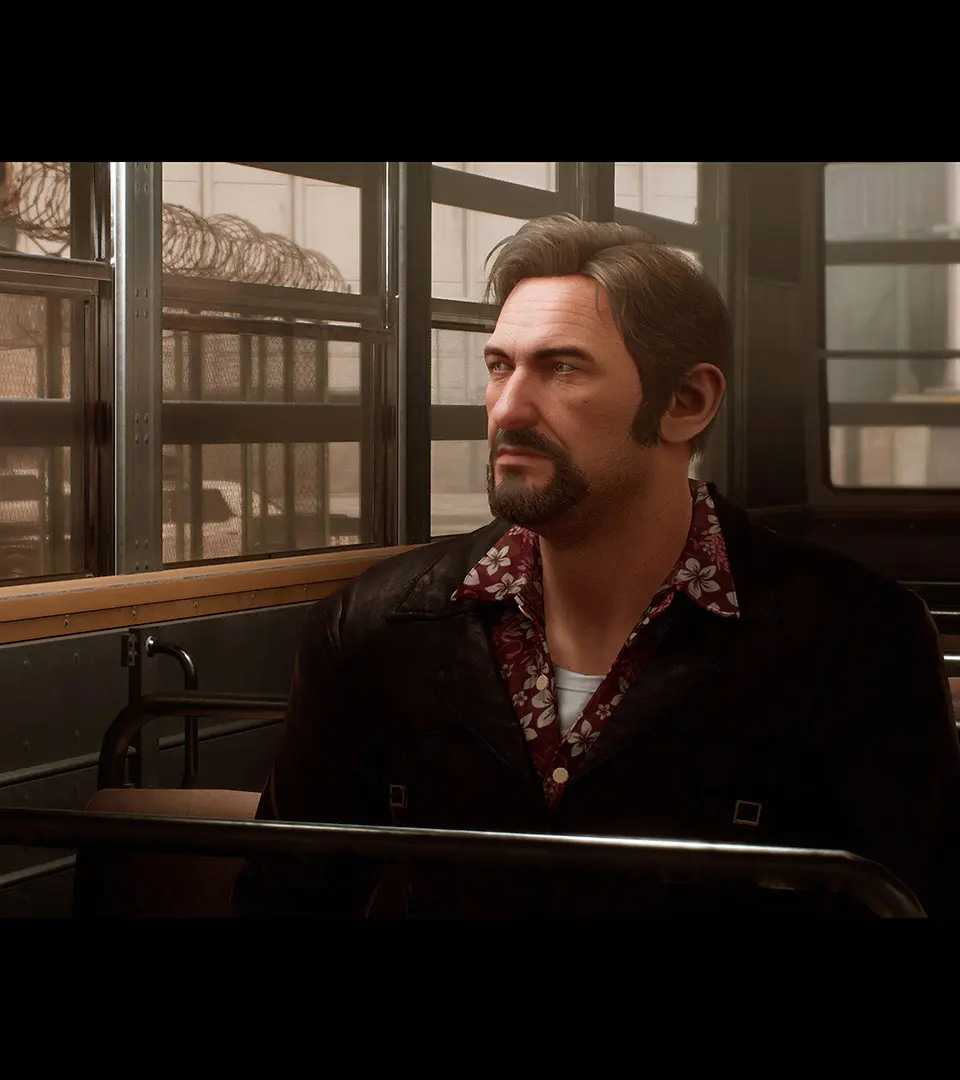
Common Scenarios Requiring Basic Controls
- Navigating Prison Corridors: Use movement controls to walk through areas like the cafeteria or hospital ward.
- Gathering Items: Use the primary Use/Interact button to pick up crucial items such as the chisel or the wrench.
- Initiating Dialogue: Approach NPCs and press the Use/Interact button to engage in conversations that advance the story or provide clues.
- Environmental Puzzles: Many puzzles involve interacting with multiple objects or performing actions in a specific sequence, often requiring both players. For example, escaping the cell or navigating the laundry room will heavily rely on these basic interactions.
By understanding and effectively utilizing these basic movement and interaction controls, you and your partner will be well-equipped to tackle the challenges and intricate cooperative gameplay that A Way Out has to offer.