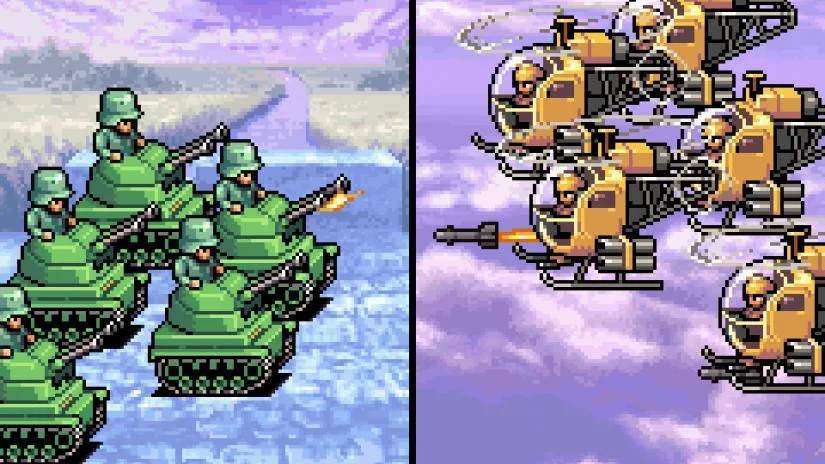
Navigating the battlefield in Advance Wars is straightforward. The D-Pad or Analog Stick moves your cursor across the map. The 'A' button selects units, confirms actions, and interacts with menu options. The 'B' button cancels actions, deselects units, and backs out of menus. The 'Start' button typically brings up the in-game menu, offering options like saving, loading, and viewing the CO Power meter. The 'Select' button can often toggle map information or unit details.
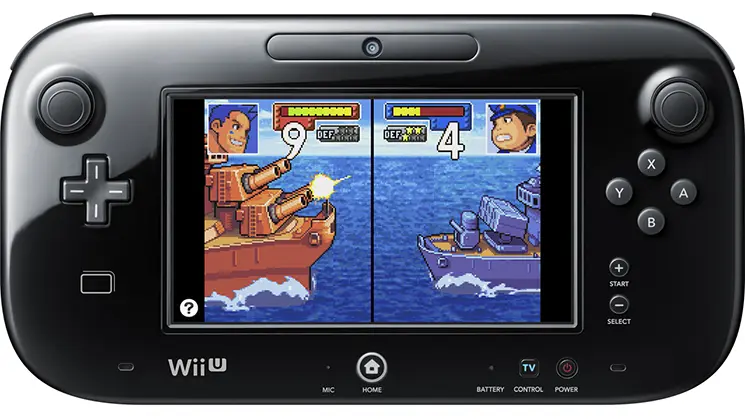
The User Interface (UI) provides crucial information at a glance. On the top screen (or main screen if playing on a single-screen device), you'll see the battlefield, unit health, and movement ranges. The bottom screen (or a dedicated UI panel) displays detailed unit information, terrain effects, and CO Power status. Pay attention to the turn indicator, which shows whose turn it is, and the funds display, indicating your current financial resources. Understanding these elements will allow you to make informed decisions quickly and efficiently during your turns.