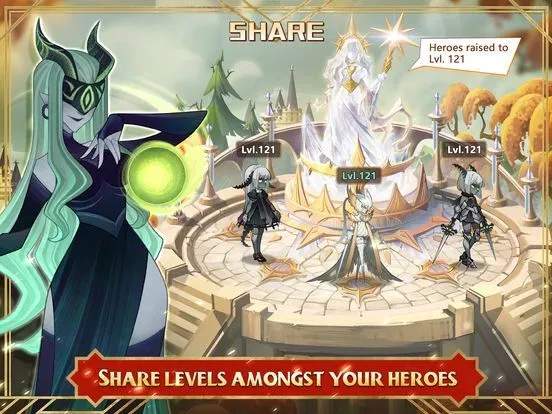
The AFK Arena UI can seem daunting at first, but it's logically organized. The main screen, known as the 'Ranhorn' screen, is your central hub. Here's a breakdown of key elements:
- Top Bar: Displays your current level, VIP level, Diamonds, Gold, and Hero Essence. These are your primary currencies and resources.
- Bottom Bar: Contains navigation buttons for 'Campaign', 'Heroes', 'Bag', 'Barracks', 'Friends', and 'Mail'. These are your most frequently accessed menus.
- Left Side: Features event banners, daily quests, and special offers. Keep an eye on these for valuable rewards.
- Right Side: Shows your current AFK rewards accumulation, allowing you to collect resources that have gathered while you were away.
- Central Area: Your current campaign stage is prominently displayed, along with options to challenge the next stage or access the 'Arcane Labyrinth' and 'King's Tower'.
Familiarizing yourself with these elements will make navigating the game much smoother and ensure you don't miss out on important activities or rewards.
Compare understanding the user interface (ui) inDisgaea 6: Defiance of Destiny