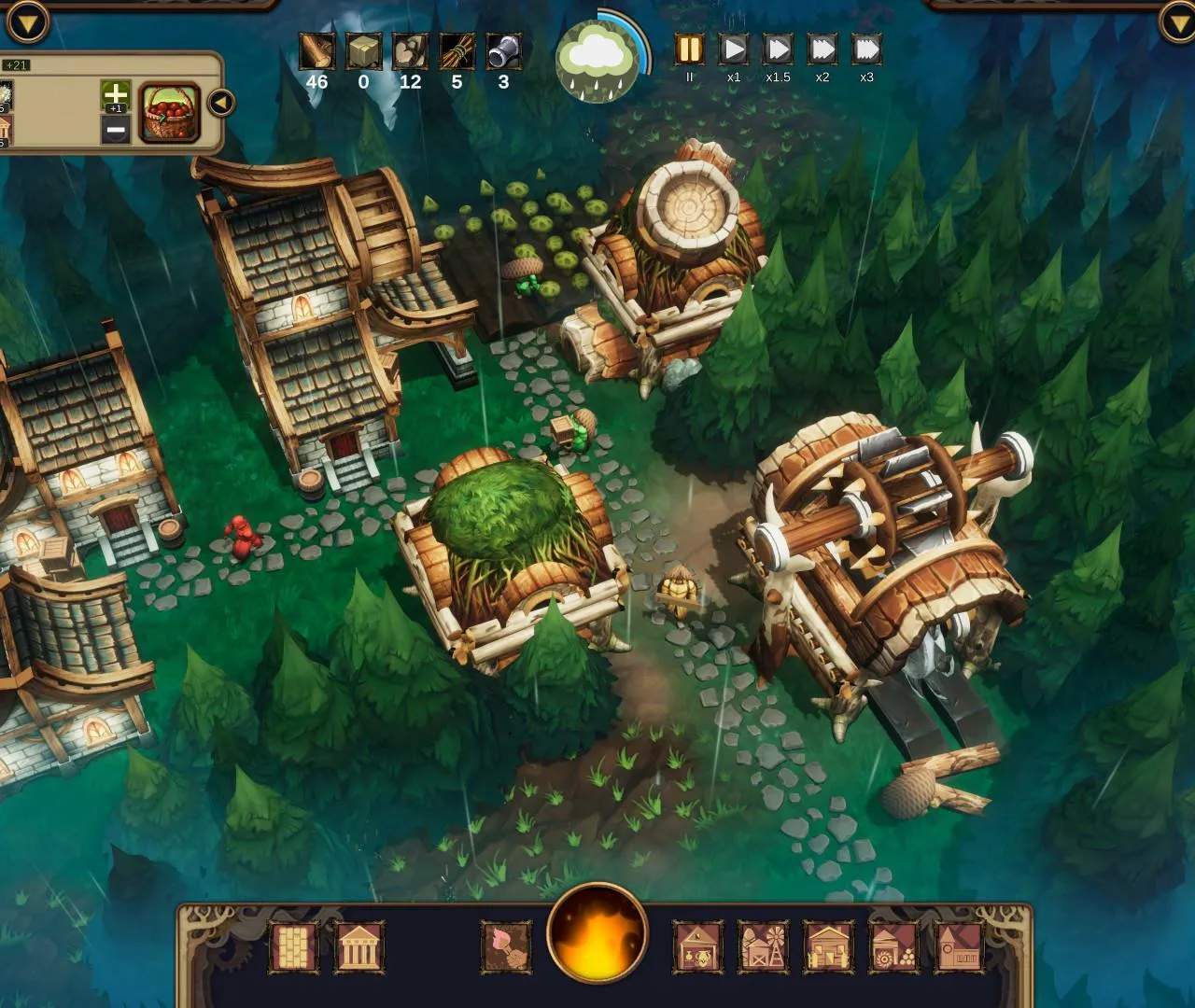
Efficient gameplay relies on knowing your controls. The mouse is your primary tool for navigating the map, selecting buildings, and interacting with the UI. Use the scroll wheel to zoom in and out, and hold the middle mouse button to pan the camera. Hotkeys can significantly speed up your workflow.
- Q/E: Rotate buildings
- Spacebar: Pause/Unpause game
- 1-9: Select building categories
- Tab: Cycle through glade events
- F1-F5: Open various information panels (e.g., population, resources)
Familiarize yourself with these shortcuts to streamline your settlement building and resource management, allowing you to react faster to challenges.