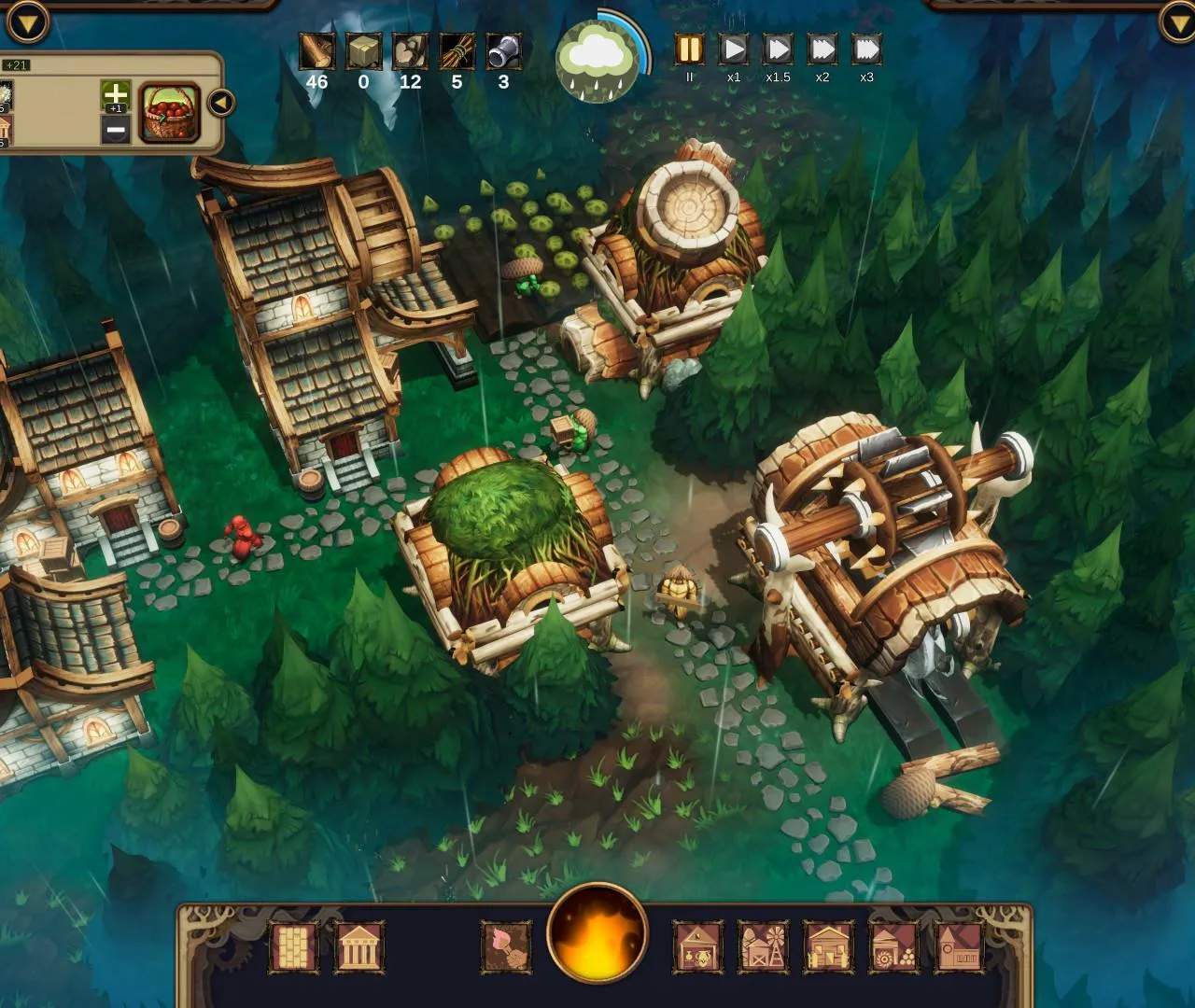
The UI provides all the critical information you need to manage your settlement. On the top bar, you'll find your current Reputation, Hostility level, Amber, and various resource counts. The left panel displays your villagers' status, including their species, current jobs, and needs. The bottom bar houses your building menu and important notifications.
Pay close attention to the notifications on the right side of the screen; these often alert you to critical events like impending glade events, villager needs, or resource shortages. Mastering the UI allows for quick decision-making and efficient management, preventing small issues from escalating into major crises.