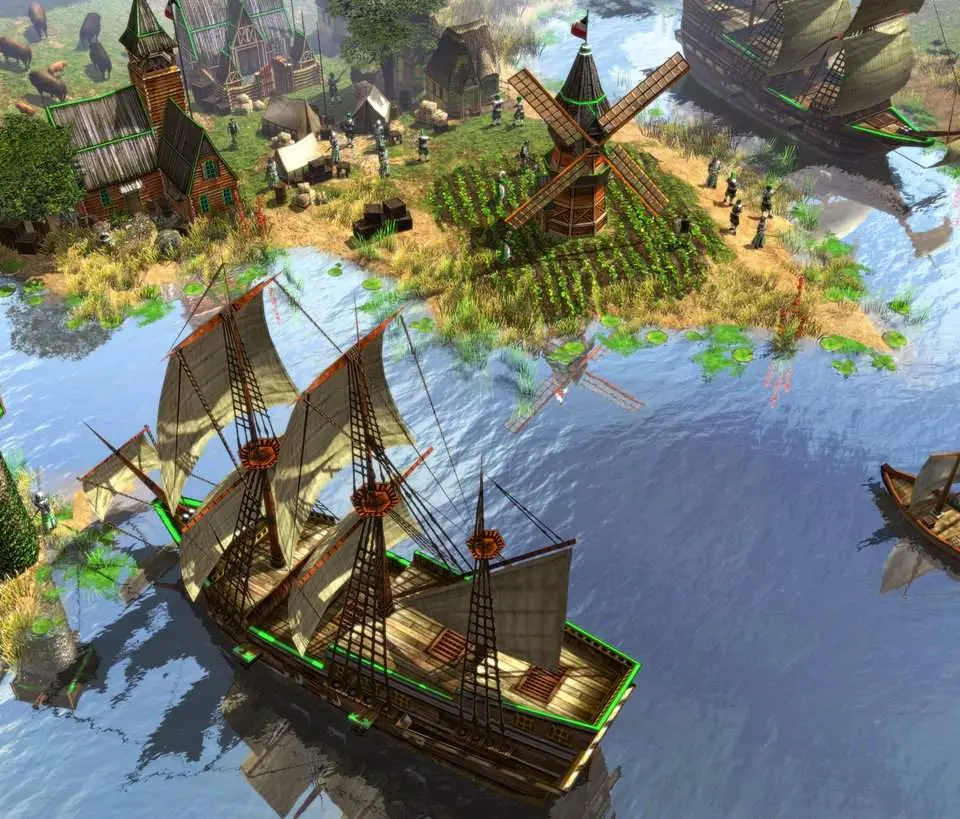
After successfully installing Age of Empires III from your chosen platform (Steam, Microsoft Store, or disc), launch the game. The first time you launch, you may be prompted to adjust graphics settings. It's recommended to start with the default settings and adjust them later if you experience performance issues or wish to enhance visual fidelity. Ensure your display resolution matches your monitor's native resolution for the best experience. You'll then be greeted by the main menu, offering options for the campaign, skirmish, multiplayer, and the Home City. Take a moment to familiarize yourself with the layout before diving into a game.