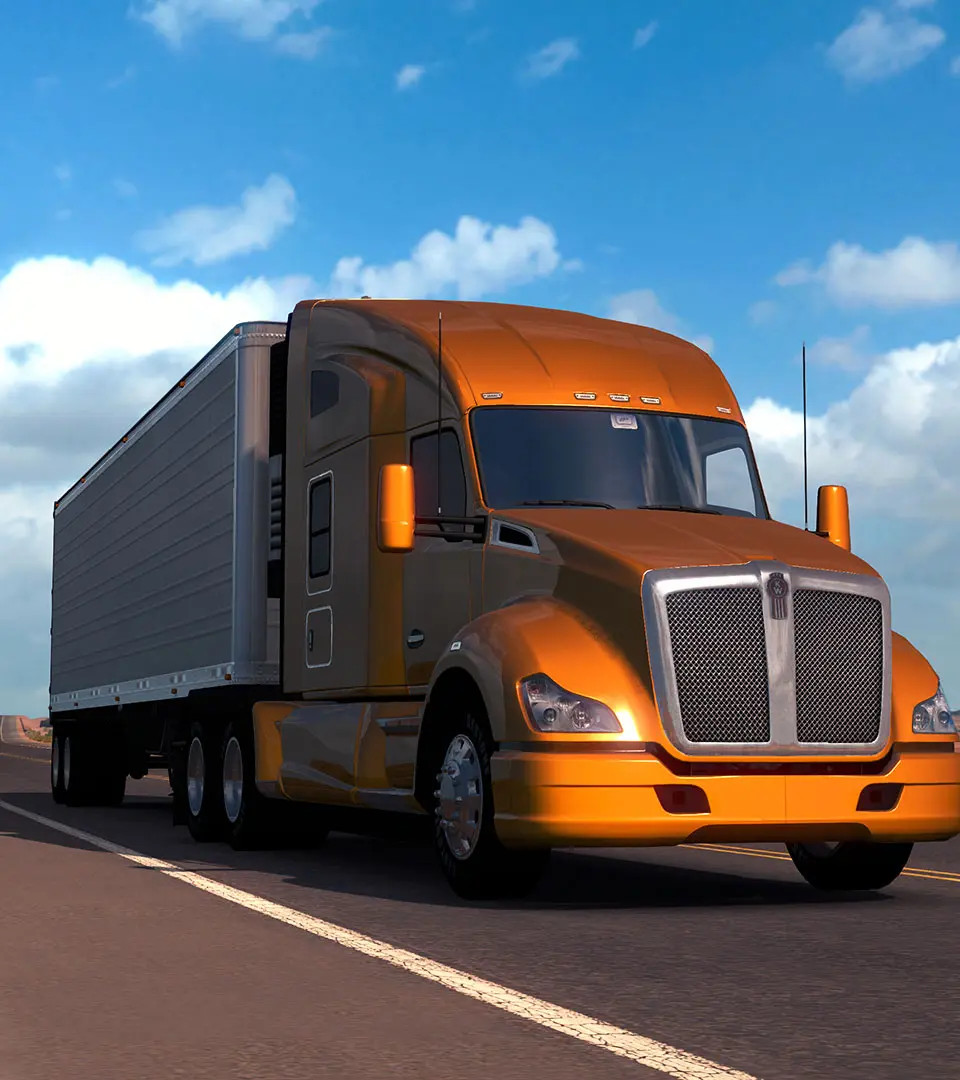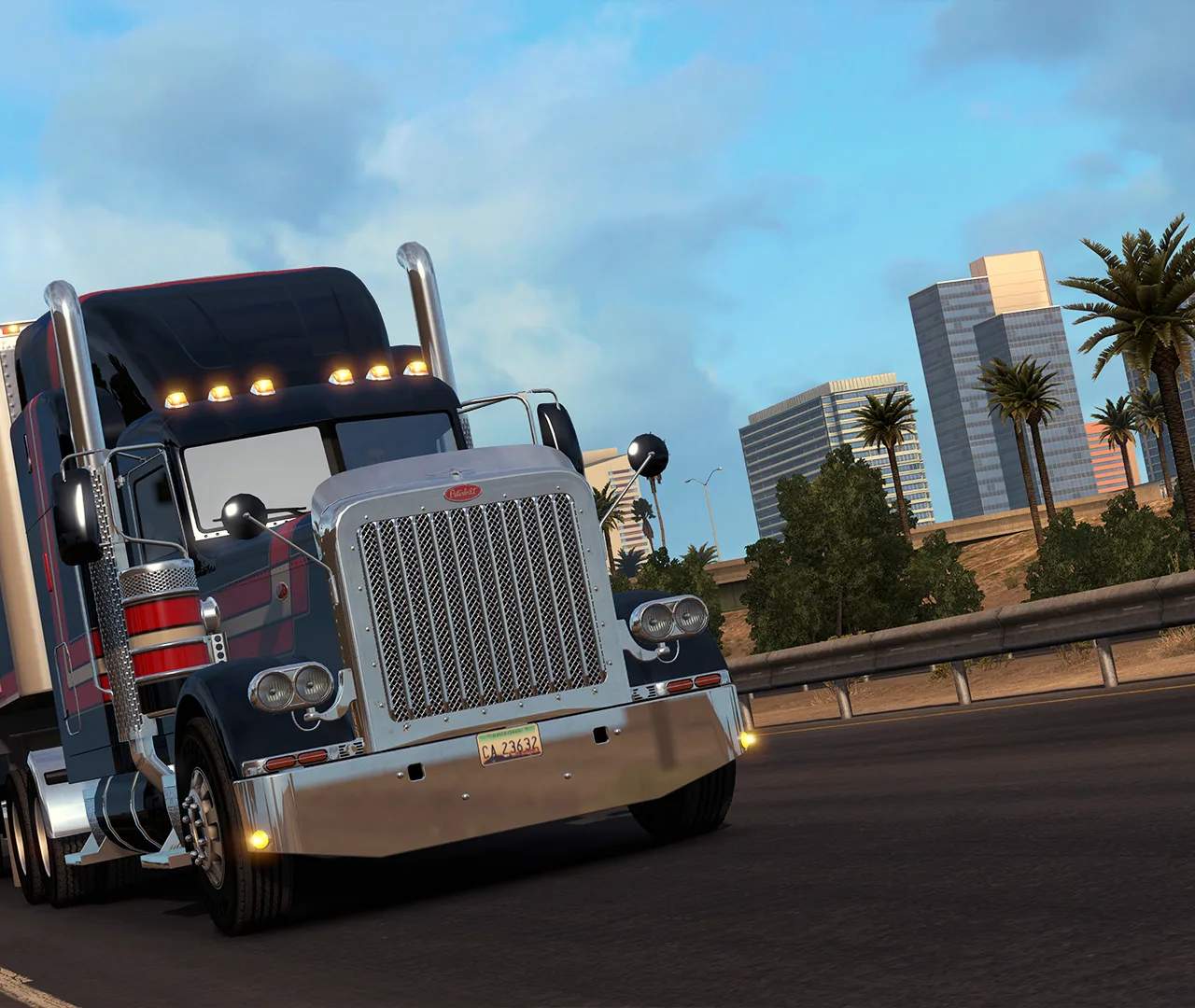
To get the best experience, optimize your game settings. If you have a powerful PC, crank up the graphics settings like scaling, anti-aliasing, and shadow quality for stunning visuals. For lower-end systems, reducing these settings can significantly improve frame rates and smoothness. Experiment with different options in the Graphics menu. Pay attention to the 'Scaling' setting, as it has the biggest impact on visual fidelity and performance. Finding the right balance ensures an enjoyable and immersive trucking experience.