
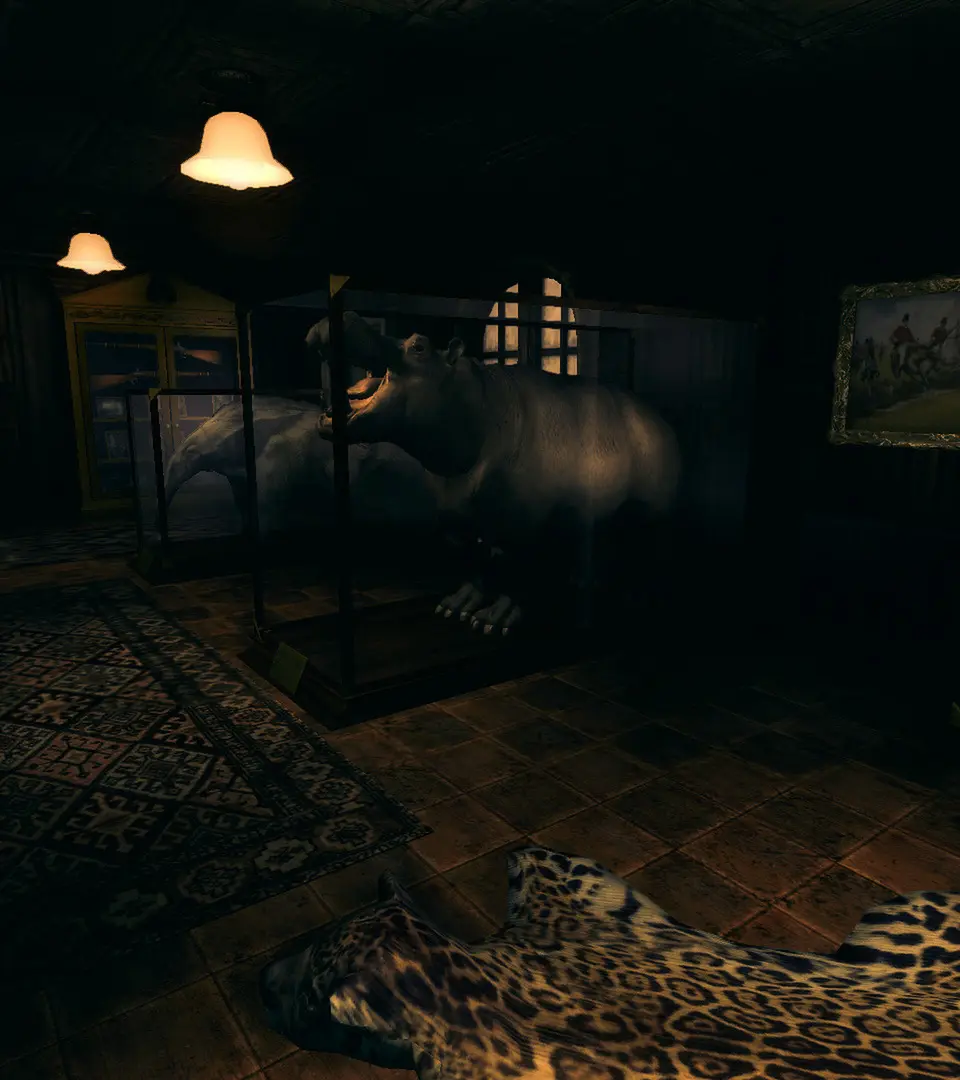
The User Interface in Amnesia: A Machine for Pigs is minimalistic, designed to keep you immersed in the game world. Most information is conveyed through environmental cues and sound design rather than on-screen indicators. However, there are a few key UI elements you should be aware of.
- Lantern Icon: In the bottom right corner of the screen, a small lantern icon indicates your lantern's current state. When lit, it will glow. If it's flickering or dim, it signifies low oil. There is no explicit oil gauge, so pay attention to the visual cues.
- Interaction Prompts: When you approach an interactable object, a small hand icon or text prompt will appear, indicating that you can interact with it using the Left Mouse Button.
- Journal/Inventory: Pressing Tab brings up your journal, which serves as your primary information hub. Here, you'll find all the notes, letters, and documents you've collected. There is no traditional inventory screen for items like oil or tinderboxes, as these are automatically used when needed.
- Pause Menu: Pressing Esc will bring up the pause menu, allowing you to save your game, adjust settings, or exit.
The game intentionally avoids a cluttered UI to enhance the feeling of vulnerability and isolation. Rely on your senses and environmental observation to navigate and understand your surroundings. Sound is particularly important, as it often signals the presence of threats or important events.
Compare user interface (ui) overview inAmnesia: The Bunker