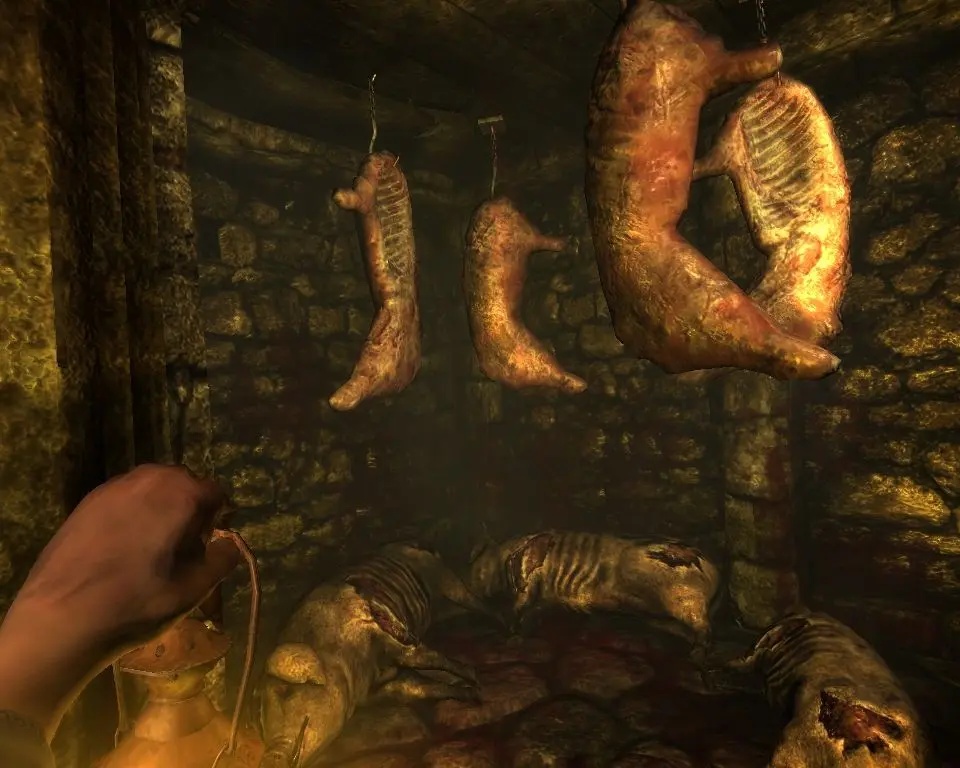
Understanding the controls is paramount to your survival. Amnesia uses a unique physics-based interaction system. You'll primarily use WASD for movement, and the mouse to look around. Left-click interacts with objects, often requiring you to hold and drag for actions like opening doors or pulling levers. Right-click allows you to pick up and manipulate objects more precisely. The 'F' key toggles your lantern, and 'Q' uses a tinderbox to light candles. 'Tab' opens your inventory and journal. Pay close attention to the sanity meter and health bar at the bottom of your screen; they are crucial indicators of Daniel's state.