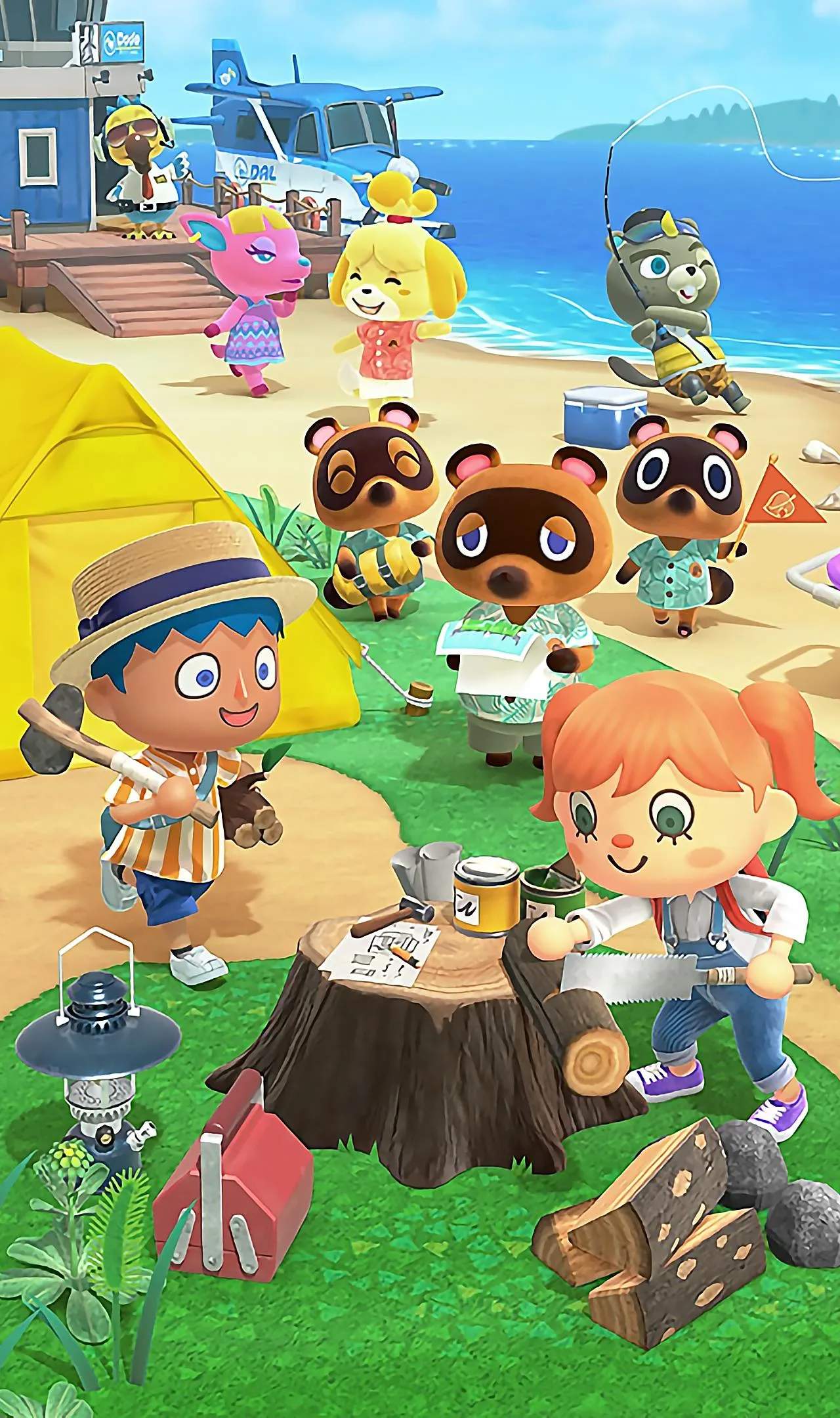
Game Updates & Patch Notes
Stay informed about the evolving world of Animal Crossing: New Horizons with our comprehensive guide to game updates and patch notes. Nintendo regularly releases updates that introduce new features, seasonal events, items, and crucial bug fixes. Understanding these changes ensures you're always playing with the latest content and enjoying the most stable version of the game. Keep your island paradise optimized and up-to-date!
The developers at Nintendo frequently release updates for Animal Crossing: New Horizons, which are essential for experiencing the full breadth of content and ensuring smooth gameplay. These updates can range from minor bug fixes and performance enhancements to major content additions, such as new holidays, characters, and gameplay mechanics. Regularly checking for and installing these updates is key to keeping your island experience fresh and engaging. This section provides an overview of what to expect from game updates and where to find the official patch notes.
What to Expect from Updates:
- New Seasonal Events: Updates often coincide with real-world holidays and seasons, introducing new events like Bunny Day, Halloween, Turkey Day, and Toy Day. These events bring unique decorations, DIY recipes, and activities.
- Additional Items and Furniture: New furniture sets, clothing items, and other collectibles are frequently added, allowing for greater customization of your island and home.
- Gameplay Enhancements: Updates can introduce quality-of-life improvements, such as expanded storage, new crafting options, or more efficient ways to navigate the island.
- Bug Fixes and Stability Improvements: A sificant portion of updates are dedicated to fixing glitches, resolving performance issues, and improving the overall stability of the game, ensuring a smoother play experience.
- New Characters and Features: Occasionally, updates introduce new NPCs, new mechanics (like swimming and diving), or expand existing features.
How to Update Your Game:
Updating Animal Crossing: New Horizons is a straightforward process:
- Ensure your Nintendo Switch console is connected to the internet.
- From the HOME Menu, highlight the Animal Crossing: New Horizons icon.
- Press the '+' or '-' button to open the Options menu.
- Select "Software Update."
- Choose "Via the Internet."
The console will then check for the latest update and download it if available. Once downloaded, the game will be updated the next time you launch it.
Where to Find Official Patch Notes:
Nintendo officially publishes patch notes for Animal Crossing: New Horizons. These notes provide detailed information about the changes made in each update. You can typically find them on:
- Nintendo's Official Support Website: Search for "Animal Crossing: New Horizons patch notes" on Nintendo's official support pages for your region.
- In-Game Notifications: Sometimes, upon launching the game after an update, you might receive an in-game notification summarizing the key changes.
Key Past Updates and Their Impact:
Over its lifespan, Animal Crossing: New Horizons has received several major updates that sificantly expanded the game:
- Version 1.0: The initial release of the game.
- Version 1.2.0 (Spring Update): Introduced art galleries in the museum, new seasonal events like Nature Day, and the ability to buy art from Redd.
- Version 1.3.0 (Summer Update): Added swimming and diving mechanics, sea creatures, and new reactions.
- Version 1.4.0 (Fireworks Festival): Introduced weekly fireworks shows every Sunday in August, along with new customization options for the island.
- Version 1.5.0 (Halloween Update): Brought the Halloween event, including pumpkins, costumes, and new reactions.
- Version 1.6.0 (Toy Day Update): Added the Toy Day holiday event and new festive items.
- Version 2.0 (Free Update): This was a massive update that added The Roost café, Kapp'n's boat tours to mysterious islands, new villagers, new DIY recipes, new furniture, and expanded home storage.
- Version 2.0.1, 2.0.2, etc.: Subsequent minor updates often followed major releases to address bugs and fine-tune features.
Staying current with these updates ensures you don't miss out on any new content or improvements that Nintendo adds to your island paradise. Regularly checking for updates is a small task that yields sificant rewards in terms of gameplay variety and stability.