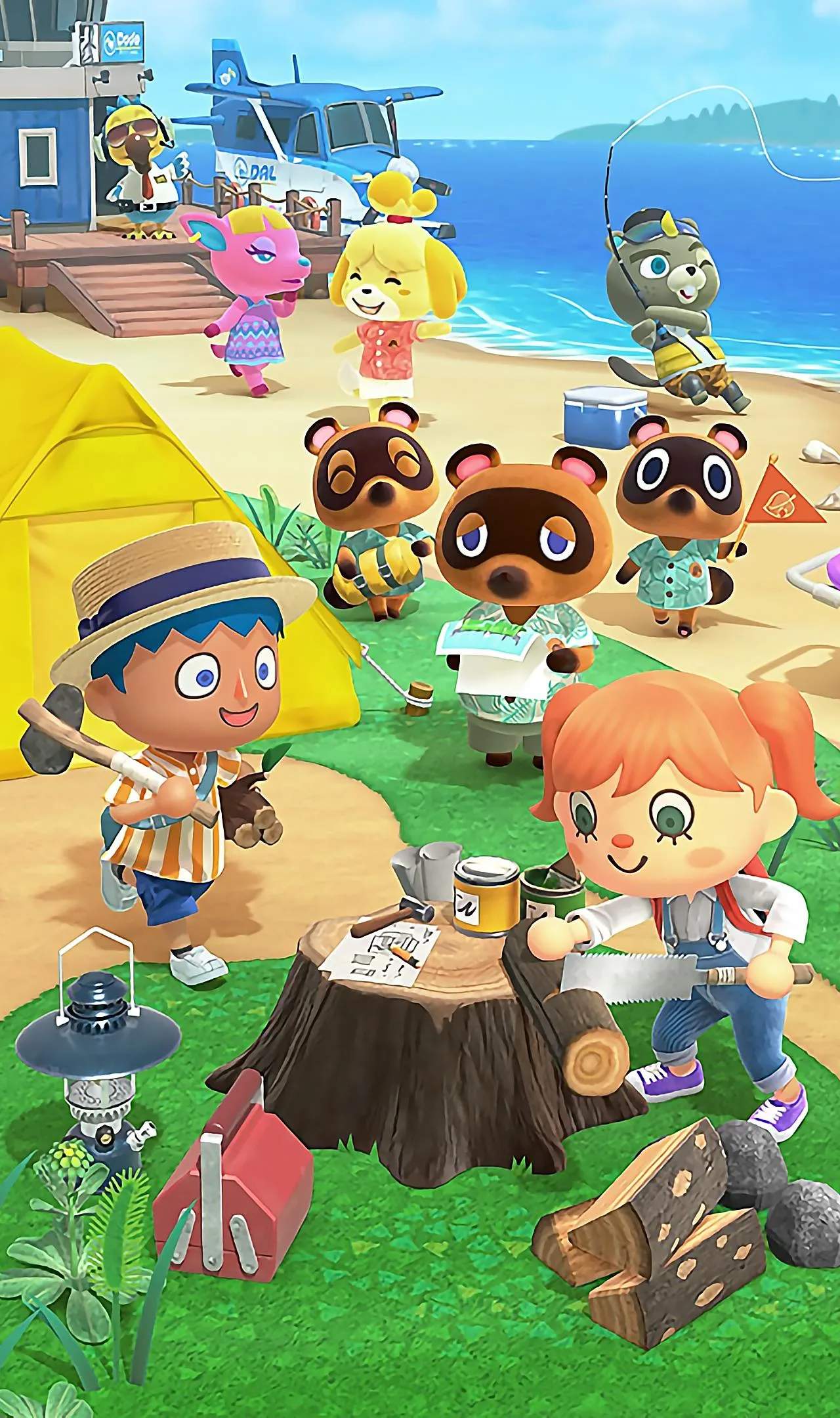
Customizing Your Island
Once you've settled into your new island life, paid off your initial tent loan, and started to get a feel for the rhythm of Animal Crossing: New Horizons, the true magic of personalization begins: customizing your island. This section will guide you through the exciting process of transforming your deserted island into a unique paradise that reflects your personal style and vision. From moving buildings and terraforming the landscape to decorating with furniture and planting flora, you'll learn all the tools and techniques available to shape every inch of your island.
Customization is at the heart of the Animal Crossing experience, offering endless possibilities for creativity. Whether you dream of a bustling city, a serene natural retreat, a quirky theme park, or anything in between, this guide will equip you with the knowledge to bring your ideas to life. We'll cover everything from the early stages of placing furniture to the advanced techniques of terraforming, ensuring you understand how to unlock and utilize every customization option available. Get ready to unleash your inner interior deser and landscape architect!
Unlocking Island Customization Tools
Before you can truly begin to reshape your island, you'll need to unlock a few key features. The most sificant of these is the Island Deser app on your NookPhone. This powerful tool allows you to terraform your island, creating and destroying cliffs, rivers, and pathways. To unlock the Island Deser app, you must first achieve a 3-star island rating. This involves:
- Having a sufficient number of villagers (at least 7-8).
- Placing a good variety of furniture and decorations around your island.
- Planting trees and flowers.
- Fencing off areas.
- Ensuring your island is tidy (no dropped items or weeds).
Once Isabelle announces your 3-star rating, K.K. Slider will visit your island, and the Island Deser app will be added to your NookPhone. Initially, you'll only have access to the "Path Permit." You'll need to purchase additional permits (e.g., "Waterscaping Permit," "Cliff-Construction Permit") using Nook Miles from the Nook Stop terminal in Resident Services.
Moving Buildings and Structures
Early in the game, you'll be able to place tents and houses, but their locations are somewhat permanent. However, as you progress, you'll gain the ability to move almost any building on your island. This is crucial for optimizing your island layout and creating themed areas.
- Speak to Tom Nook at the Resident Services building.
- Select the option "Let's talk infrastructure."
- Choose "Layout changes."
- From there, you can select "Move a building."
Moving a building costs 50,000 Bells per structure. This includes your own house, villager houses, Nook's Cranny, the Able Sisters' shop, and the Museum. Resident Services cannot be moved. Plan your moves carefully, as the cost can add up quickly. Consider using the "Island Deser" app to sketch out potential layouts before committing to expensive moves.
Terraforming with the Island Deser App
The Island Deser app is your ultimate tool for reshaping the very landscape of your island. Once unlocked and with the necessary permits purchased, you can:
- Create/Destroy Cliffs: Use the "Cliff-Construction Permit" to raise or lower land, creating multi-tiered areas. You can build up to three levels of cliffs.
- Create/Destroy Rivers & Ponds: The "Waterscaping Permit" allows you to dig new rivers, fill in existing ones, and create custom-shaped ponds.
- Lay Paths: With various "Path Permits" (e.g., Stone Path, Brick Path, Dark Dirt Path), you can lay down decorative paths to guide visitors and enhance aesthetics.
Tips for Terraforming:
- Start Small: Don't try to terraform your entire island at once. Focus on one section or a specific project.
- Use the Map: Frequently check your NookPhone map to visualize your changes and ensure symmetry or desired flow.
- Experiment: Don't be afraid to try different layouts. You can always undo changes, though it takes time.
- Consider Flow: Think about how villagers and you will navigate the island. Avoid creating dead ends or overly complex paths.
- Combine Elements: Use cliffs, water, and paths together to create intricate and visually appealing dess. For example, a waterfall cascading from a cliff into a custom-shaped pond.