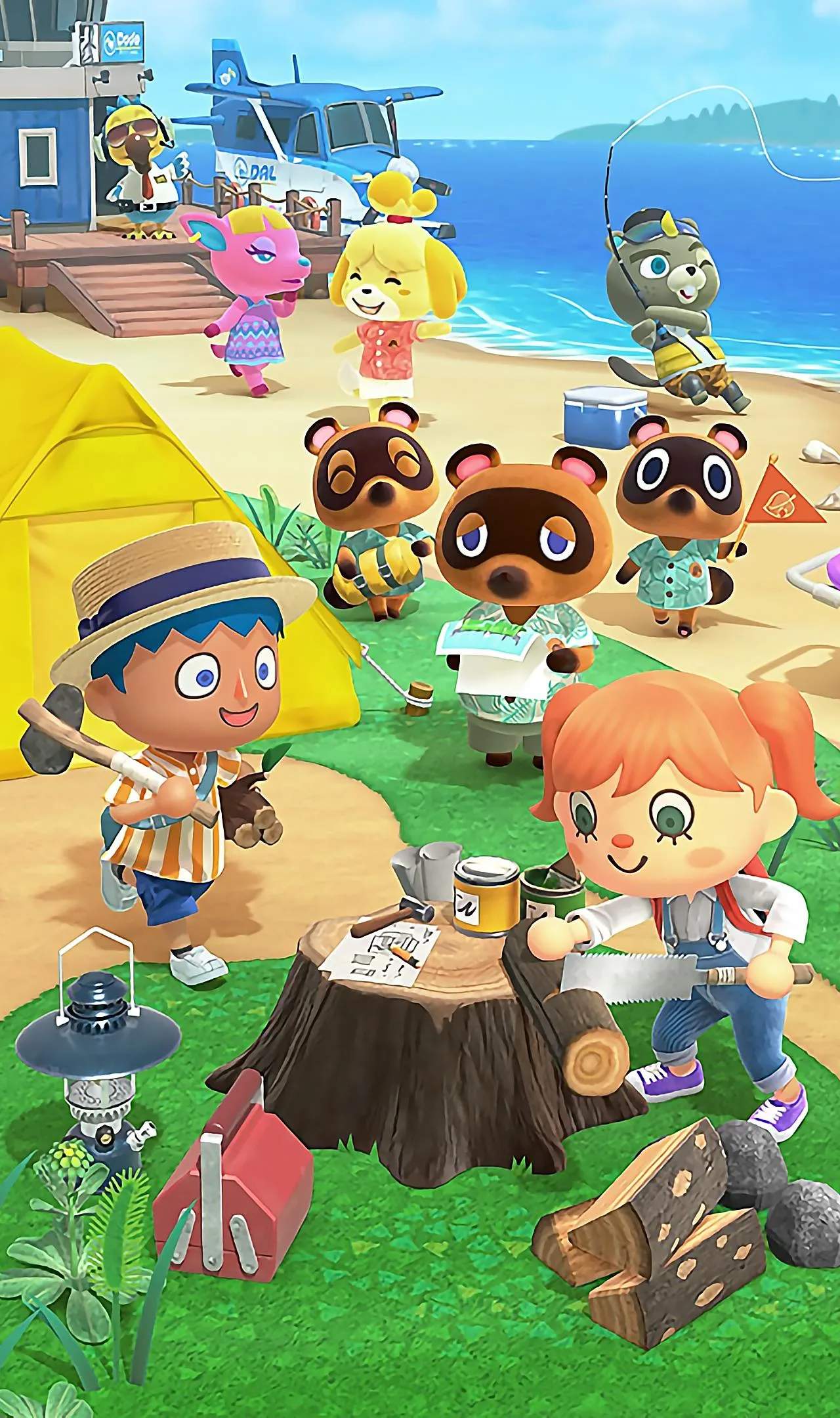
The Island Tune in Animal Crossing: New Horizons is your island's unique jingle that plays at various times, such as when you open your NookPhone, when a new day begins, or when you enter certain buildings. Creating a memorable tune can add a personal touch to your island life.
Accessing the Island Tune Creator
You'll gain access to the Island Tune Creator after Isabelle arrives on your island and sets up Resident Services. She will introduce the feature during one of her morning announcements. You can then access it by talking to Isabelle at the Resident Services building.
Understanding the Interface
The Island Tune Creator uses a simple musical notation system. You'll see a grid representing musical notes. You can select different notes and place them on the grid to create your melody. The interface typically includes:
- Note Selection: A palette of available notes, usually ranging from C to B, and sometimes including sharps and flats.
- Octave Control: The ability to shift the pitch up or down to create a wider range of sounds.
- Tempo Control: Adjusting the speed at which the tune plays.
- Playback: A button to hear your tune as you create it.
- Save/Cancel: Options to save your current tune or discard changes.
Tips for Creating a Great Tune
- Keep it Simple: Complex melodies can be difficult to recognize and may not sound as pleasant as a simpler tune. Think of catchy, short jingles.
- Use Familiar Melodies: Many players find success by recreating the intros of their favorite songs, nursery rhymes, or even classic video game themes.
- Experiment with Octaves: Varying the octaves can add depth and interest to your tune. A higher octave might sound cheerful, while a lower one could be more somber.
- Consider the Mood: What kind of atmosphere do you want your island to have? A bright, upbeat tune can make your island feel more energetic, while a more mellow tune can create a relaxing vibe.
- Listen to Other Players' Tunes: Online communities and video platforms are full of examples of creative island tunes. This can provide inspiration and ideas.
- Test and Refine: Don't be afraid to experiment. Play your tune back frequently and make adjustments until you're happy with the result.
- The "Do-Re-Mi" Scale: A good starting point is to try and create a tune using the basic "Do-Re-Mi" scale. This is a fundamental building block of many melodies.
- Think About Repetition: Repeating short musical phrases can make your tune more memorable and easier to hum along to.
Saving and Changing Your Tune
Once you're satisfied with your creation, select the "Save" option. Your new island tune will immediately begin playing at the desated times. You can change your island tune as often as you like by speaking to Isabelle again.
Creating your island tune is a fun and rewarding way to personalize your Animal Crossing: New Horizons experience and leave your unique mark on your deserted island.