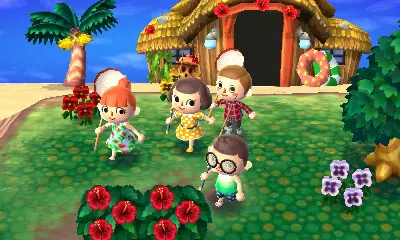
Navigating your town is simple. The Circle Pad moves your character, and the A button interacts with objects and people. The X button opens your inventory, where you can manage items, tools, and clothing. The Y button puts away or takes out tools. The bottom screen displays the map, your current time, and quick access to tools. Familiarize yourself with these controls for smooth gameplay.