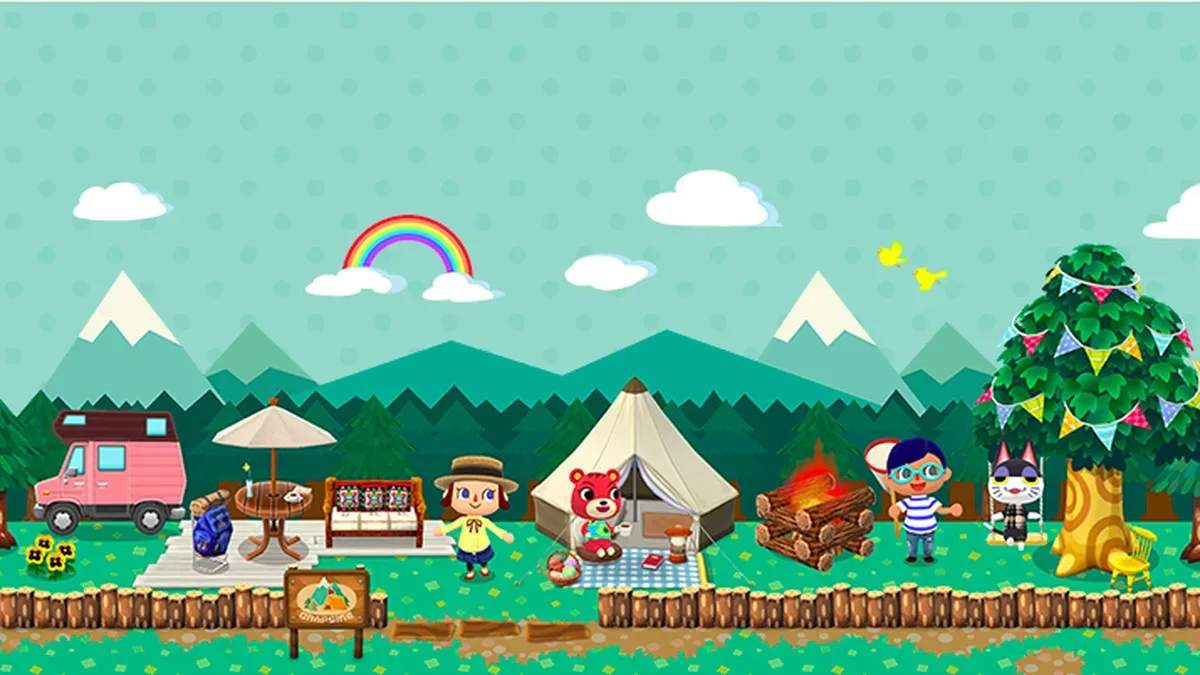
Interacting with the world of Animal Crossing: Pocket Camp is straightforward and primarily touch-based. Here's how to get around and perform common actions:
- Movement: Tap anywhere on the screen to move your character to that spot. You can also drag your finger to guide your character.
- Interaction: Tap on animals, furniture, or objects to interact with them. A speech bubble or action icon will appear if interaction is possible.
- Collecting Resources: Tap on fruit trees to shake them, fishing spots to cast your line, or bug-catching areas to swing your net.
- Camera Control: Pinch to zoom in and out, and drag two fingers to rotate the camera view, especially useful when decorating your campsite.
- Menu Navigation: Tap on menu icons to open them, and tap outside a menu or on a 'back' arrow to close it.
Practice these basic controls to become proficient in exploring your surroundings and fulfilling animal requests.
Compare basic controls and interaction inAnimal Crossing: New Horizons