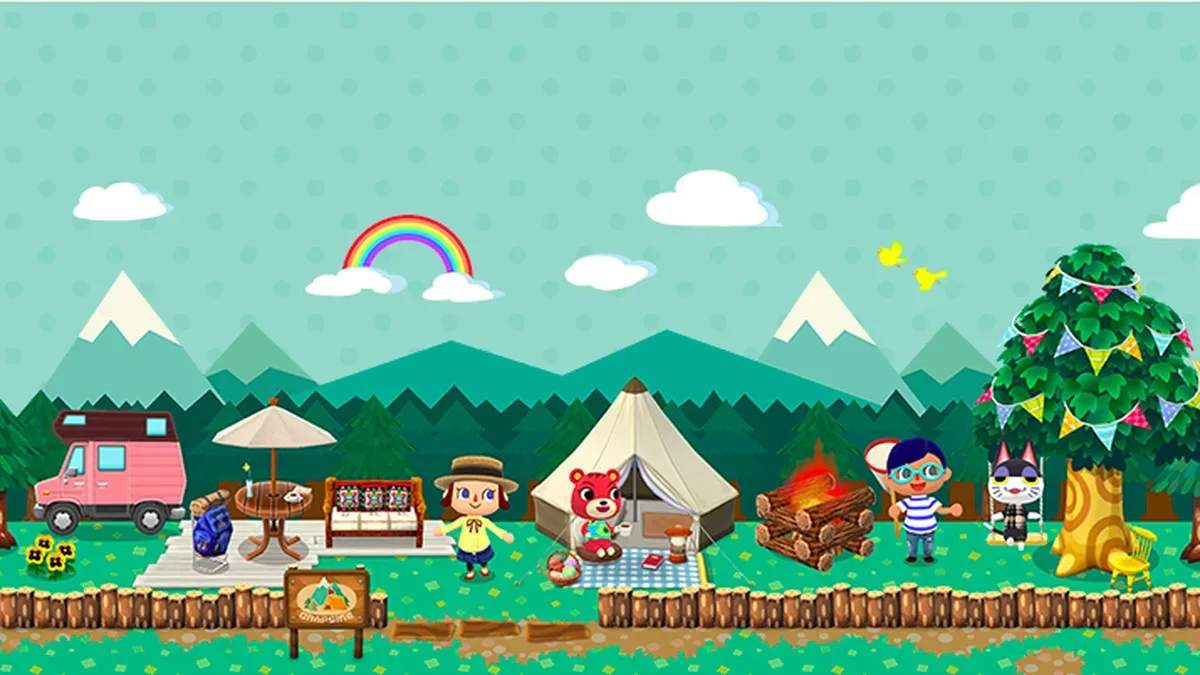
Villager Campsite Placement and Rotation
Mastering villager placement and rotation at your campsite is key to maximizing friendship levels, completing Stretch Goals, and keeping your camp fresh and exciting. This detailed guide will walk you through the mechanics, strategies, and benefits of managing your animal friends.
Understanding Campsite Capacity
Your campsite has a limited capacity for villagers. Initially, you can host up to 8 villagers at a time. As you progress and upgrade your amenities, this capacity can increase. Always be mindful of your current capacity when planning rotations.
Inviting Villagers to Your Campsite
Before a villager can stay at your campsite, you must first reach a certain friendship level with them and craft their special request furniture item. Here’s how to invite them:
- Meet and Greet: Encounter villagers at various recreation spots (Sunburst Island, Saltwater Shores, Lost Lure Creek, Breezy Hollow).
- Fulfill Requests: Complete their requests (e.g., gathering fruit, fish, bugs) to increase your friendship level.
- Craft Special Request Furniture: Once you reach the required friendship level (usually Level 7), the villager will hint at wanting a specific furniture item. Access the Craft menu from your main screen, navigate to the Special Requests tab, and craft the item using materials like Wood, Cotton, Steel, and Essence.
- Place the Furniture: Once crafted, place the special request furniture item anywhere in your campsite.
- Invite: Interact with the villager at a recreation spot and select the "Invite to Campsite" option. They will then move to your campsite!
Placing Villagers at Your Campsite
Once invited, villagers will automatically appear at your campsite. However, you have control over which villagers are actively present:
- Access the Campsite Menu: From your main campsite view, tap the four-square icon in the bottom right corner to open the Design menu.
- Select Villager Icon: Tap the villager icon (a smiling animal face) at the bottom of the screen.
- Choose Villagers: A list of all villagers you've invited will appear. Villagers currently at your campsite will have a green checkmark next to their portrait.
- Add/Remove:
- To invite a villager to your campsite, tap their portrait. If you have space, they will immediately appear.
- To send a villager home, tap their portrait (if they have a green checkmark). They will leave your campsite, making space for another.
Pro Tip: You can only swap villagers when you have an empty slot or by sending one home to make room. There's no direct "swap" function.
Strategic Villager Rotation
Rotating villagers is crucial for efficient gameplay and maximizing rewards. Here’s why and how:
Benefits of Rotation:
- Friendship Leveling: Villagers at your campsite gain friendship points faster when you interact with them (talking, fulfilling requests). Rotating ensures all your favorite villagers get this boost.
- Stretch Goals: Many Stretch Goals require you to reach specific friendship levels with a certain number of villagers. Active rotation helps you tick these off.
- Crafting Materials: Villagers at your campsite will occasionally offer you crafting materials (e.g., Wood, Cotton, Steel) when you talk to them. Rotating brings new opportunities for these freebies.
- Happy Homeroom Classes: Certain villagers are required for specific Happy Homeroom classes. Having them readily available at your campsite can save you time.
- Variety and Aesthetics: Keep your campsite visually appealing and dynamic by changing up the cast of characters.
Rotation Strategy:
- Focus on Lower Friendship Levels: Prioritize rotating in villagers who have lower friendship levels. The faster you level them up, the more rewards you unlock.
- Daily Rotation: Make it a habit to check your campsite villagers daily. Consider rotating out villagers who have reached maximum friendship (for now) or those you've recently interacted with heavily.
- Event-Specific Villagers: During special events (e.g., Garden Events, Fishing Tourneys), certain villagers might offer bonus materials or have specific requests. Rotate them in to maximize event progress.
- Crafting Material Needs: If you're low on a specific crafting material (e.g., Sparkle Stones from specific villagers, or basic materials like Wood), rotate in villagers known to give those materials.
- "Send Home" vs. "Invite": Remember, sending a villager home doesn't mean they're gone forever. They simply return to the recreation spots and can be invited back at any time.
Troubleshooting Villager Placement
- "No Space": If you try to invite a villager and get a "No Space" message, you need to send one of your current campsite villagers home first.
- Villager Not Appearing: If you've invited a villager but they aren't at your campsite, double-check the villager selection menu to ensure they have the green checkmark. If not, tap their portrait to invite them.
- Special Request Item Missing: If a villager isn't giving you the option to invite them, ensure their special request furniture item is crafted and placed at your campsite.
By actively managing your villagers, you'll find your Pocket Camp experience much more rewarding and enjoyable. Happy camping!