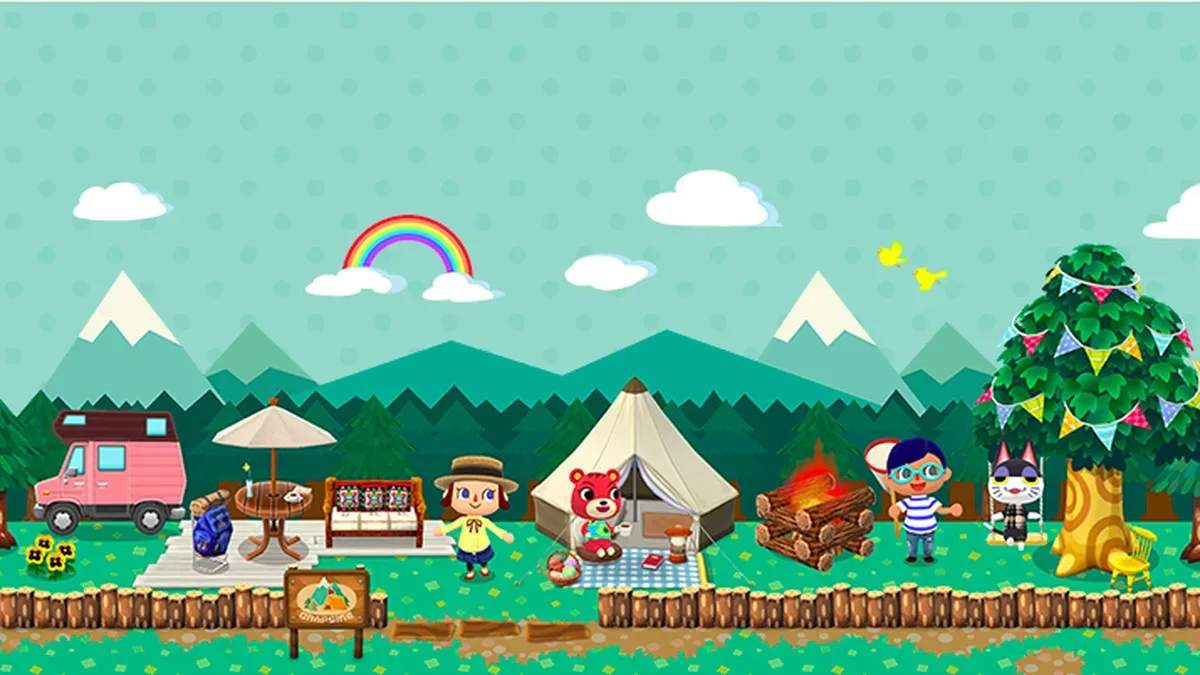
The Animal Crossing: Pocket Camp UI is intuitive and easy to navigate. Here's a breakdown of the key elements you'll encounter:
- Bottom Menu Bar: This is your primary navigation hub. It includes icons for 'Map', 'Craft', 'Inventory', 'Friends', and 'More'.
- Map: Allows you to travel between different locations like Sunburst Island, Saltwater Shores, Lost Lure Creek, and your Campsite.
- Craft: Where you'll spend most of your time crafting furniture, amenities, and clothing.
- Inventory: Manages your collected items, including materials, fish, bugs, and clothing.
- Friends: Access your friend list, send gifts, and visit other players' campsites.
- More: A catch-all menu for settings, mail, achievements, character customization, and more.
- Leaf Ticket Counter: Located at the top right, this displays your current Leaf Ticket balance, the premium currency.
- Bell Counter: Next to Leaf Tickets, shows your Bell balance, the standard in-game currency.
- Request Bubbles: Animals at various locations will have speech bubbles indicating they have a request for you. Tap them to interact.
Familiarizing yourself with these elements will make your camp management much smoother.