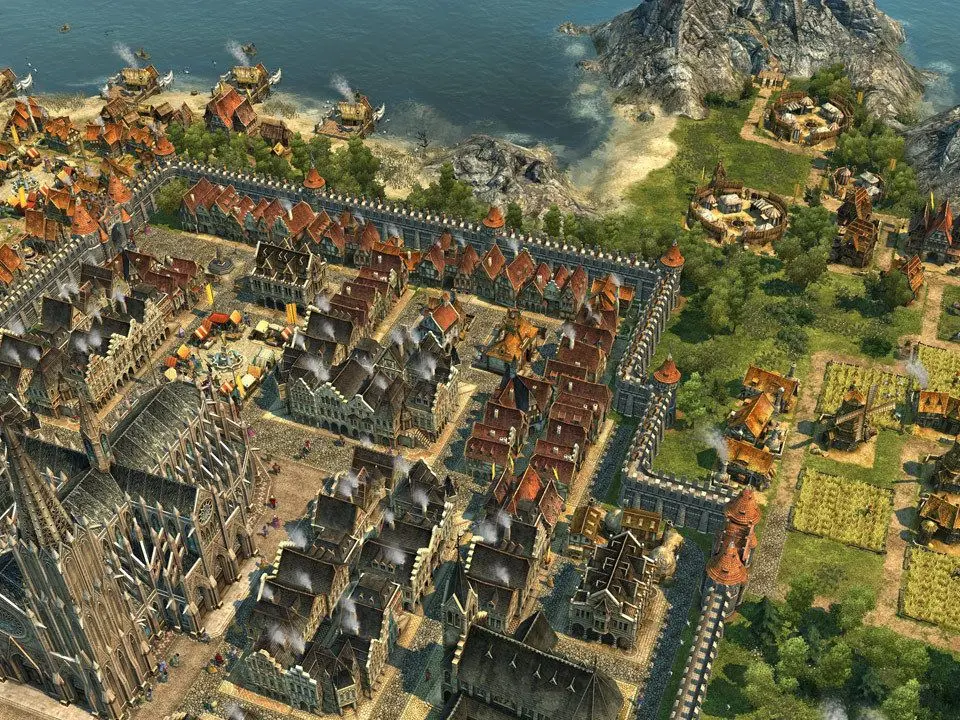
Mastering the controls and understanding the user interface (UI) are your first steps in Anno 1404. The game primarily uses a mouse-driven interface, with keyboard shortcuts for efficiency. Left-click selects buildings, units, and menu options. Right-click deselects or cancels actions. The mouse wheel zooms in and out, allowing you to admire your city or get a bird's-eye view for strategic planning. Holding the middle mouse button or 'Alt' key and dragging pans the camera. Important UI elements include the minimap (bottom left), which shows your territory, trade routes, and points of interest. The information bar (top left) displays your current population, income, and resources. The construction menu (bottom right) is where you'll find all your building options, categorized for easy access. Familiarize yourself with these elements to efficiently manage your growing empire.