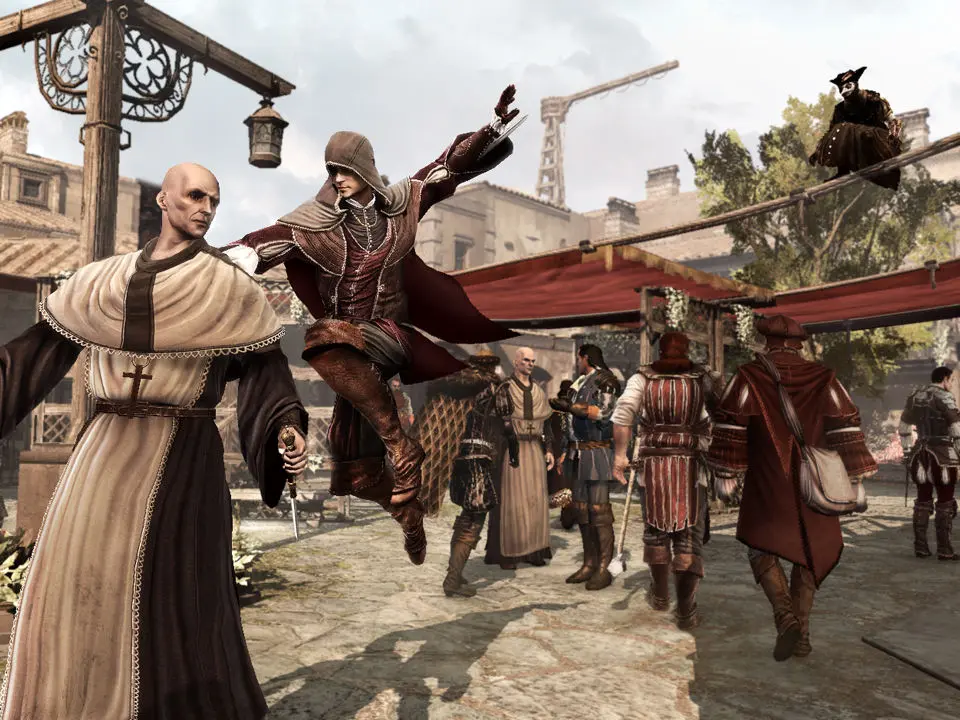
The Heads-Up Display (HUD) provides vital information. In the top-left, you'll find Ezio's health and synchronization bar. The top-right displays your current weapon and selected item. The mini-map in the bottom-left shows your location, objectives, and nearby enemies. Pay attention to the notoriety meter in the top-right; a full meter means guards are actively searching for you. Understanding these elements is crucial for effective gameplay.