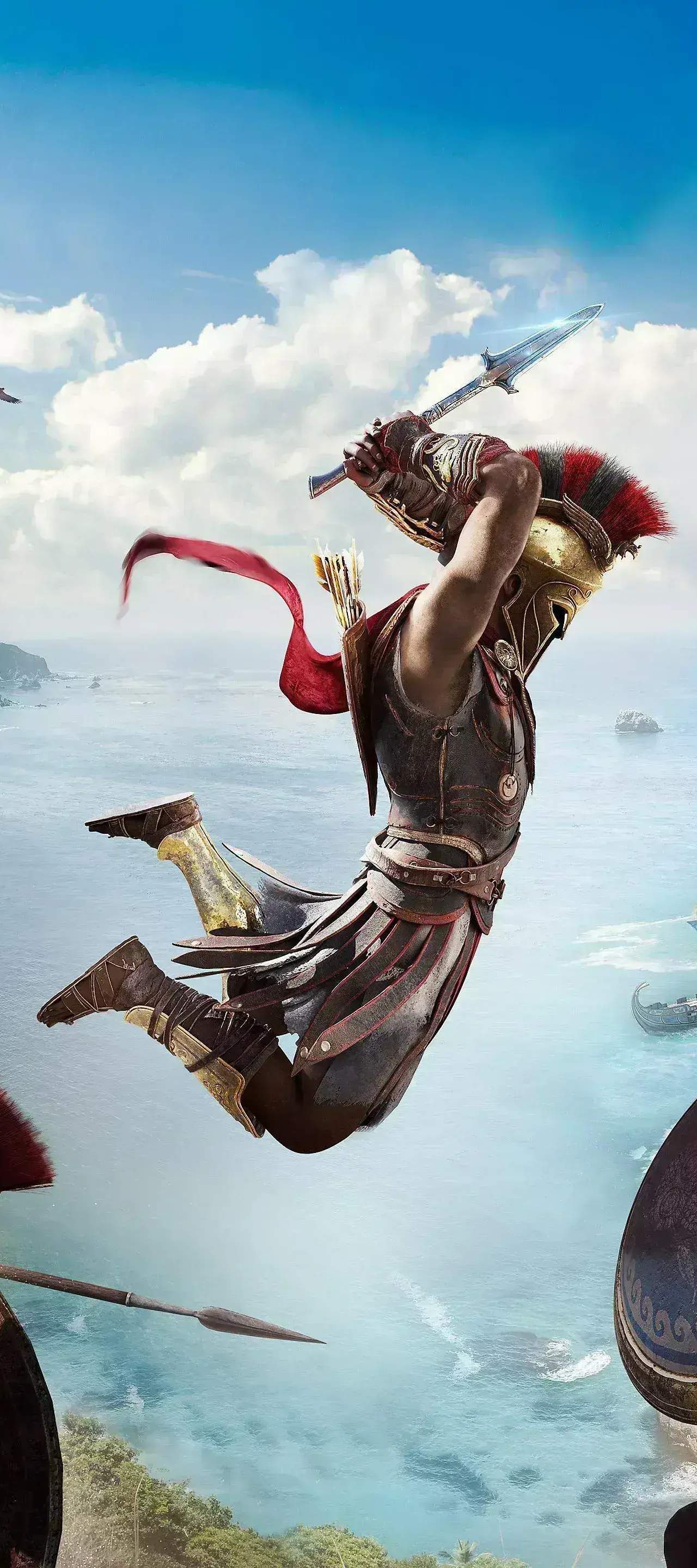
Character Customization
While Assassin's Creed Odyssey doesn't feature a traditional character creation system at the start of the game (you choose between Alexios or Kassandra and their appearance is fixed), the game offers extensive customization options through its robust gear and appearance system. This allows you to tailor your chosen Misthios's look and combat effectiveness to your playstyle. Forget being stuck with a single aesthetic; you can truly make your hero unique!
Appearance Customization (Transmutation)
One of the most powerful customization features in Assassin's Creed Odyssey is the ability to change the appearance of your equipped gear without altering its stats. This is often referred to as "transmutation" by players. This means you can wear your most powerful armor pieces while still looking exactly how you want.
- Accessing Appearance Customization:
- Open your inventory by pressing the designated button (e.g., Options on PlayStation, Menu on Xbox, I on PC).
- Navigate to the "Inventory" tab.
- Select any equipped armor piece (Head, Arms, Torso, Waist, Legs).
- Look for the "Change Visual" or "Appearance" option, usually indicated by a small icon (often a paintbrush or a clothing hanger).
- This will open a sub-menu displaying all the different visual styles you have unlocked for that specific gear slot.
- Unlocking Visual Styles:
- Looting: Every time you acquire a new piece of armor, its visual style is permanently added to your collection for that gear slot. Even if you sell or dismantle the item, the appearance remains available.
- Store Purchases: Cosmetic sets and individual items purchased from the in-game store (Oikos of the Olympians, Helix Store) also unlock their visuals for transmutation.
- Quest Rewards: Certain unique quest rewards, like the Pilgrim's Set (found by completing various side quests and exploring ancient ruins), will unlock their distinct appearances.
- Legendary Sets: Collecting all pieces of a Legendary armor set not only grants powerful set bonuses but also unlocks the entire set's aesthetic for use on any equipped gear.
- Strategic Use: This system is invaluable for maintaining optimal stats while expressing your personal style. For example, if you find a powerful Epic chest piece with great engravings but prefer the look of the Spartan War Hero Breastplate, you can simply apply the Spartan War Hero visual to your equipped Epic item.
Gear & Engravings
Beyond visual customization, your gear choices directly impact your character's combat effectiveness and playstyle. Every piece of gear comes with different stats and perks, and can be further enhanced with engravings.
- Gear Types:
- Common (Grey): Basic stats, quickly outclassed.
- Rare (Blue): Better stats, often with one unique perk.
- Epic (Purple): Excellent stats, usually 2-3 unique perks. These are often the best choice for a balanced build due to their flexibility.
- Legendary (Gold): Top-tier stats, a unique legendary perk, and part of a set that grants a powerful bonus when all pieces are equipped. Examples include the Agamemnon Set (fire damage focus) or the Immortal Set (second chance upon death).
- Engravings: Engravings are powerful modifiers that can be added to or upgraded on your gear at any Blacksmith.
- Finding Blacksmiths: Blacksmiths are found in almost every major town and settlement across Greece, marked by a hammer icon on your map.
- Applying Engravings: Select the "Engrave" option at a Blacksmith. Choose the gear piece you wish to engrave, then select an available engraving from your unlocked list.
- Unlocking Engravings:
- Dismantling Gear: Dismantling gear with unique perks can sometimes unlock those perks as engravable options.
- Completing Challenges: Many engravings are unlocked by completing specific in-game challenges, such as killing a certain number of enemies with a particular weapon type or reaching a high bounty level.
- Legendary Items: Acquiring a Legendary item often unlocks its unique legendary perk as an engraving for other items (though legendary engravings can only be applied to other legendary items). For example, obtaining the Falx of Olympos (a legendary spear) unlocks its unique "50% damage, health capped at 25%" engraving.
- Upgrading Engravings: Engravings have multiple tiers. To upgrade an engraving, you must meet certain conditions (e.g., reaching a higher character level, completing more challenges related to that engraving). Upgrading significantly boosts its effect.
- Build Synergy: Experiment with different gear pieces and engravings to create powerful character builds. For example, combine the Pirate Set (Assassin damage) with engravings that boost critical hit chance and damage for a stealth-focused assassin, or the Spartan War Hero Set (Warrior damage) with engravings for health and armor for a tanky warrior build.
Mount Customization
Your trusty steed, Phobos, also offers some customization options to match your Misthios's aesthetic.
- Skins: Phobos can have various skins applied, changing his breed and appearance.
- Unlocking Skins: Skins are primarily acquired through the Helix Store, Oikos of the Olympians, or as rewards from specific quests or challenges. Look out for unique skins like the Pegasus or the Unicorn.
- Applying Skins: Access the "Inventory" menu, then navigate to the "Mount" tab. Select the desired skin from your unlocked collection.
- Gear: Phobos also has gear slots for a saddle and reins, though these are primarily cosmetic and don't offer stat bonuses like your character's gear. These are often part of themed sets that match character armor.