Photo Mode Challenges & Tips
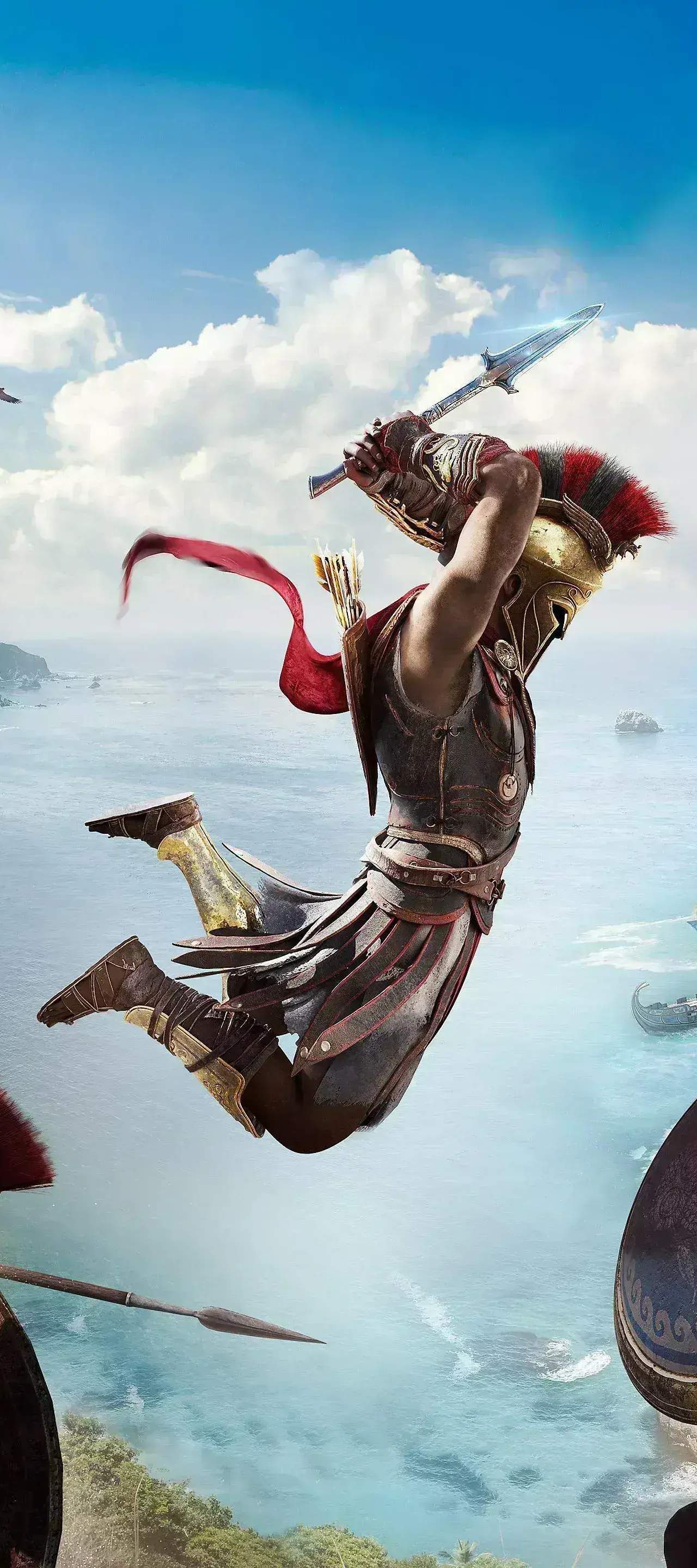
Assassin's Creed Odyssey offers a robust Photo Mode, allowing you to capture the breathtaking beauty and epic moments of Ancient Greece. Beyond simply snapping a picture, you can turn Photo Mode into a rewarding mini-game with these challenges and tips.
Accessing Photo Mode
To enter Photo Mode, press L3 + R3 simultaneously on PlayStation, LS + RS on Xbox, or F3 on PC. This will pause the action and give you full control of the camera and various settings.
Basic Controls & Settings
- Camera Movement: Use the left stick to move the camera horizontally and vertically, and the right stick to rotate it.
- Zoom: Use the D-Pad Up/Down (consoles) or Mouse Wheel (PC) to zoom in and out.
- Field of View (FOV): Adjust this slider to change the camera's perspective, from a wide-angle shot to a more focused view.
- Depth of Field (DoF): Control the blurriness of the foreground and background to highlight your subject.
- Exposure: Brighten or darken your image.
- Contrast: Adjust the difference between light and dark areas.
- Saturation: Increase or decrease the intensity of colors.
- Temperature: Shift the color balance towards warm (orange) or cool (blue) tones.
- Filters: Experiment with various pre-set filters like "Sepia," "Vibrant," or "Grayscale" for instant mood changes.
- Time of Day: Crucially, you can change the time of day within Photo Mode, allowing you to capture the perfect lighting without waiting in-game.
- Weather: Similarly, you can alter the weather conditions, from clear skies to stormy downpours.
Photo Mode Challenges
Elevate your Photo Mode game with these specific challenges:
1. The "Godly View" Challenge
Capture a panoramic shot of one of the major cities or iconic landmarks from a high vantage point. Aim for a wide FOV and ensure the entire structure or city is visible.
- Location Suggestions:
- The Acropolis in Athens.
- The Temple of Apollo in Delphi.
- The Palace of Knossos in Messara.
- The Sanctuary of Olympia in Elis.
- Strategy: Climb to the highest synchronization point in the area. Adjust the "Time of Day" to sunrise or sunset for dramatic lighting. Use a wide FOV and slightly decrease the "Exposure" to enhance the silhouette of the landscape.
2. "Beast Master" Portrait
Take a close-up portrait of one of the legendary beasts or a particularly fierce animal in the game.
- Location Suggestions:
- The Nemean Lion in Argolis.
- The Kalydonian Boar in Phokis.
- The Lykaon Wolf in Arkadia.
- Any of the Alpha Animals found throughout the world.
- Strategy: Engage the beast in combat, then quickly enter Photo Mode. Position the camera close to its face. Use "Depth of Field" to blur the background and make the beast stand out. Experiment with "Filters" like "Gritty" or "Dramatic" to emphasize its ferocity.
3. "Naval Glory" Shot
Capture your ship, the Adrestia, in a dynamic naval battle or sailing majestically across the Aegean Sea.
- Strategy: During a naval conquest battle or while sailing through a storm, activate Photo Mode. Position the camera to show the Adrestia amidst the waves, perhaps with enemy ships in the background. Adjust "Weather" to "Stormy" for a more epic feel. Use a slightly lower camera angle to emphasize the ship's scale.
4. "Assassin's Creed Moment"
Recreate a classic Assassin's Creed pose or action shot, such as a Leap of Faith or a stealthy assassination.
- Strategy:
- Leap of Faith: Initiate a Leap of Faith from a high point (e.g., the Statue of Zeus in Elis). Enter Photo Mode mid-air. Adjust the camera to show Alexios/Kassandra in full descent, with the hay bale or water below.
- Stealth Assassination: Perform a stealth attack on an unsuspecting enemy. Enter Photo Mode during the animation. Focus on the character and the target, using "Depth of Field" to blur out distractions.
Advanced Tips for Stunning Shots
- Rule of Thirds: Imagine a tic-tac-toe grid over your screen. Place your subject along these lines or at their intersections for a more balanced and engaging composition.
- Leading Lines: Use natural lines in the environment (roads, rivers, architectural features) to draw the viewer's eye towards your subject.
- Experiment with Angles: Don't just shoot at eye level. Try low angles to make subjects appear more imposing, or high angles for a sense of scale.
- Character Expressions: While not directly controllable, observe the character's expressions during combat or dialogue. Sometimes, a well-timed Photo Mode activation can capture a powerful emotion.
- Storytelling: Think about what story your photo tells. Is it about triumph, struggle, beauty, or mystery? Use the settings to enhance that narrative.
- Save Multiple Versions: Don't be afraid to save several versions of the same shot with different settings. You might discover a combination you love later.
With these challenges and tips, you'll transform your Photo Mode experience in Assassin's Creed Odyssey from simple screenshots into a creative endeavor, capturing the true essence of your epic journey through Ancient Greece.