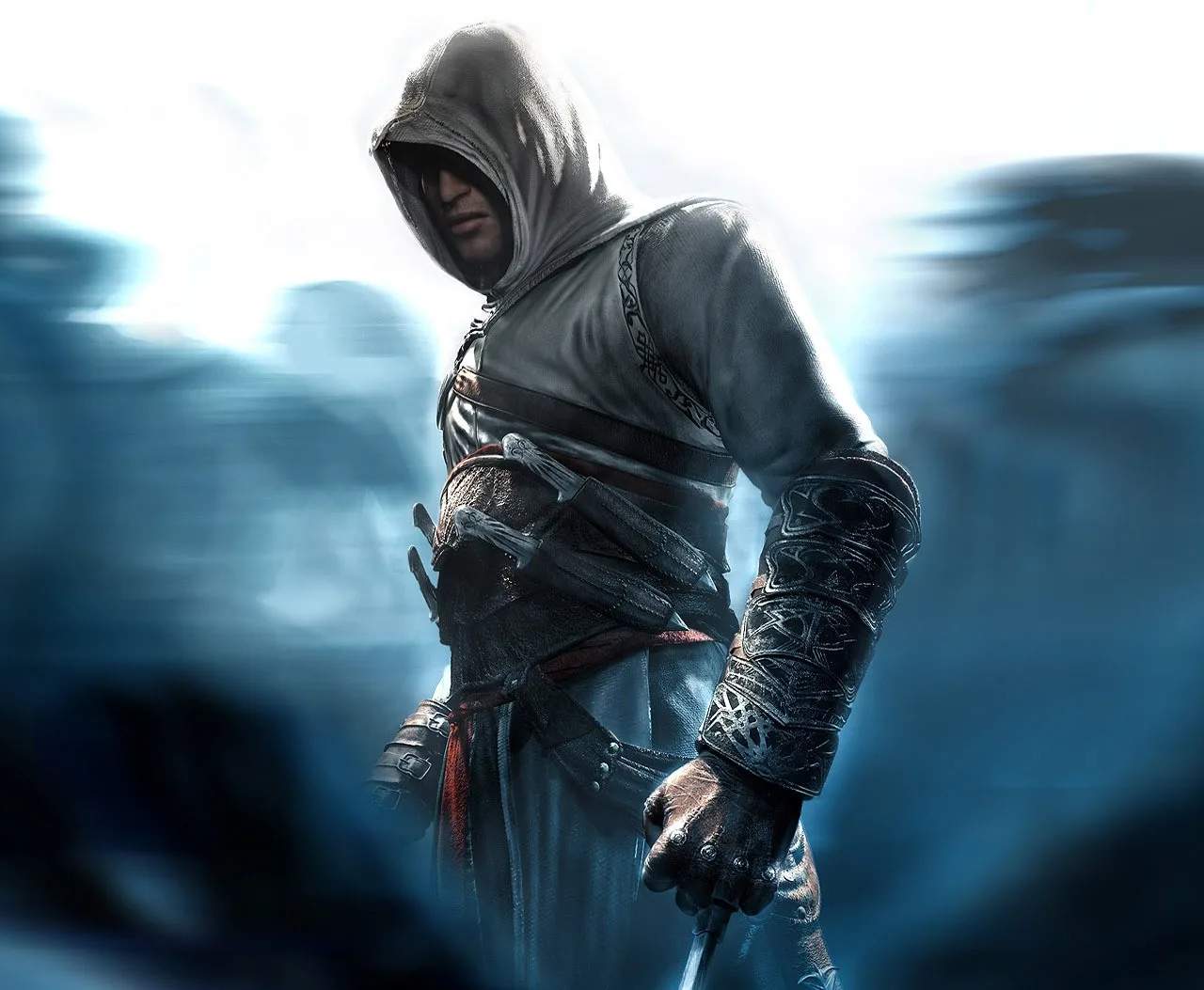
Mastering the controller layout in Assassin's Creed Unity is fundamental to executing fluid parkour and precise combat maneuvers, especially when navigating the intricate rooftops of 18th-century Paris. The default layout is desed for accessibility, but customization can unlock greater efficiency. The primary attack button, typically mapped to R1/RB, is essential for engaging enemies with your equipped melee weapon, such as the French Rapier. The secondary attack or special ability, often on L1/LB, can be used for ranged attacks with your Phantom Blade or for activating powerful combat skills. Movement is controlled by the left analog stick, while the right analog stick handles camera control. The face buttons are crucial for context-sensitive actions: X/A is commonly used for initiating parkour actions like climbing and jumping, while Circle/B is often assed to dodging or rolling, a vital defensive maneuver when facing multiple opponents in the crowded streets of the Latin Quarter.
Default Controller Layout (PlayStation/Xbox):
| Action | PlayStation | Xbox |
|---|---|---|
| Movement | Left Analog Stick | Left Analog Stick |
| Camera Control | Right Analog Stick | Right Analog Stick |
| Jump/Climb | X | A |
| Dodge/Roll | Circle | B |
| Primary Attack | R1 | RB |
| Secondary Attack/Ability | L1 | LB |
| Interact/Contextual Action | Square | X |
| Aim (Ranged) | L2 | LT |
| Fire (Ranged) | R2 | RT |
For players who find the default mapping cumbersome, the game offers extensive controller remapping options. Many players prefer to swap the 'Jump/Climb' and 'Dodge/Roll' buttons to place both defensive and traversal actions on more accessible face buttons, allowing for quicker reactions during intense chases through the rooftops of Notre Dame or during stealth infiltrations of heavily guarded areas like the Temple. Experimenting with different button assments, such as mapping the 'Phantom Blade' to a more readily accessible trigger, can sificantly improve your combat flow and reaction times. Consider assing abilities like the 'Smoke Bomb' to a dedicated button for quick deployment when surrounded. The goal is to create a layout that feels intuitive and allows for seamless execution of complex sequences, minimizing the need to look down at the controller.