
Balatro is primarily mouse-driven, making it accessible and intuitive. You'll use your mouse to select cards, play hands, and navigate the shop. Left-click to select cards for a hand or to discard. Right-click to deselect. Once you've selected your desired cards, click the 'Play Hand' or 'Discard' button. In the shop, left-click to purchase items or Jokers. The game also supports keyboard shortcuts for common actions, which can speed up gameplay once you're familiar with them.
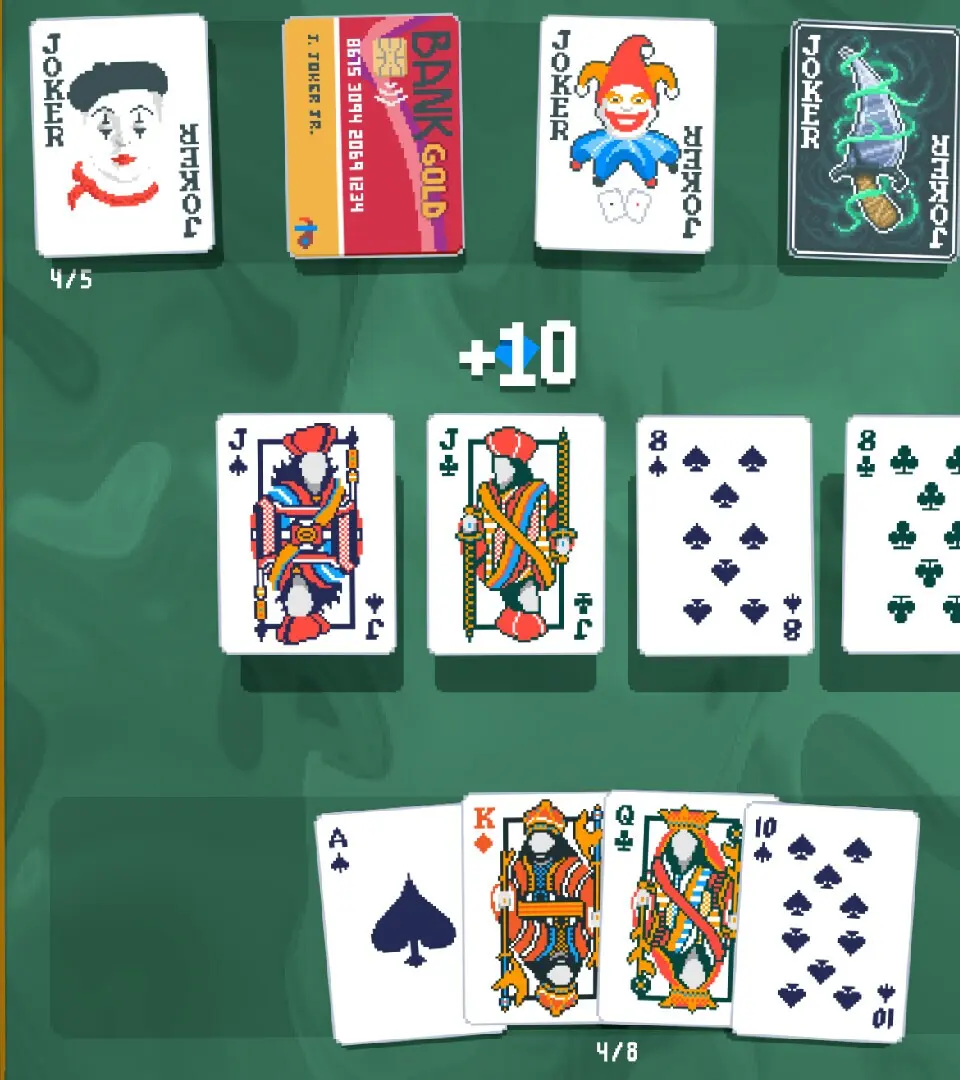
Essential actions include:
- Selecting Cards: Left-click on cards in your hand.
- Playing a Hand: Select 1-5 cards and click 'Play Hand'.
- Discarding Cards: Select 1-5 cards and click 'Discard'.
- Navigating Shop: Left-click on items to buy.
- Exiting Shop: Click the 'Continue' button.