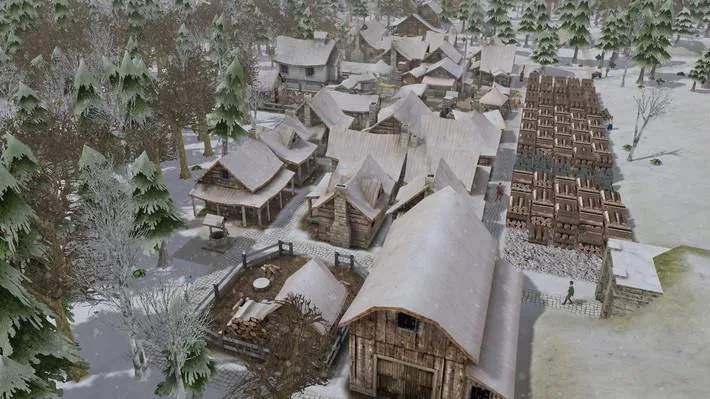
The Banished UI provides vital information about your settlement. At the top left, you'll see your current population, food, tools, and firewood. Keep a close eye on these numbers; running out of any of them can be catastrophic. The top right displays the current year, season, and weather, which significantly impact resource gathering and crop yields.
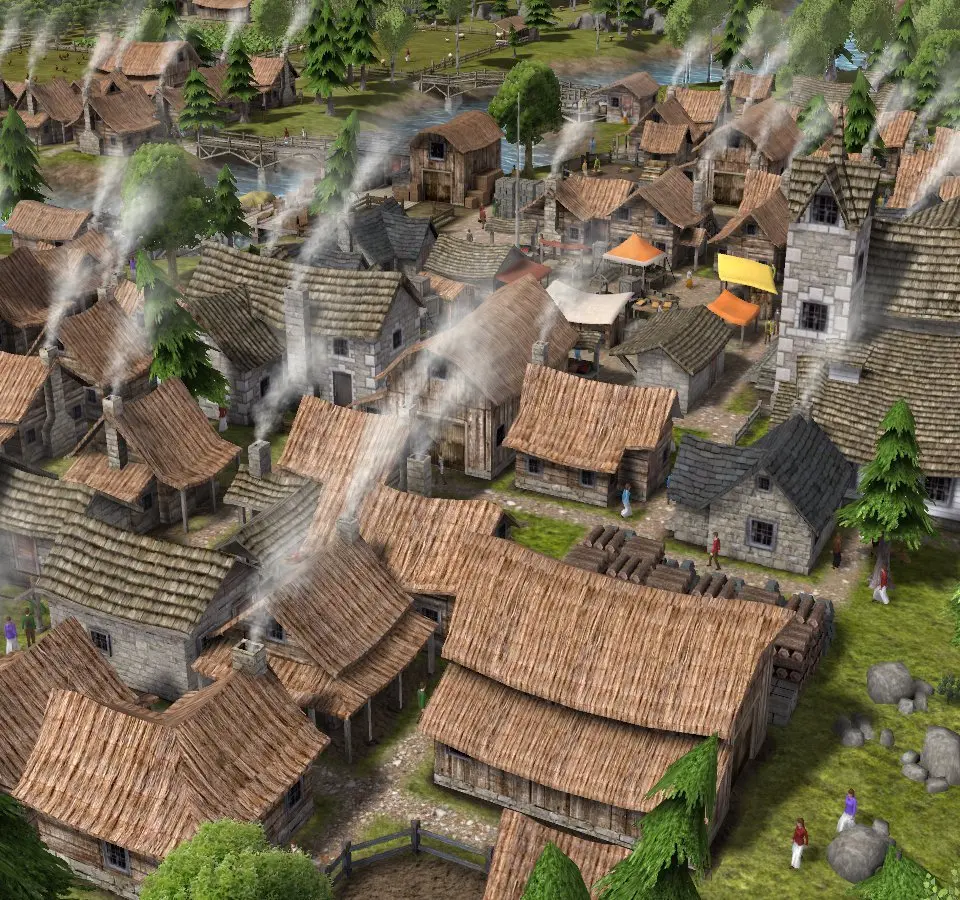
The bottom bar contains various building categories: Resources, Food, Housing, Storage, Production, Public, and Roads. Clicking on these icons reveals available structures. The 'Information' tab (the 'i' icon) provides detailed reports on your citizens, resources, and production, which are invaluable for identifying bottlenecks and planning future growth. Regularly check these reports to stay informed.
Compare understanding the user interface inFactorio