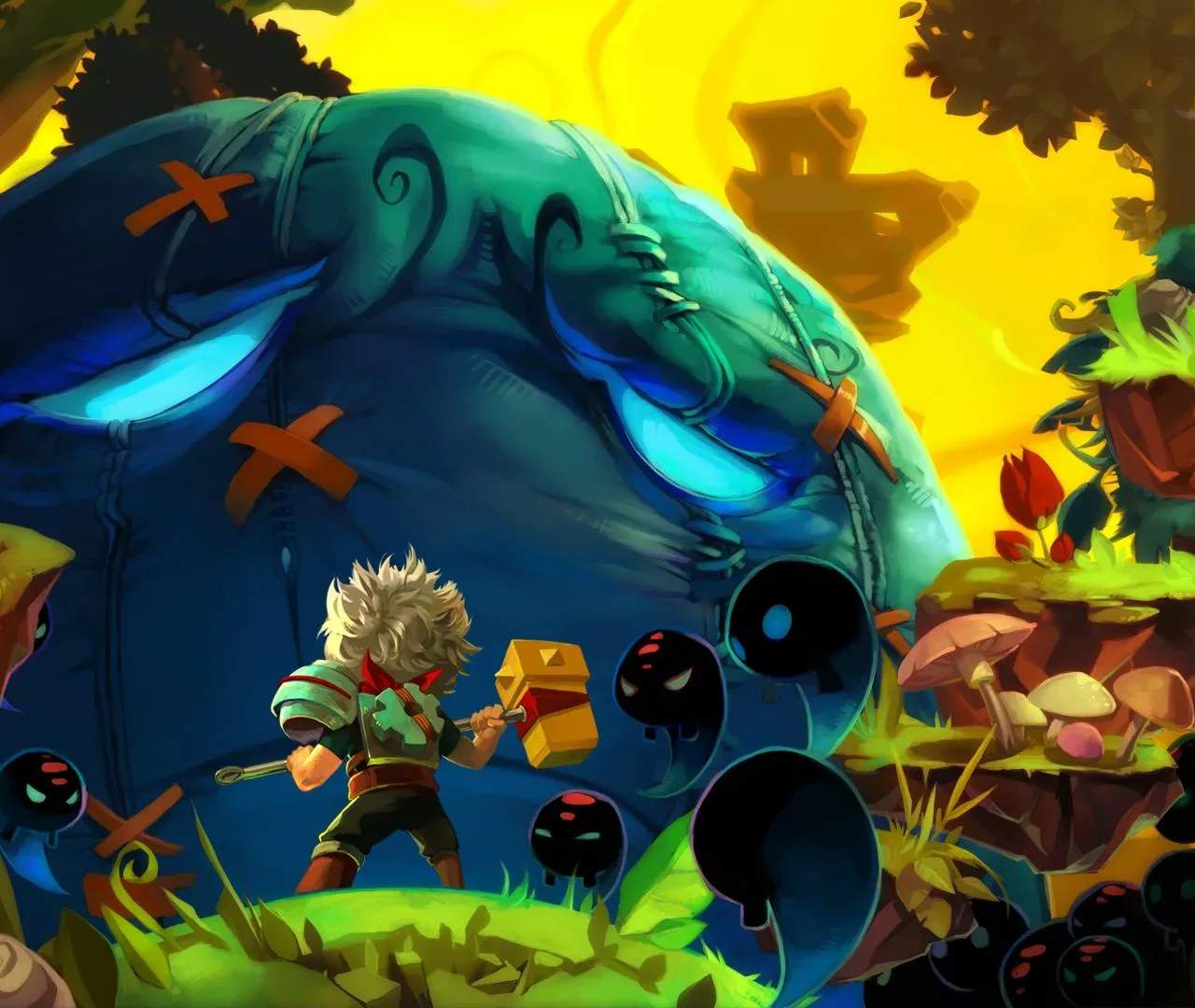
Bastion's controls are intuitive and easy to learn. You'll primarily be using the keyboard and mouse on PC, or a gamepad on consoles. Here's a breakdown of the default PC controls:
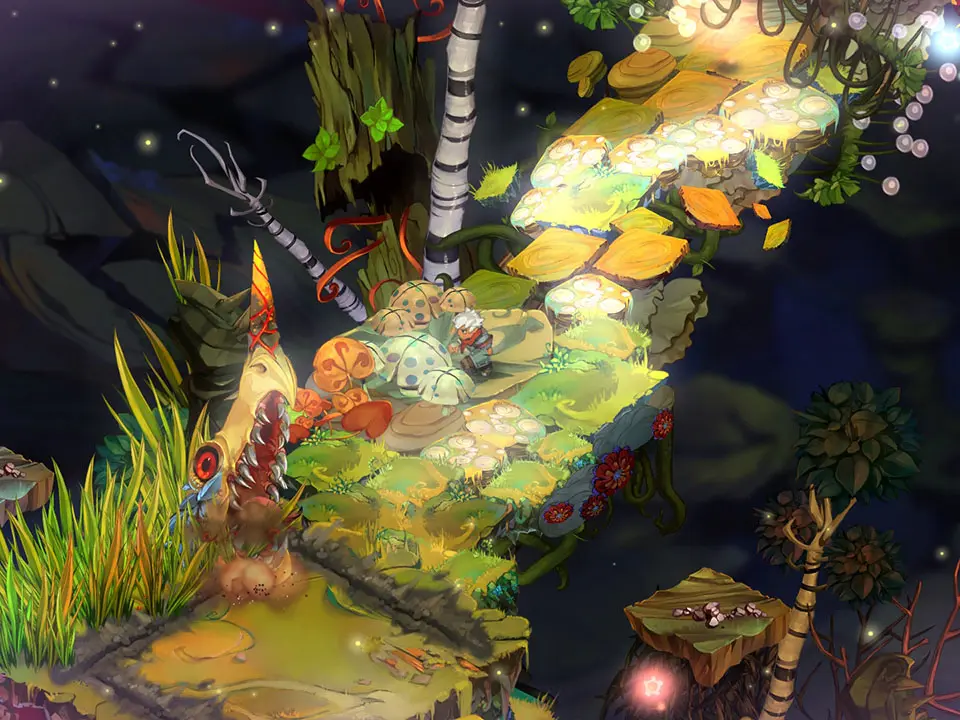
- Movement: WASD keys to move your character, The Kid.
- Dodge Roll: Spacebar. Essential for avoiding enemy attacks and traversing gaps.
- Primary Attack: Left Mouse Button. Your main offensive action.
- Secondary Attack: Right Mouse Button. uses your equipped secondary weapon.
- Shield: Shift key (hold). Blocks incoming projectiles and some melee attacks.
- Interact: E key. Used to pick up items, activate mechanisms, and talk to NPCs.
- Swap Weapons: Q key. Quickly switch between your two equipped weapons.
- Secret Skill: F key. Activates your equipped Secret Skill, a powerful ability with a cooldown.
- Inventory/Pause Menu: Escape key. Access your inventory, equip items, and adjust settings.
Practice these movements in the early areas to get a feel for The Kid's agility and combat responsiveness. Mastering the dodge roll is crucial for survival, especially against tougher enemies and bosses.