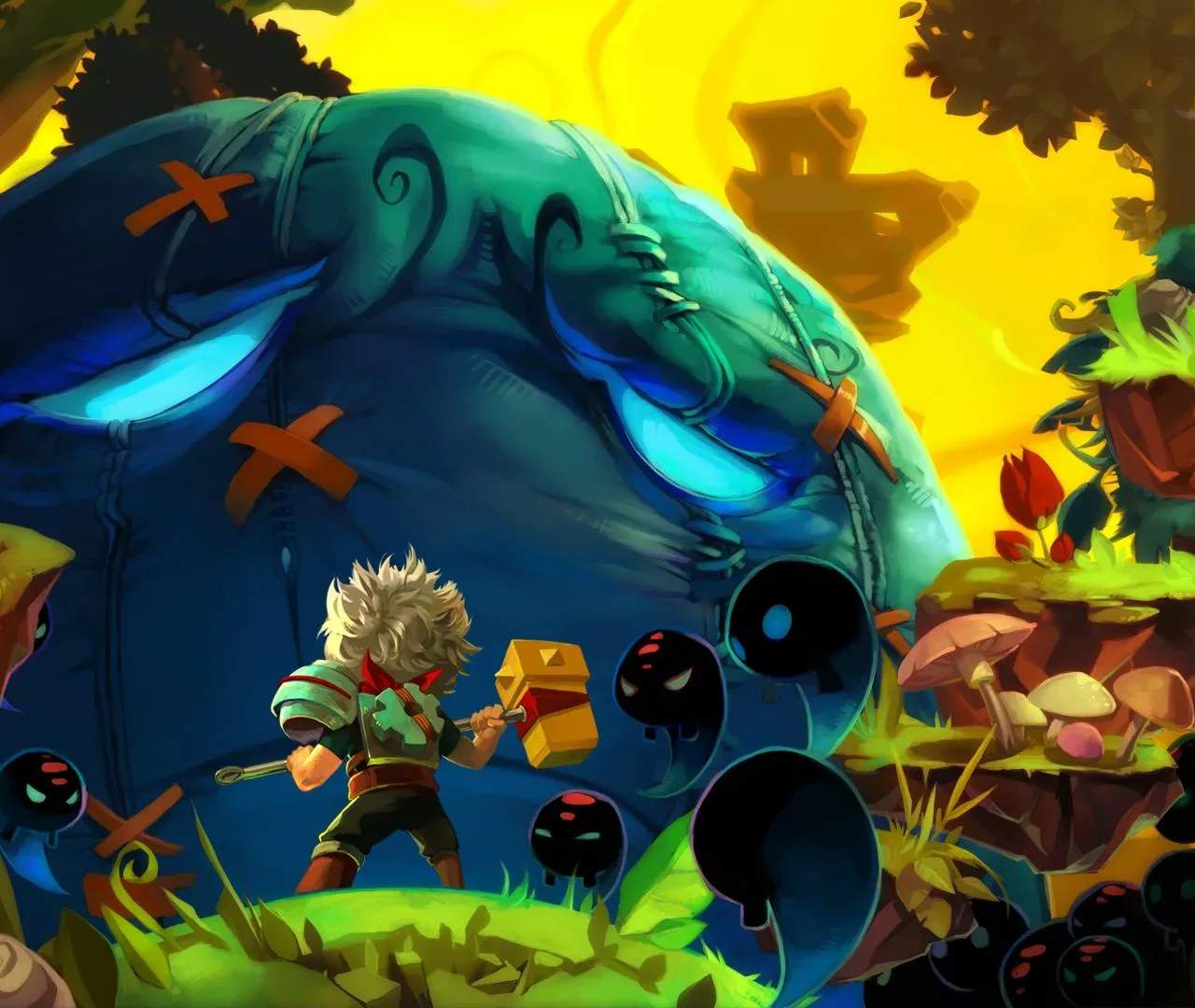
The Bastion UI is clean and provides all necessary information without cluttering the screen. Here's what you'll see:
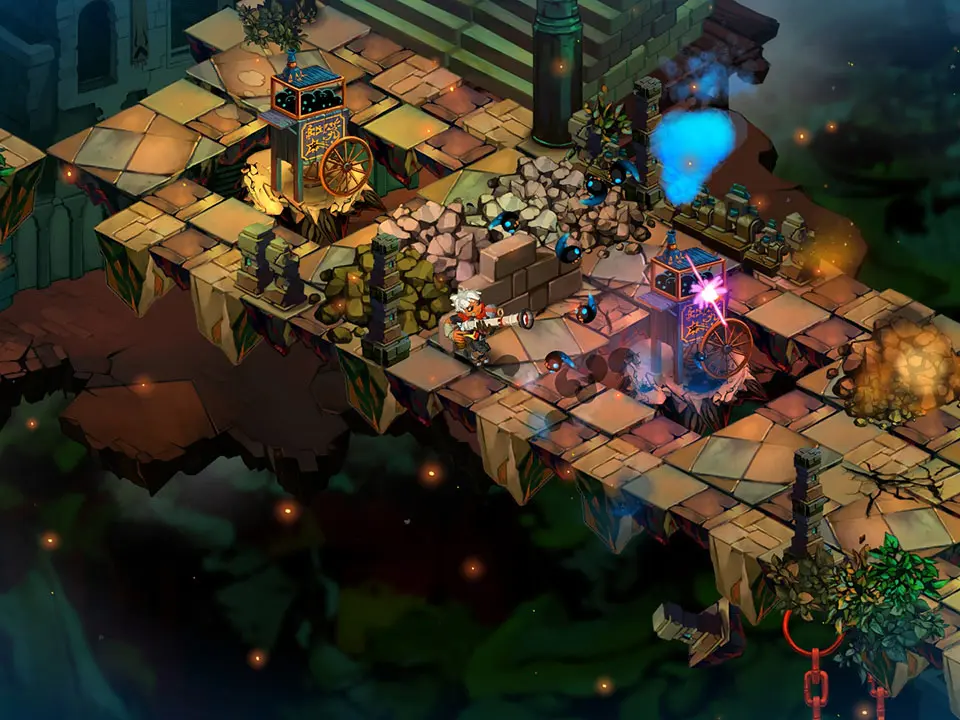
- Health Bar: Located in the top-left corner. Depletes as you take damage. Replenish it with health tonics or by resting at the Bastion.
- Secret Skill Icon & Cooldown: Below the health bar. Shows your equipped Secret Skill and its current cooldown status.
- Equipped Weapons: Bottom-right corner. Displays your primary and secondary weapons.
- Ammunition/Charges: Next to your weapon icons. Shows remaining ammo for ranged weapons or charges for certain melee weapons.
- Experience Bar: Appears briefly after defeating enemies, showing your progress towards the next level.
- Currency (Fragments): Top-right corner. Displays your current Fragments, used for purchasing upgrades and items.
- Narration Text: Appears at the bottom of the screen, displaying Rucks' commentary.
Keep an eye on your health during combat. The game provides clear visual cues when you're low on health, but it's always best to be proactive with healing. The Secret Skill cooldown is also important to manage, as these abilities can turn the tide of battle.