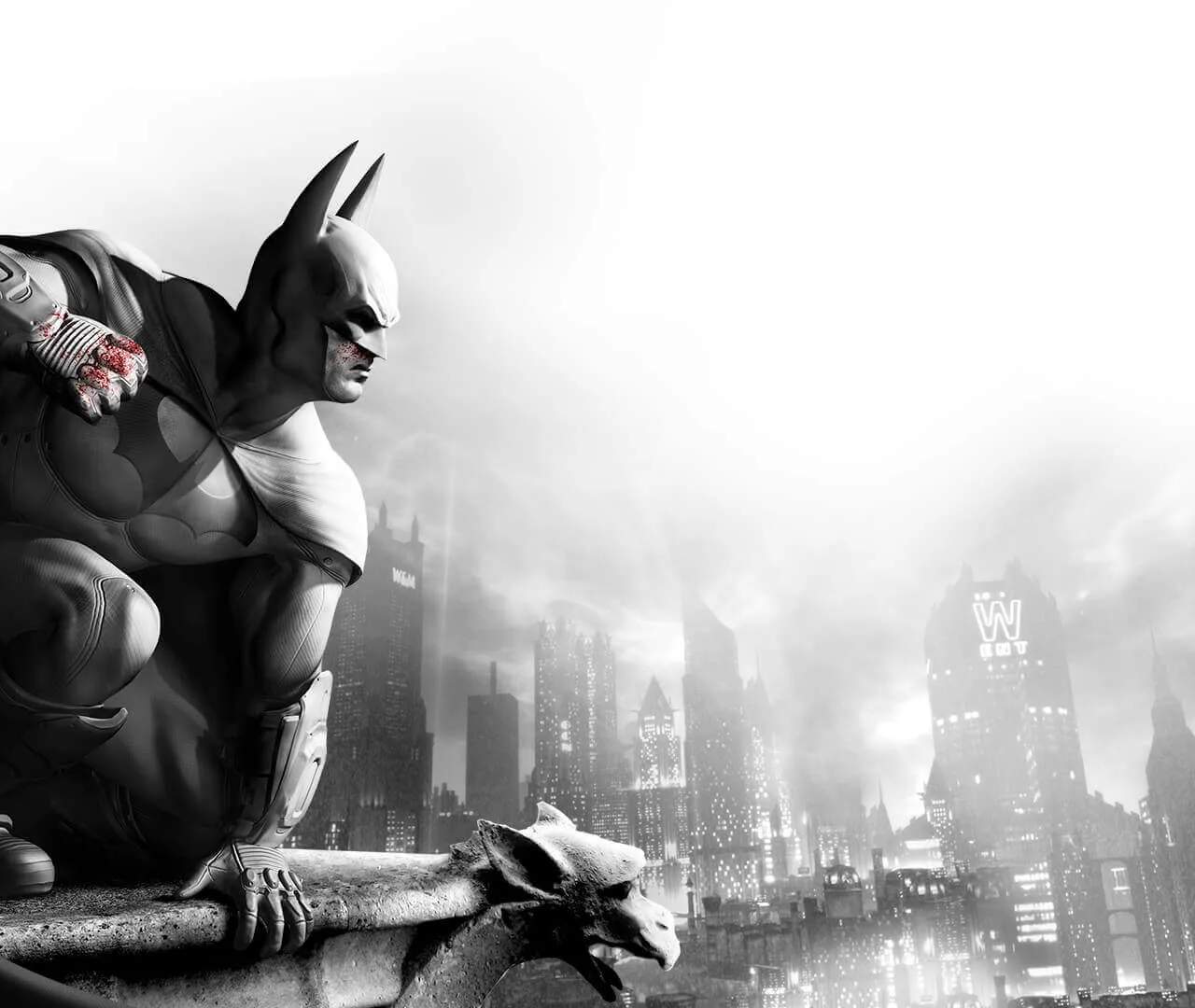
Mastering Batman's movements and combat is crucial. Here's a quick rundown of the fundamental controls across various platforms. Familiarize yourself with these before diving into the action. Practice in the combat challenges to hone your skills.
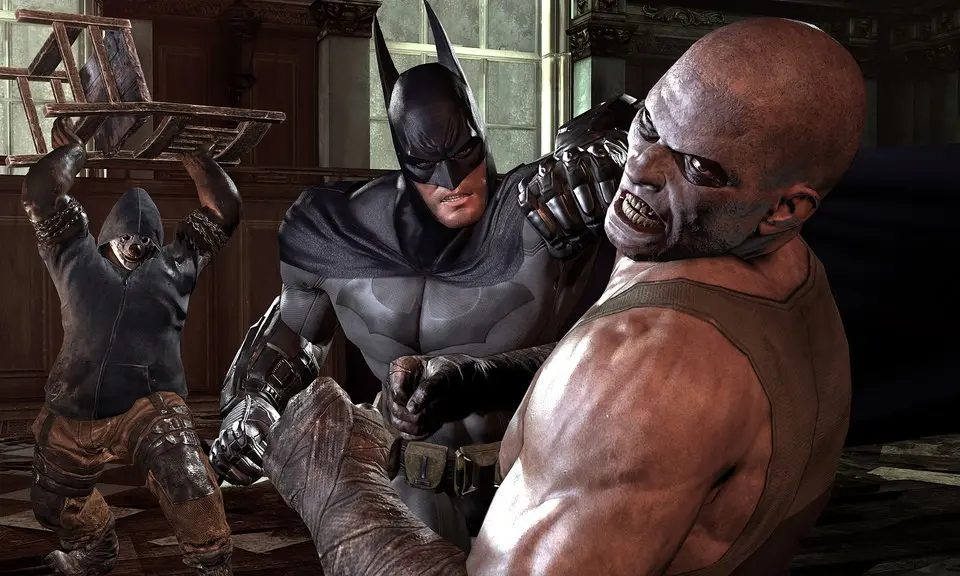
- Movement: Left Analog Stick (Console), WASD (PC)
- Camera: Right Analog Stick (Console), Mouse (PC)
- Grapple: L1/LB (Console), F (PC) - Use to quickly traverse rooftops.
- Glide: X/A (Console), Space (PC) - Jump and hold to glide across large distances.
- Attack: Square/X (Console), Left Mouse Button (PC) - Primary attack.
- Counter: Triangle/Y (Console), Right Mouse Button (PC) - Essential for deflecting enemy attacks.
- Stun: Circle/B (Console), Middle Mouse Button (PC) - Use against armored enemies.
- Gadget Select: D-Pad (Console), Number Keys (PC) - Cycle through your arsenal.
- Gadget Use: R1/RB (Console), Q (PC) - Deploy selected gadget.