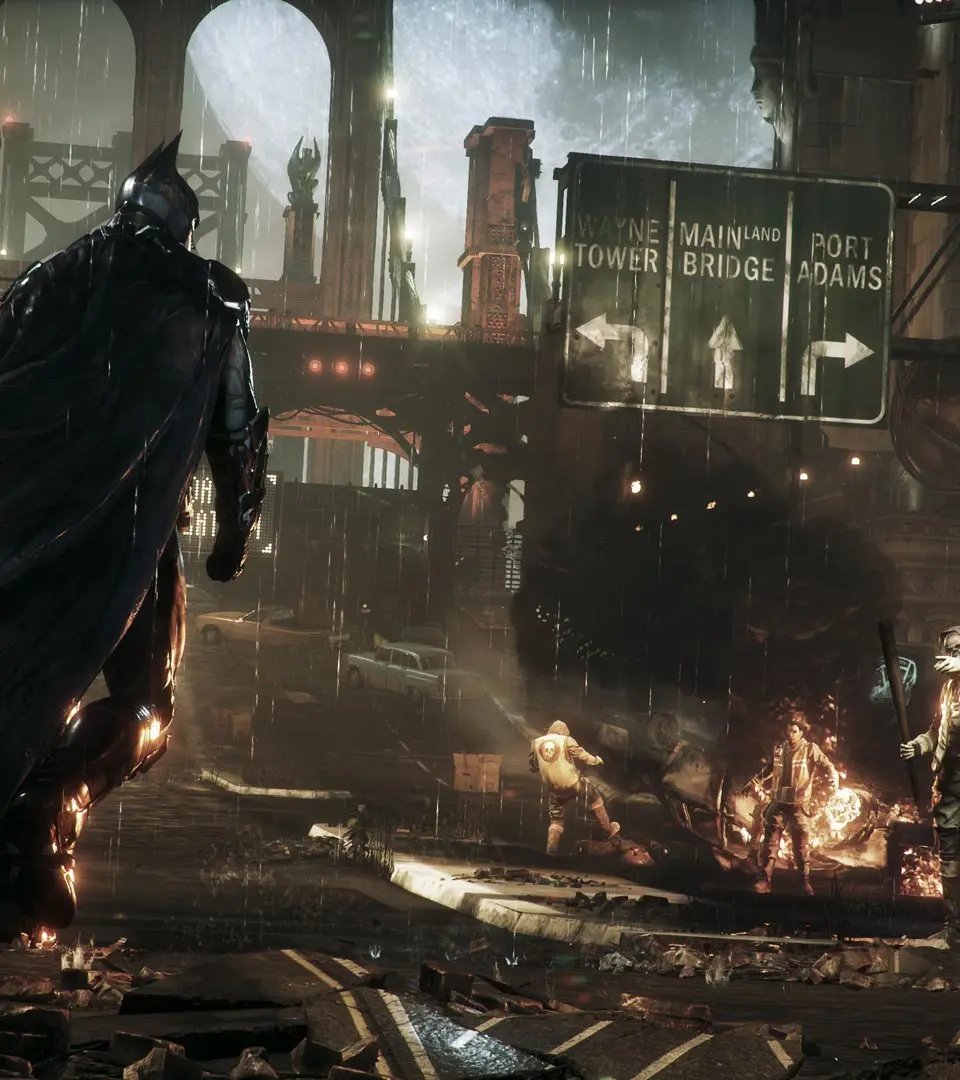
The Heads-Up Display (HUD) provides vital information during gameplay. In the top left, you'll see your health bar and current gadget selection. The top right displays your objective and current mission progress. The bottom right shows your combo counter during combat, which is essential for executing special moves. Pay attention to the enemy awareness indicators above their heads; yellow means suspicious, red means detected. The minimap in the bottom left helps with navigation and identifying points of interest.