Understanding the core controls is paramount for survival and effectiveness in Battlefield 1942. The default control scheme is intuitive for most PC gamers. Use W, A, S, D for forward, left, backward, and right movement, respectively. The Spacebar is used for jumping, and Left Shift for sprinting (though sprinting is limited and not as prevalent as in later titles). Your mouse controls your camera and aiming. Left Click fires your weapon, and Right Click typically activates your weapon's alternate fire mode or zooms in (for scoped weapons). Press R to reload your weapon. Experiment with these controls in a single-player skirmish to get a feel for them before heading into multiplayer.
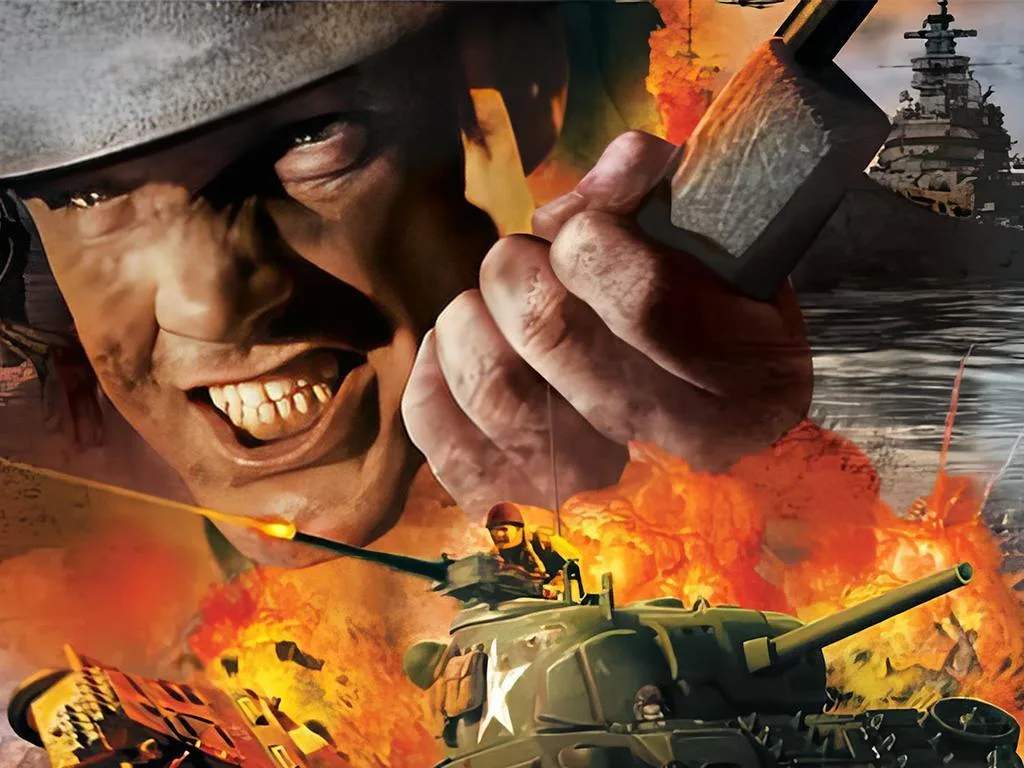
Battlefield 1942
Basic Controls and Movement — Battlefield 1942 Guide
Master the fundamental keyboard and mouse controls for movement, aiming, and firing in Battlefield 1942.
·Multi-source verified (48/48)