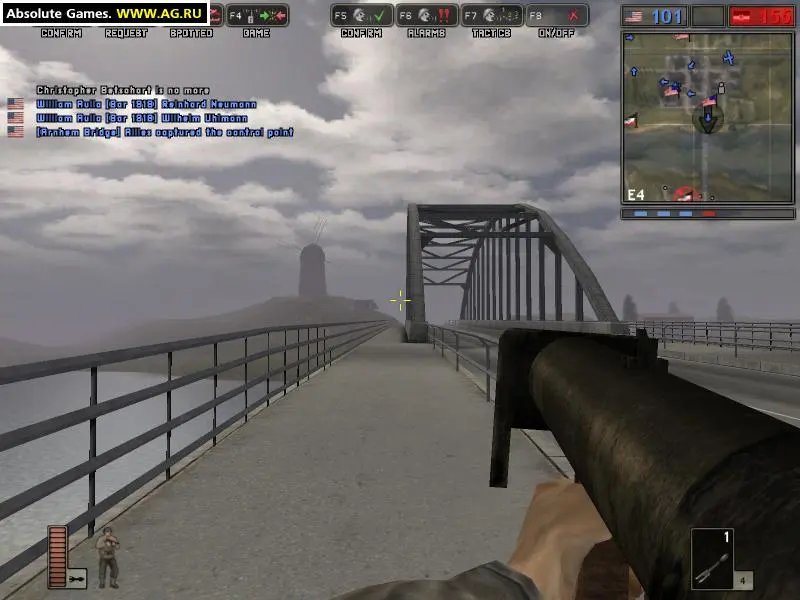
Before you can join the fight, you'll need to install Battlefield 1942. Insert the game disc into your CD/DVD drive and follow the on-screen prompts. Ensure you have sufficient disk space (approximately 1.2 GB for a full installation). Once installed, launch the game from your desktop shortcut or the Start Menu. The first launch might prompt you to configure graphics settings. For optimal performance and visual fidelity, we recommend starting with the 'Recommended' settings and adjusting them later if you experience performance issues or wish to enhance visuals. Pay close attention to your resolution and refresh rate to match your monitor's capabilities for the smoothest experience.