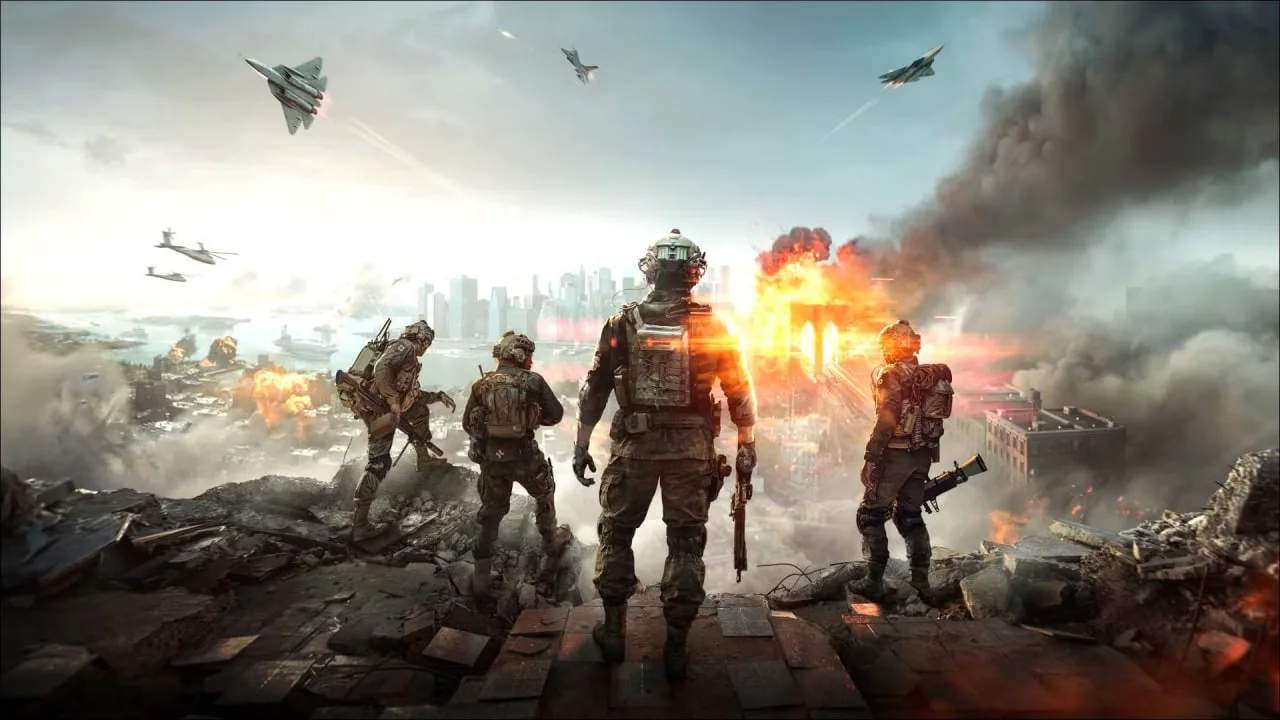
Battlefield 6 Portal: Crafting Your Own Custom Games
Battlefield 6's Portal mode empowers players to become game desers, creating unique custom games with a vast array of tools and assets from across the Battlefield franchise. This guide explores the possibilities of Portal custom games.
Battlefield Portal is a revolutionary mode in Battlefield 6 that allows players to harness the power of past Battlefield titles and combine them with new mechanics to create entirely custom game experiences. It's a sandbox for creativity, offering an unprecedented level of control over game modes, rules, weapons, and maps. Whether you want to recreate classic Battlefield moments or invent something entirely new, Portal provides the tools to do so.
The Core Components of Portal Creation:
When creating a custom game in Portal, you'll be working with several key elements:
- Game Modes: Choose from a selection of classic Battlefield modes like Conquest, Rush, Team Deathmatch, and more, or create entirely new objectives.
- Maps: Access a curated selection of iconic maps from Battlefield 3, Bad Company 2, Battlefield 1942, and Battlefield 2042.
- Weapons and Gadgets: Mix and match weaponry and equipment from different eras. Imagine using a BF3 assault rifle with a BF1942 gadget, or vice-versa.
- Vehicles: Deploy classic vehicles alongside modern ones, creating unique combat scenarios.
- Soldiers: Select from different soldier types and factions from across the Battlefield history.
- Rules Editor: This is the heart of Portal customization. The powerful rules editor allows you to define game logic, set win conditions, adjust player counts, modify weapon damage, enable/disable features, and much more.
Examples of Custom Game Possibilities:
The potential for custom games is virtually limitless. Here are a few ideas:
- Classic Conquest: Recreate the iconic Conquest mode from Battlefield 1942 with its original maps, weapons, and vehicles.
- Rush Revival: Bring back the beloved Rush mode from Battlefield 3, complete with its sature objective progression and intense firefights.
- Weapon-Specific Challenges: Create a mode where only shotguns are allowed, or a sniper-only arena.
- Vehicle Mayhem: Des a mode focused entirely on tank battles or aerial combat using classic vehicles.
- Zombie Survival: With the right rules, you could even create a PvE mode where players fight off waves of AI-controlled 'zombies.'
- Custom Objective Modes: Invent entirely new objectives, such as capturing specific points in a unique sequence or escorting a payload.
How to Create Your Custom Game:
- Access the Portal: Navigate to the Portal mode from the main menu.
- Start a New Experience: Select the option to create a new custom game.
- Configure Game Settings: Choose your desired game mode, map, player count, and team setup.
- Select Assets: Pick the weapons, vehicles, and soldier types you want to be available in your game.
- Dive into the Rules Editor: This is where you'll define the core gameplay mechanics. Use the visual scripting interface to set conditions, actions, and variables.
- Test and Refine: Launch your custom game to test it thoroughly. Make adjustments to the rules and settings based on your findings.
- Share Your Creation: Once you're happy with your custom game, you can save it and share it with the community, allowing others to play your unique creations.
Battlefield Portal's custom game creator is a powerful tool that breathes new life into the franchise. It's a testament to the community's creativity and a fantastic way to experience Battlefield in entirely new ways.