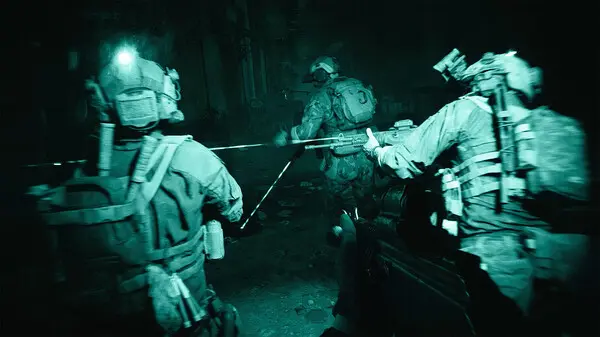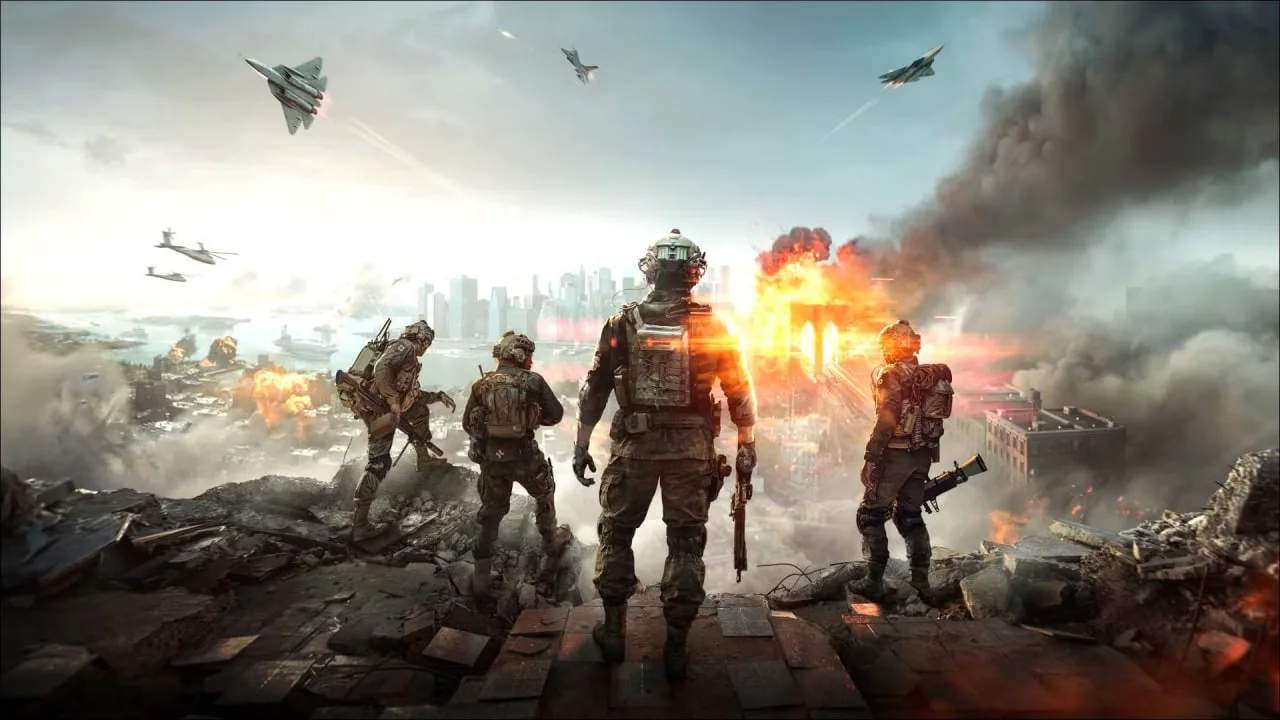
Achieving optimal performance in Battlefield 6 can sificantly improve your gameplay experience. Access the 'Options' menu and navigate to 'Video' and 'Graphics' settings. Prioritize a stable frame rate over ultra-high fidelity, especially in competitive multiplayer. Key settings to adjust include Resolution Scale (lower for more FPS), Texture Quality (impacts VRAM), Shadow Quality (major FPS impact), and Post-Process Quality. Disable unnecessary effects like Motion Blur and Chromatic Aberration for a clearer image. For competitive play, consider lowering settings that create visual clutter. Ensure your Field of View (FOV) is set to a comfortable level, typically between 90-105 for most players. Regularly update your graphics drivers for the best performance.