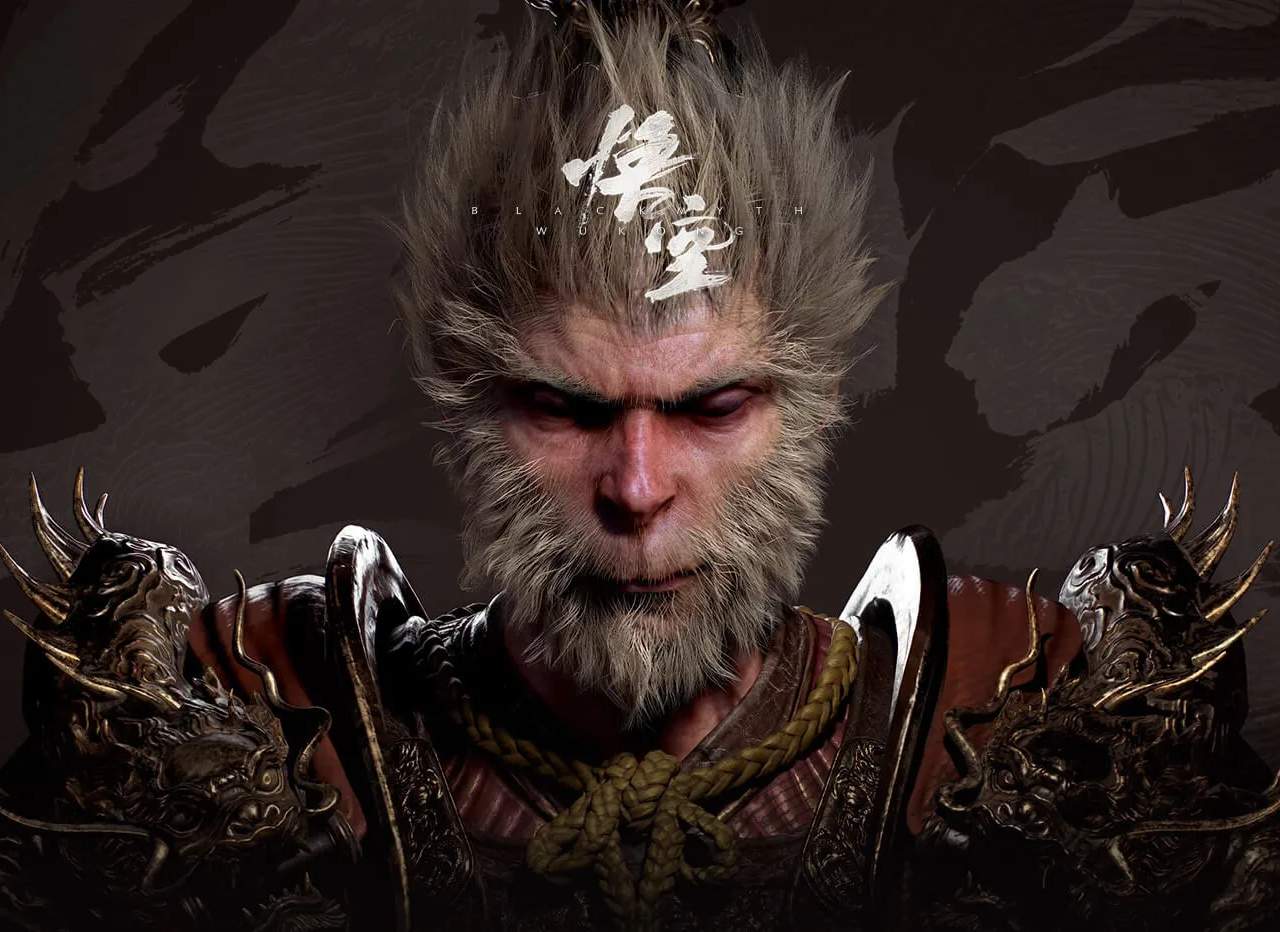
Wiki Help & Community Contribution
Welcome to the comprehensive guide for navigating and contributing to the Black Myth: Wukong wiki. Our goal is to build the most detailed and accurate resource for players, covering everything from intricate combat mechanics and boss strategies to hidden secrets and lore. Your active participation is crucial in achieving this. This section outlines how to find information, report issues, and most importantly, how to become a valuable contributor to our growing knowledge base.
Getting Started: Finding Information
The wiki is structured to be easily scannable and searchable. Utilize the following methods to find the information you need:
- Search Bar: Located prominently at the top of every page, the search bar is your primary tool for finding specific articles. Type in keywords like "boss name," "item name," "skill," "location," or "quest."
- Navigation Menu: The main navigation menu (typically on the left or top of the page) categorizes information into logical sections such as:
- Gameplay Mechanics: Details on combat, skills, equipment, and progression.
- Enemies: Comprehensive entries for every foe, including stats, weaknesses, and attack patterns.
- Bosses: In-depth guides for major encounters, featuring strategies, phases, and recommended loadouts.
- Items & Equipment: Lists of all weapons, armor, consumables, and crafting materials, with their effects and locations.
- Locations: Maps and descriptions of every area, including points of interest, NPCs, and hidden paths.
- Lore & Story: Explanations of the narrative, characters, and world-building elements.
- Quests: Walkthroughs for main and side quests, including objectives and rewards.
- Internal Links: Most articles contain links to related pages. Follow these links to delve deeper into specific topics.
Contributing to the Wiki
Your knowledge and experience are invaluable. Here's how you can contribute:
1. Reporting Errors and Suggesting Improvements
If you find any inaccuracies, missing information, or have suggestions for improvement, please use the following channels:
- "Report Issue" Button: On most wiki pages, you'll find a "Report Issue" or "Suggest Edit" button. Clicking this will open a form where you can describe the problem or your suggestion.
- Discord Server: For real-time discussion and immediate feedback, join our official Discord server. Navigate to the #wiki-feedback channel to post your findings or ideas.
2. Editing and Creating Pages
Ready to share your expertise? Follow these steps:
- Account Creation: Register for a wiki account. This is usually a simple process requiring a username and password.
- Familiarize Yourself with Guidelines: Before making significant edits, review the wiki's editing guidelines. These ensure consistency in formatting, tone, and content. Look for a link to "Wiki Guidelines" or "Style Guide" in the footer or sidebar.
- Find a Page to Edit: Look for pages that are incomplete, have outdated information, or are missing entirely.
- Use the Edit Button: On any page you wish to edit, click the "Edit" button (usually at the top). This will open a rich text editor.
- Make Your Changes:
- Text: Directly edit the text.
- Formatting: Use the provided tools for headings, bold text, italics, lists, and links.
- Tables: For item lists, enemy stats, or comparison charts, use the table creation tool.
- Images: Upload relevant screenshots or artwork (ensure they are properly licensed or your own).
- Summarize Your Changes: In the "Edit Summary" box, briefly describe what you changed (e.g., "Added boss weaknesses," "Corrected item drop rate," "Expanded lore section").
- Preview and Save: Always use the "Preview" button to see how your changes will look before saving. Once satisfied, click "Save Page."
- Creating New Pages: If a topic doesn't have a page yet, you can create one by typing the desired page title into the search bar and clicking "Create page." Ensure your content adheres to wiki standards.
Example: Contributing to a Boss Guide
Let's say you've mastered the fight against the "Iron Bull" in the "Mountain Pass" region. Here's how you could contribute to its wiki page:
Boss: Iron Bull
Location: Mountain Pass, near the crumbling bridge.
Recommended Level: 15-20
Phase 1 Strategy
The Iron Bull begins with a series of wide, sweeping axe attacks. Dodge roll through them, timing your dodges carefully. He has a short recovery period after his three-hit combo, which is your primary window for dealing damage. Focus on hitting him once or twice and then repositioning.
Phase 2 Strategy (at 50% HP)
The Iron Bull roars and gains new attacks. He will now perform a charging attack that covers a significant distance. Watch for the telltale wind-up and dodge to the side. He also gains a ground slam attack that creates a small AoE shockwave; jump over this or sprint away.
Weaknesses
The Iron Bull is particularly vulnerable to lightning-infused attacks. Using the "Thunderclap" skill or equipping a lightning-enchanted weapon will significantly increase your damage output.
Recommended Loadout
- Weapon: Jade Staff (for its reach and potential for lightning infusion)
- Armor: Serpent Scale Armor (provides good balance of defense and mobility)
- Skills: Thunderclap, Evade (essential for dodging)
Common Pitfalls
- Overcommitting: Trying to land too many hits after his combos will often result in taking damage.
- Underestimating the Charge: The charging attack can be deceptively fast; mistiming your dodge is fatal.
- Ignoring Elemental Weakness: Fighting him with purely physical damage will make the fight considerably longer and more difficult.
Item Rewards
| Item | Quantity | Drop Rate |
|---|---|---|
| Iron Bull's Horn | 1-2 | 100% |
| Spirit Stone Shard | 5-10 | 80% |
| Health Potion (L) | 1-3 | 30% |
Community & Support
- Discord: Join our Discord server for real-time discussions, to ask questions, and connect with other players and wiki editors.
- Forums: Visit the Community Forums for longer discussions and to find announcements.
- Contact Us: For technical issues with the wiki or serious concerns, please use the Contact Form.
By contributing your knowledge and following these guidelines, you help ensure that the Black Myth: Wukong wiki remains the ultimate resource for all adventurers on their journey through this epic world.