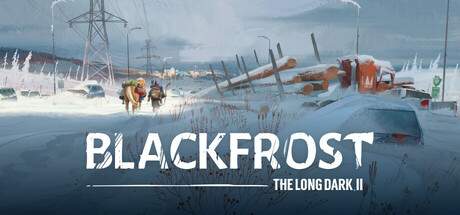
Custom Difficulty Settings Explained
The Custom Difficulty Settings in Blackfrost: The Long Dark II offer unparalleled control over your survival experience. This feature allows you to meticulously craft a game that perfectly matches your desired level of challenge, from a slightly more forgiving Voyageur to an even more brutal Interloper. By adjusting individual parameters, you can fine-tune every aspect of the game, creating unique scenarios and testing your survival skills in ways not possible with the pre-set difficulties.
Within the Custom Settings menu, you'll find a wide array of sliders and toggles. You can adjust the abundance of loot, the frequency and severity of blizzards, the aggression and spawn rates of wildlife, the speed at which your vital statistics decay, and the effectiveness of healing. For example, you might want to experience the resource scarcity of Interloper but with less aggressive wolves, or the environmental challenges of Stalker but with more abundant firewood. This flexibility is invaluable for players who want to experiment with different survival strategies, practice specific skills, or simply find a difficulty setting that feels just right for them. It allows for a truly personalized journey through the frozen wilderness.
Key Customization Parameters:
- Resource Abundance: Control how much loot spawns.
- Wildlife Aggression: Adjust predator behavior and attack frequency.
- Weather Frequency & Severity: Determine how often and how bad blizzards and cold snaps are.
- Condition Decay Rate: Modify how quickly Hunger, Thirst, and Fatigue deplete.
- Healing Effectiveness: Change how well medical supplies and rest work.
- Predator Spawn Rate: Adjust the density of dangerous animals.
- Day/Night Cycle Length: Control the duration of daylight and darkness.