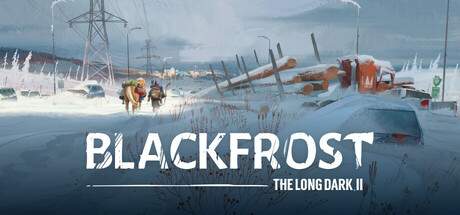
Installation & Setup
Installing Blackfrost: The Long Dark II is a straightforward process, ensuring you can jump into the action with minimal delay. The game is exclusively available on PC, and you'll typically purchase and download it through digital storefronts like Steam, GOG, or the Epic Games Store. Once purchased, simply launch the respective client, navigate to your library, and click 'Install' on Blackfrost: The Long Dark II. The client will handle the download and installation, prompting you for a desired installation directory.
Before launching the game, it's advisable to ensure your PC meets the minimum system requirements to guarantee a smooth experience. After installation, run the game. The initial launch will likely guide you through some basic setup options, including language selection and potentially a brief tutorial prompt. It's highly recommended to play through any introductory sequences or tutorials offered, as they often cover fundamental mechanics that are crucial for early survival. Familiarize yourself with the game's main menu options, including accessing settings, starting a new game, and loading existing save files.