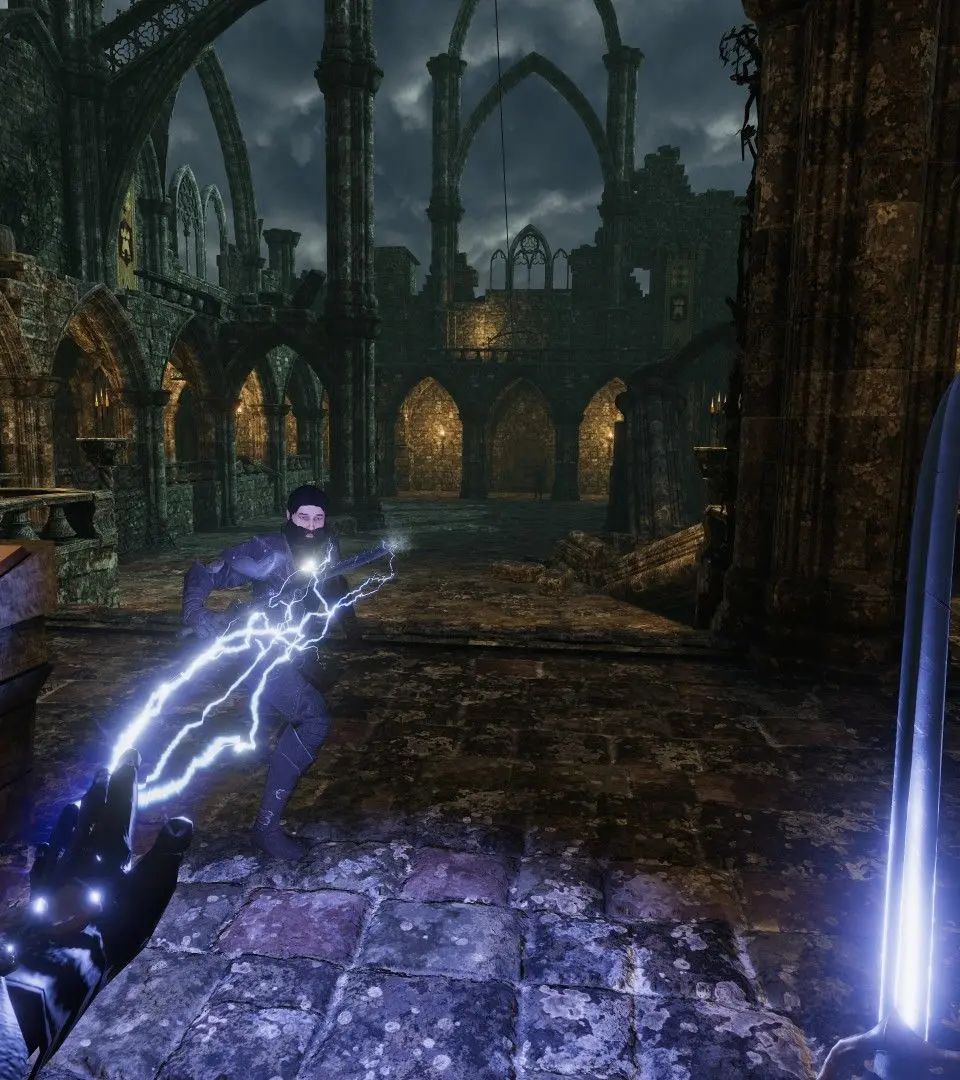
The UI in Blade & Sorcery is minimalist to enhance immersion. Your health bar is typically represented by a subtle visual cue on your body or a small indicator on your wrist. The main menu is accessed by pressing the menu button on your left controller, allowing you to select maps, change settings, and equip items. Pay attention to the subtle visual cues for enemy health and status effects.