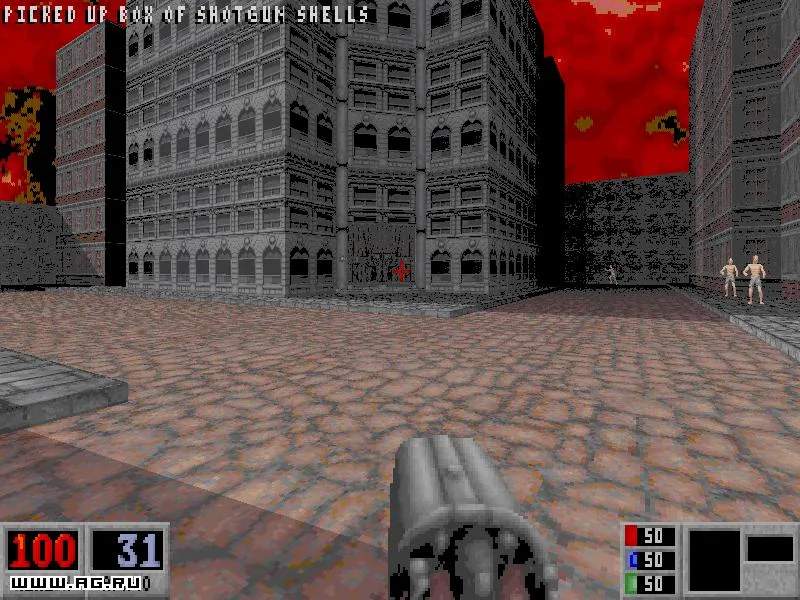
Mastering the controls in Blood is essential for survival. The game uses a standard WASD-style control scheme, but with some unique quirks. Familiarize yourself with these before diving into the action. You can always customize these bindings in the 'Options' menu under 'Controls'.
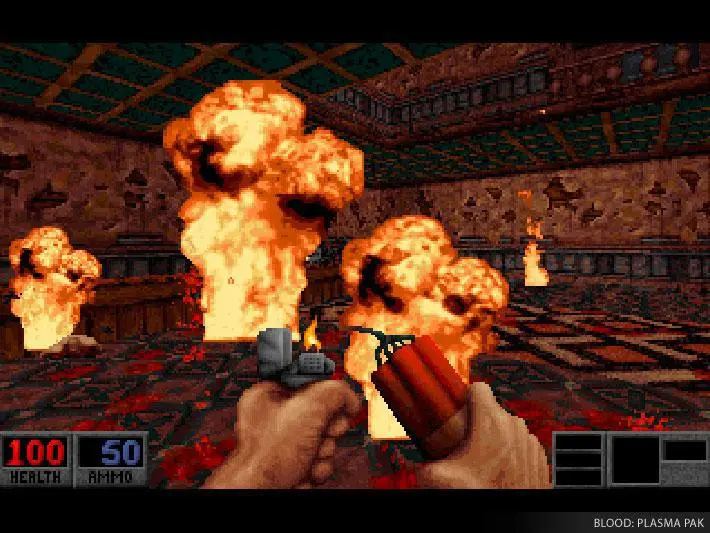
Default Key Bindings:
- W: Move Forward
- S: Move Backward
- A: Strafe Left
- D: Strafe Right
- Mouse Movement: Look Around (Pitch and Yaw)
- Left Mouse Button: Primary Fire (Weapon's main attack)
- Right Mouse Button: Secondary Fire (Weapon's alternate attack)
- E / Spacebar: Use / Jump (Context-sensitive, opens doors, picks up items, activates switches)
- Ctrl: Crouch
- Shift: Run (Hold to move faster)
- R: Reload (For weapons that require it, like the Tommy Gun)
- Q: Quick Kick (Melee attack, useful for conserving ammo or finishing off weak enemies)
- F: Flashlight (Toggles flashlight on/off, if equipped)
- 1-0: Select Weapon (Directly switch to a specific weapon slot)
- Mouse Wheel Up/Down: Cycle Weapons
- Tab: Map (Toggles the automap)
- Esc: Pause Menu / Options
Important Notes:
- Strafe Jumping: While not as pronounced as in some other Build engine games, combining strafing and jumping can sometimes allow for faster movement or reaching slightly elevated areas.
- Secondary Fire: Many weapons have powerful or tactical secondary fire modes. Experiment with each weapon to understand its full potential. For example, the Sawed-Off Shotgun's secondary fire shoots both barrels simultaneously, dealing massive damage up close.
- Quick Kick: Don't underestimate the Quick Kick. It can save you ammo against weak enemies like Zombies or Rats, and can even push enemies back, giving you breathing room.
Practice these controls in the early levels to build muscle memory. Smooth movement and quick weapon switching will be your best friends against the Cabal.