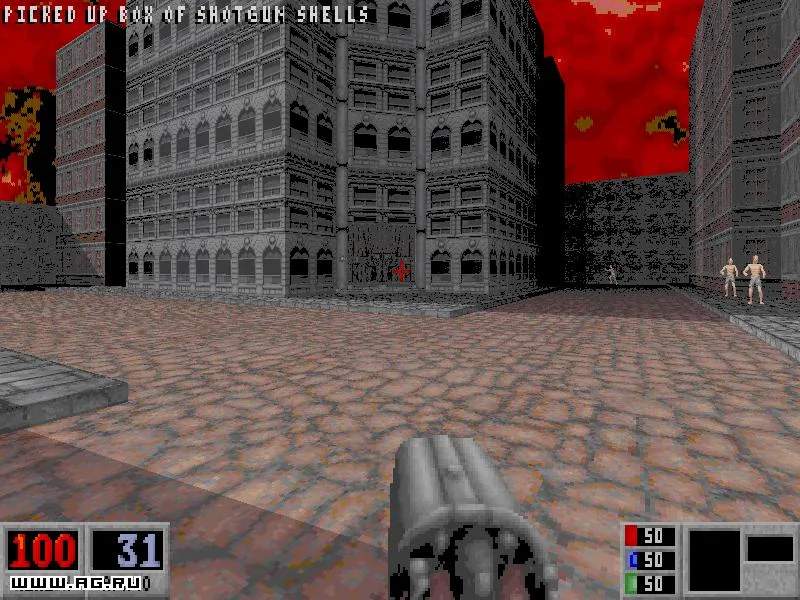
The User Interface in Blood is minimalistic but provides all the crucial information you need to survive. Understanding each element at a glance will help you make quick decisions in the heat of battle. The UI is typically displayed at the bottom of your screen.
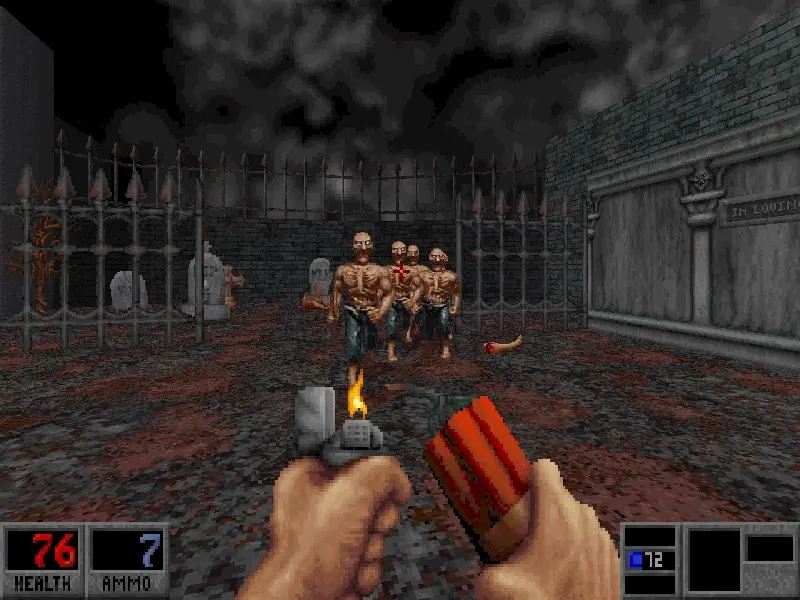
Key UI Elements:
- Health Bar (Red Bar): Located at the bottom left. This indicates Caleb's current health. When it depletes, you die. Pick up Life Essences, Doctor's Bags, or use the Voodoo Doll's secondary fire to restore health.
- Armor Bar (Blue Bar): Located next to the health bar. This represents your current armor protection. Armor absorbs a percentage of incoming damage before it affects your health. Pick up Leather Armor, Chain Armor, or Fire Armor to replenish or upgrade your protection.
- Ammunition Display: Typically in the bottom center or right. This shows the current ammunition count for your selected weapon. Some weapons have two ammo types (e.g., Shotgun Shells and Flare Gun Flares), and both will be displayed.
- Weapon Icon: A small icon representing your currently equipped weapon, usually near the ammo display.
- Inventory Slots (Optional): If you have certain inventory items like the Flashlight or Diving Suit, their icons might appear in a dedicated slot, often near the bottom right.
- Score Display (Top Right): While not critical for gameplay, this tracks your score, which is accumulated by killing enemies and finding secrets.
- Message Log (Top Left): Important messages, such as picking up items, finding secrets, or level transitions, will briefly appear here.
Tips for UI Management:
- Situational Awareness: Always keep an eye on your health and ammo. Don't get so engrossed in combat that you forget to check your vital stats.
- Ammo Conservation: The ammo display is your best friend. If you're running low on a primary weapon's ammo, consider switching to a secondary weapon or using the Quick Kick.
- Armor Priority: Armor is incredibly valuable. Prioritize picking up armor shards or full armor sets, especially before entering known combat zones.
- Flashlight: In dark areas, the flashlight icon will indicate if it's active. Remember to toggle it off in well-lit areas to conserve its battery (though in Blood, it's usually infinite).
A quick glance at the UI should give you all the information you need to make tactical decisions and stay alive in the treacherous world of Blood.