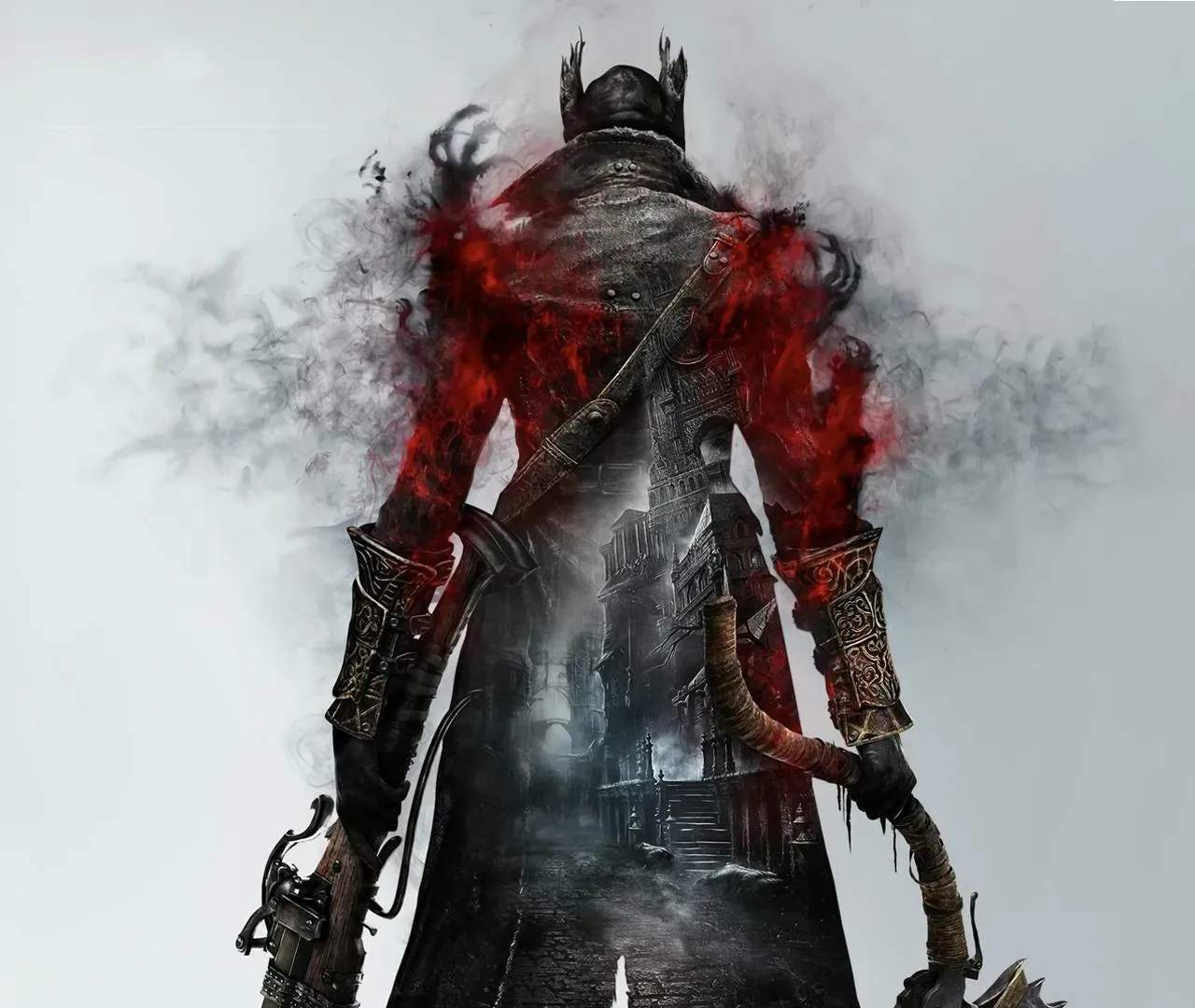
Photo Mode & Screenshots
While Bloodborne doesn't feature a dedicated photo mode like some modern games, You can still capture stunning screenshots of its atmospheric world and intense combat. Utilizing the PlayStation's built-in screenshot functionality, combined with clever positioning and timing, allows for the creation of memorable in-game imagery.
The game's dark, gothic aesthetic and intricate environmental des provide a perfect backdrop for capturing breathtaking moments. Whether it's the oppressive architecture of Yharnam, the terrifying visage of a boss, or the dynamic action of a combat encounter, there are countless opportunities to immortalize your journey.
Here's how to capture great screenshots in Bloodborne:
- Utilize the Share Button: On your PlayStation controller, the Share button allows you to take screenshots and save them to your console.
- Find Strategic Vantage Points: Position your character in areas with dramatic lighting or striking environmental details.
- Pause the Game (Carefully): While you can't freely move the camera when paused, you can sometimes pause at a moment of dramatic action or a visually interesting pose.
- Focus on Combat: Capture the intensity of boss fights or the fluid motion of your attacks. Timing is key to getting the perfect action shot.
- Explore Environmental Details: Yharnam is filled with intricate details, from gargoyles to bloodstains. Capture these to showcase the game's art direction.
- Use the 'Emotes' (if applicable): Some emotes can create interesting poses for screenshots.
Remember that Bloodborne's camera can be somewhat restrictive, especially during combat. Experiment with different angles and moments to find what works best for you.
Tips for Capturing Great Shots:
- Play in HDR (if supported): HDR can significantly enhance the visual fidelity and color depth of your screenshots.
- Consider the Lighting: Bloodborne's lighting is a key element of its atmosphere; use it to your advantage.
- Capture Iconic Moments: Screenshots of boss defeats, discovering new areas, or completing challenging encounters are often the most memorable.
- Share Your Creations: Upload your screenshots to social media or gaming communities to share your artistic vision.
While a dedicated photo mode would be a welcome addition, the existing tools are sufficient for capturing the haunting beauty and thrilling action of Bloodborne, allowing players to document their personal journey through the nightmare.