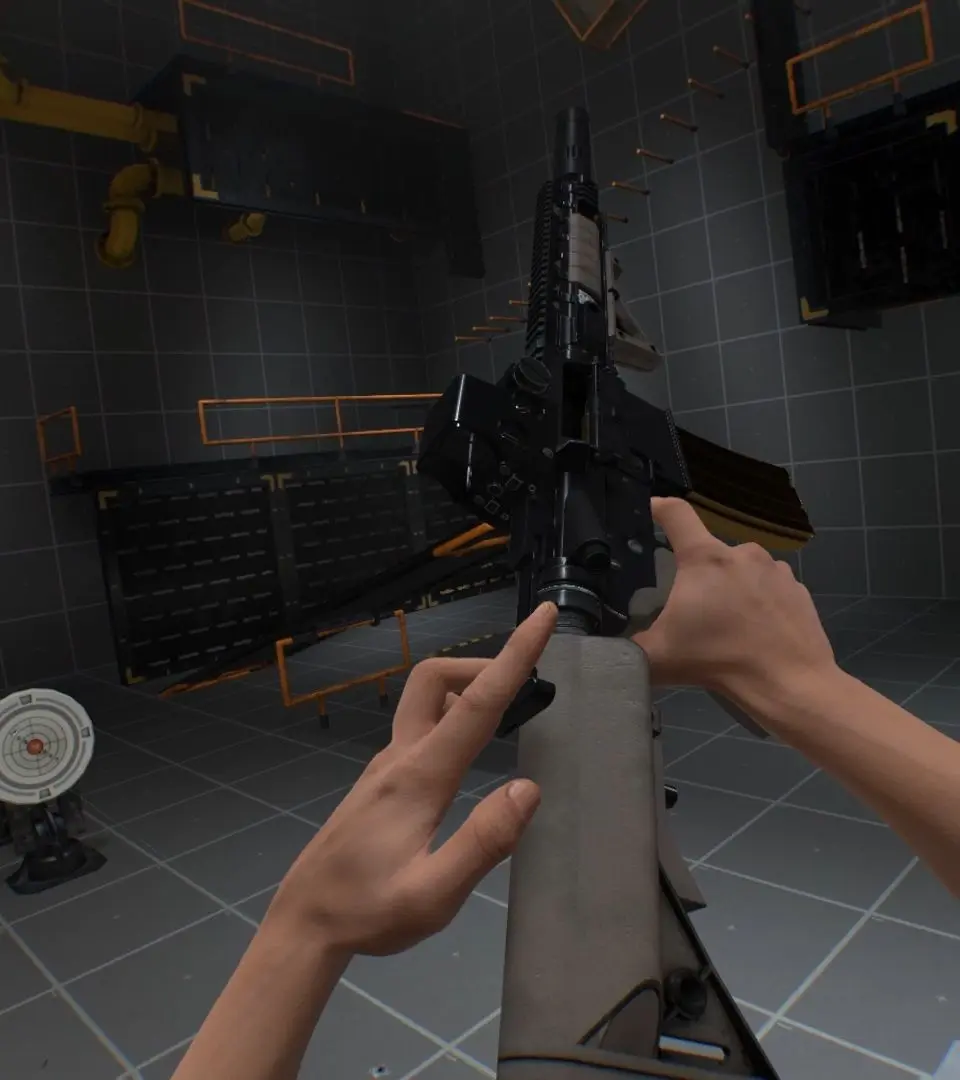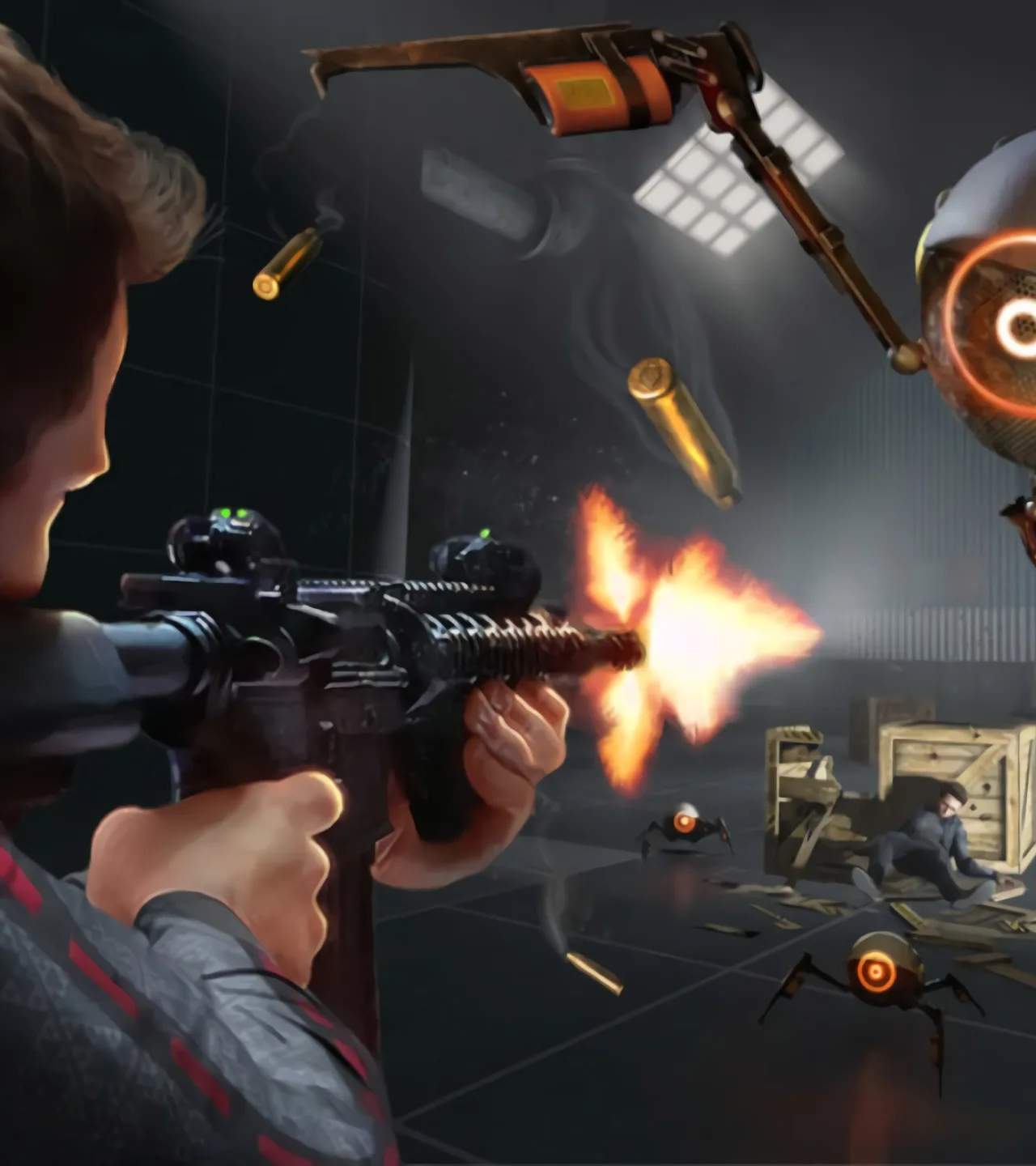
Before diving into Boneworks, ensure your VR headset and PC meet the minimum system requirements. Boneworks is a demanding title, so a powerful CPU and GPU are recommended for the best experience. Install the game through Steam and make sure your VR runtime (SteamVR, Oculus, etc.) is up to date. Calibrate your play space according to your headset's instructions to prevent accidental collisions and ensure comfortable movement within the game world.