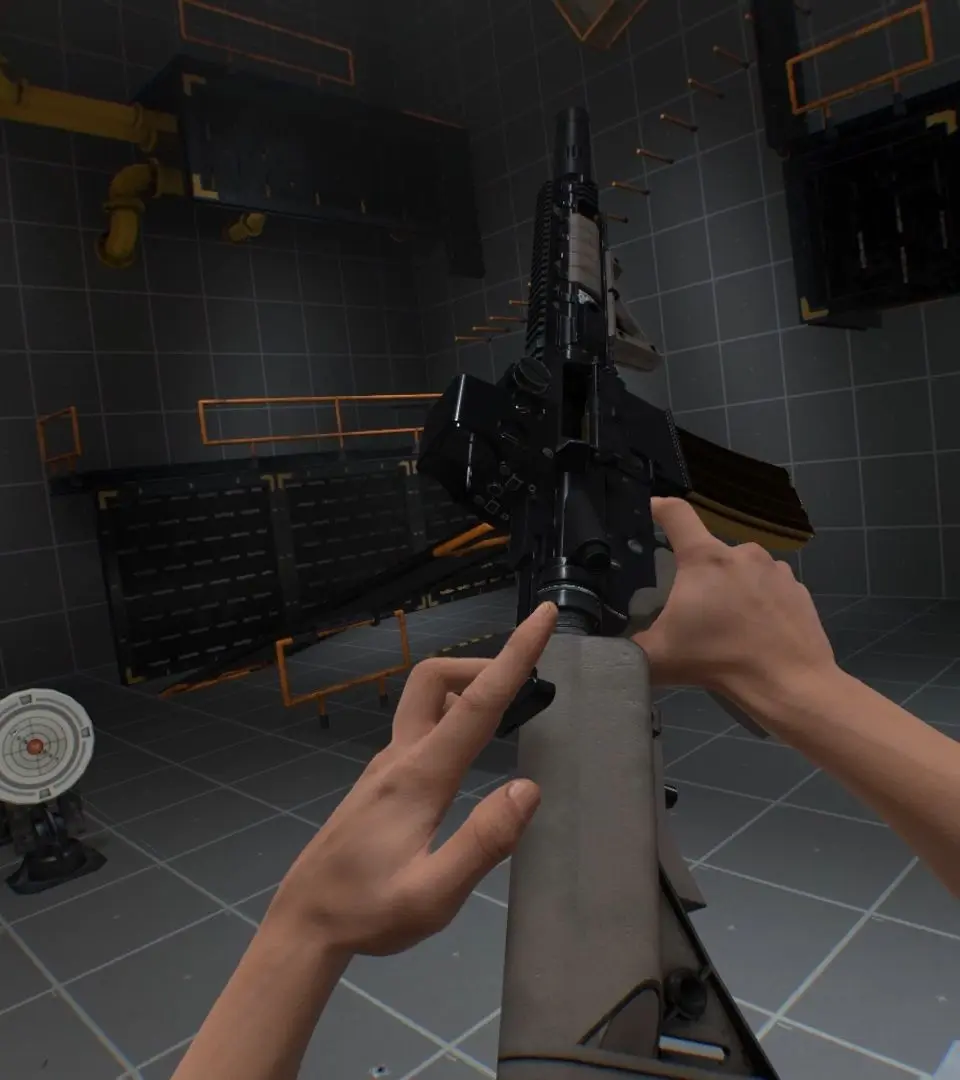
The Boneworks UI is minimalistic and largely diegetic. Your health is displayed on your wrist-mounted device, which also shows your current ammo count and other vital information. The inventory system is physical; you'll store items in holsters on your body (hips, back, chest). Pay attention to environmental cues, as the game often communicates objectives and puzzles through visual storytelling rather than explicit on-screen prompts. The main menu is accessed via the pause button, allowing you to adjust settings and save your progress.