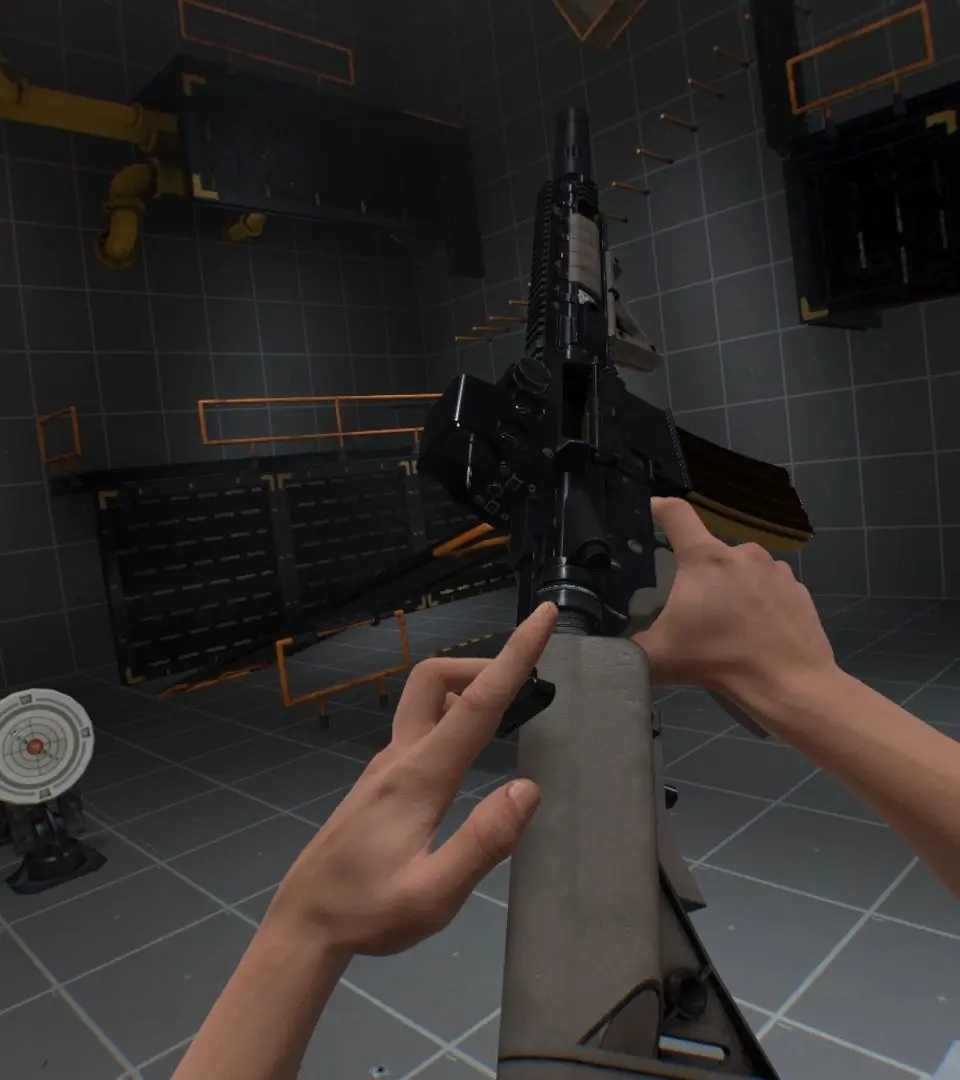
Boneworks can be demanding on your PC. To optimize performance, ensure your graphics drivers are up to date. In-game settings to adjust include resolution, anti-aliasing, and shadow quality. Lowering these can significantly improve frame rates. Experiment with your VR headset's specific settings, such as refresh rate and supersampling. A consistent high frame rate is crucial for comfort and immersion in VR. Close unnecessary background applications to free up system resources.