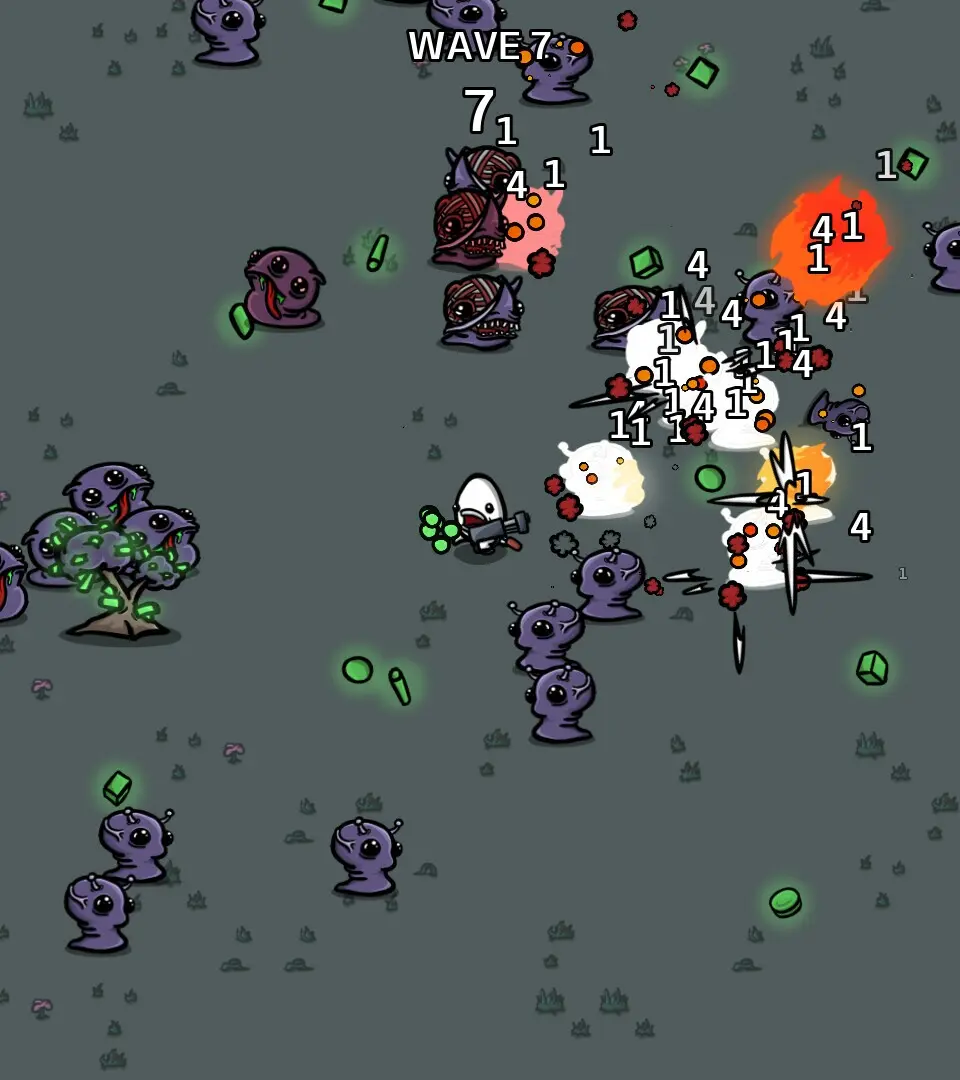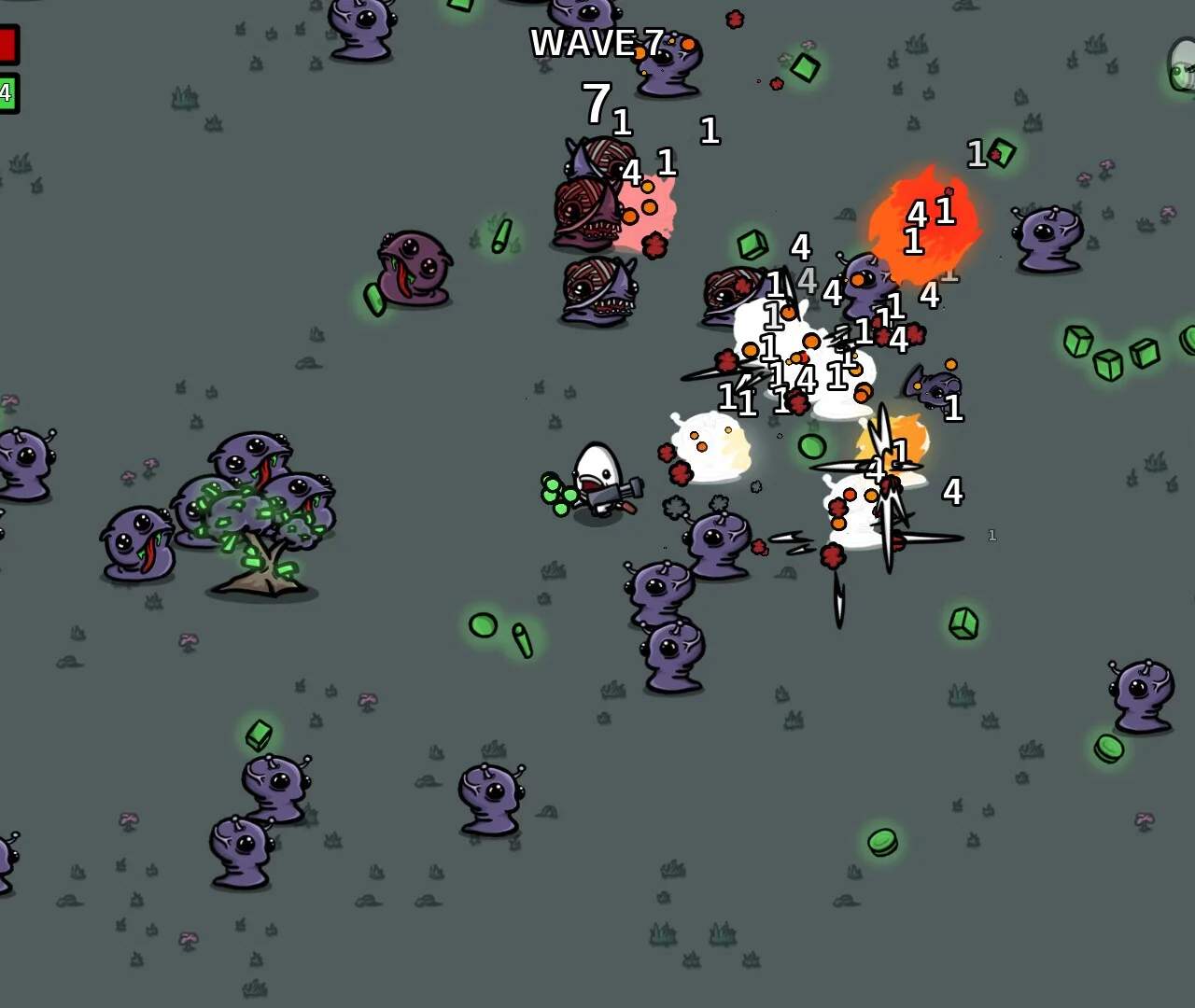
The User Interface in Brotato provides crucial information at a glance. In the top left, you'll see your current HP and Armor. The top right displays your current Wave number and the time remaining in the wave. At the bottom of the screen, you'll find your current Gold amount, which is essential for purchasing upgrades in the shop. During a wave, experience gems will drop from defeated enemies; collecting these fills your Experience Bar, located at the bottom center. Once full, you'll level up and gain access to stat upgrades. Pay attention to these elements to make informed decisions during your runs.