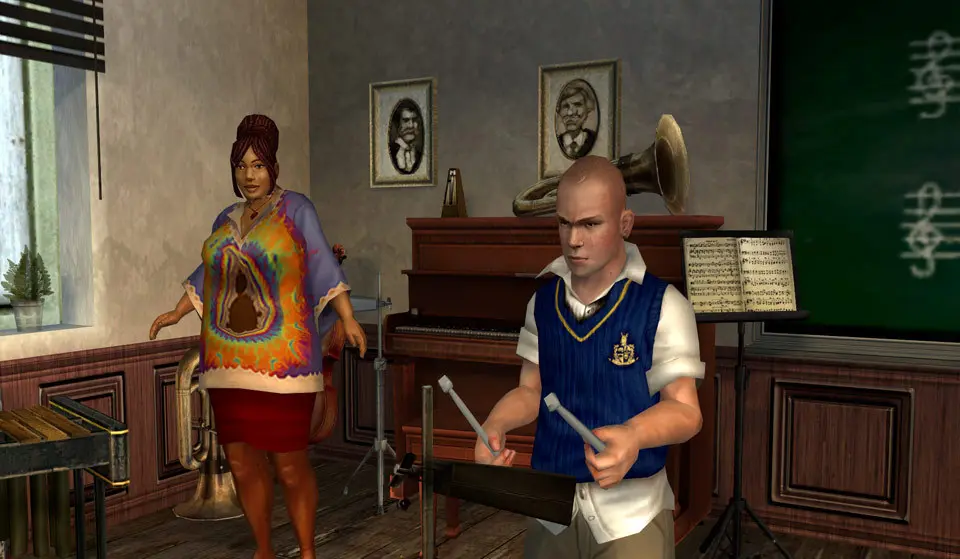
Understanding the controls is crucial for navigating Bullworth Academy and engaging in its various activities. The game features a standard third-person action control scheme. On consoles, the left analog stick moves Jimmy, while the right analog stick controls the camera. The 'A' (Xbox) / 'X' (PlayStation) button is typically for action/interact, 'B' / 'Circle' for cancel/dodge, 'X' / 'Square' for attack, and 'Y' / 'Triangle' for jump. On PC, WASD controls movement, mouse controls camera, left-click for attack, right-click for aiming, and 'E' for interaction. The UI displays your health bar (red), stamina bar (yellow), and a mini-map in the top-left corner. The mini-map shows your current objective, important locations, and the positions of friends and foes. Pay attention to the time of day displayed in the top-right, as it affects mission availability and curfew enforcement. Your inventory and weapon selection are accessible via the D-pad or number keys.