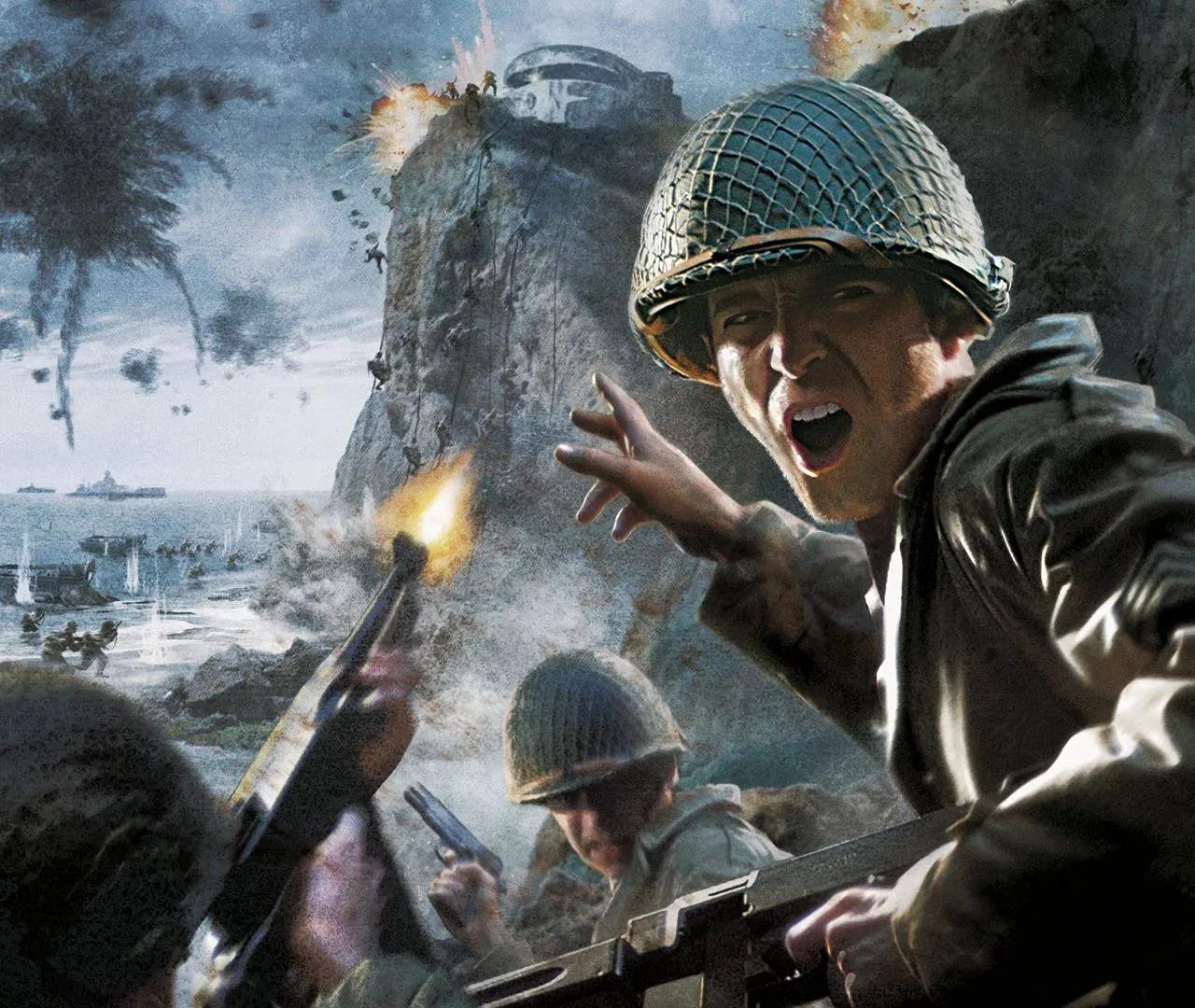
Understanding the core controls is your first step to becoming an effective soldier. The default PC controls are as follows:
- W, A, S, D: Movement (Forward, Left, Back, Right)
- Mouse: Look/Aim
- Left Mouse Button: Fire Weapon
- Right Mouse Button: Aim Down Sights (ADS)
- R: Reload
- F: Use/Interact
- G: Throw Grenade
- 5: Throw Smoke Grenade
- Spacebar: Jump/Mantle
- C: Crouch
- Ctrl: Prone
- Shift: Sprint
- Q: Lean Left
- E: Lean Right
- Tab: Scoreboard (Multiplayer) / Objectives (Singleplayer)
- Esc: Pause Menu
Practice these movements in a safe area, like the initial training mission, to build muscle memory. Effective use of leaning and crouching can provide crucial cover in firefights.