
The UI in Call of Duty 2 is designed to be minimalistic yet informative. Here's a breakdown of key elements:
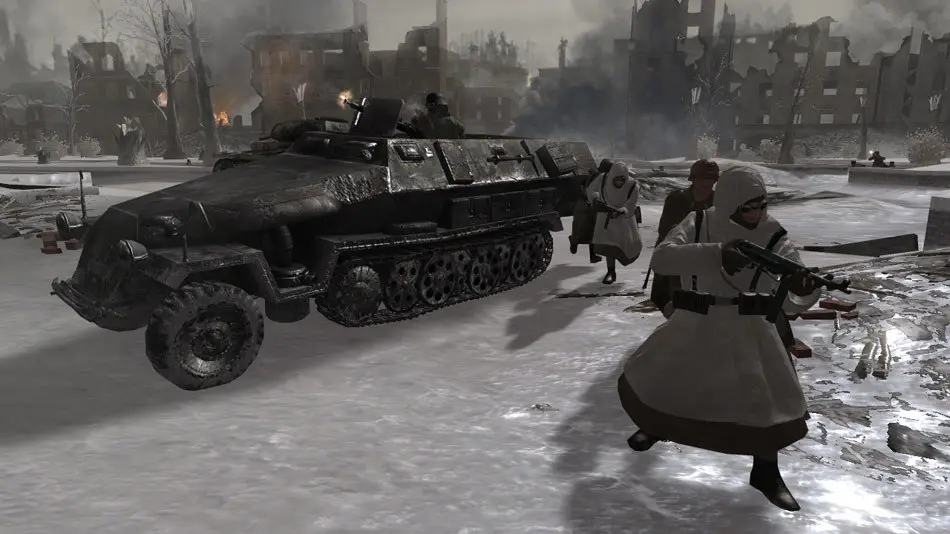
- Crosshair: Center of your screen, indicates where your weapon is aiming. It changes color to red when over an enemy.
- Ammo Counter: Bottom right, shows current magazine capacity and total reserve ammunition.
- Health Bar/Indicator: While there isn't a traditional health bar, your screen will turn red and your breathing will become heavy as you take damage. Seek cover to regenerate health.
- Grenade Indicator: A small icon appears when an enemy grenade is nearby, showing its direction. Get away from it immediately!
- Compass/Objective Marker: Top center, indicates your current objective and direction. Follow it to progress.
- Stance Indicator: Bottom left, shows if you are standing, crouching, or prone.
- Weapon Icon: Bottom right, displays your currently equipped weapon.
Understanding these elements at a glance is vital for battlefield awareness and survival. Always keep an eye on your ammo and be aware of incoming grenades.