
The Heads-Up Display (HUD) provides critical information during gameplay, allowing you to make informed decisions on the battlefield. Keeping an eye on your HUD is just as important as watching your surroundings.
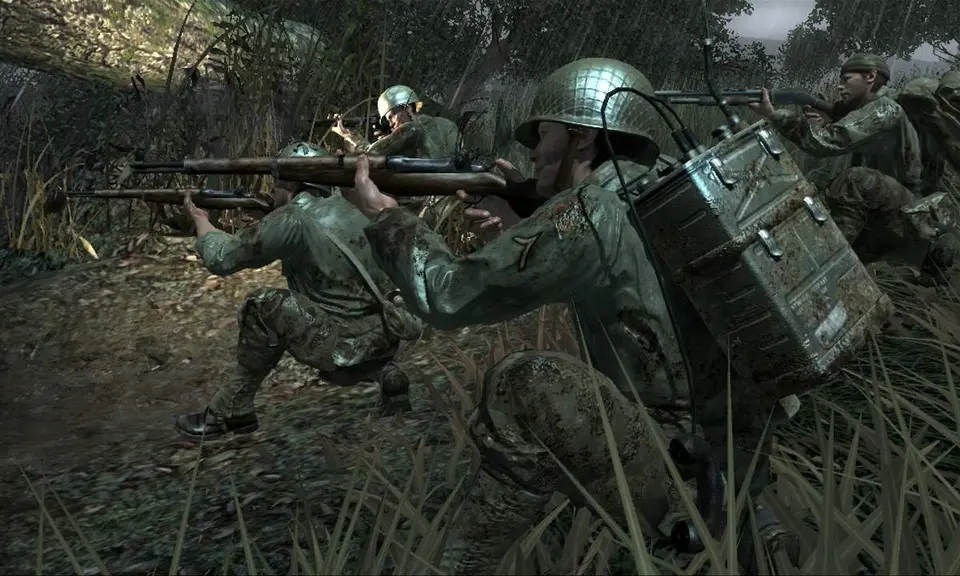
- Crosshairs: Located in the center of your screen, indicating where your weapon is aimed. It changes color or shape to indicate if you're aiming at an enemy.
- Ammo Count: Typically in the bottom right corner, showing your current magazine capacity and total reserve ammunition. Always be aware of your ammo levels.
- Health Bar/Indicator: While Call of Duty 3 uses a regenerating health system, a red 'blood splatter' effect around the screen indicates you're taking damage. Seek cover immediately to allow your health to regenerate.
- Grenade Indicator: Shows your current grenade type and quantity. A small icon will appear when you're holding a grenade, and a timer will show if it's cooked.
- Compass/Objective Marker: Usually at the top of the screen, indicating your current objective and the direction to reach it. Follow these markers to progress through missions.
- Stance Indicator: A small icon, often in the bottom left, showing if you are standing, crouching, or prone. This helps you understand your current visibility and accuracy modifiers.
- Weapon Icon: Displays your currently equipped weapon.
Familiarize yourself with these elements so you can quickly glance at them without losing focus on the action. A good soldier processes information efficiently.