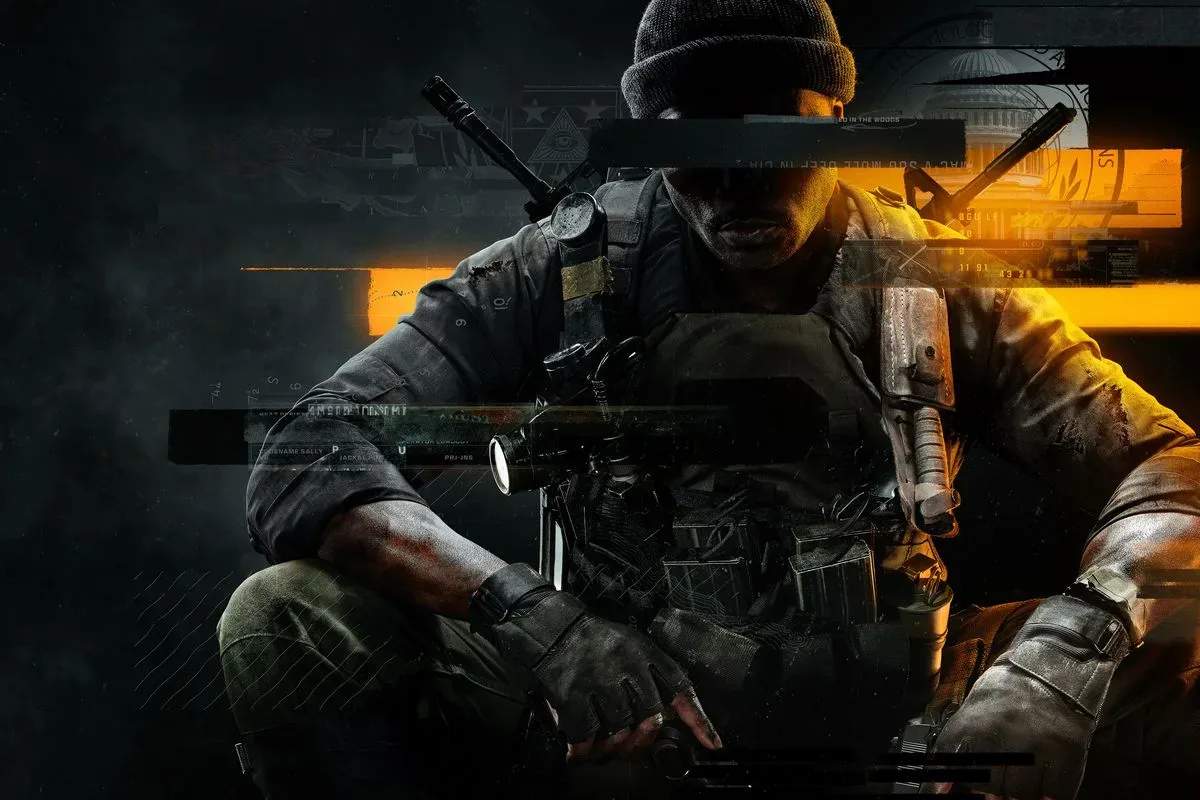
Mastering the controls is your first step to becoming a formidable operative. Black Ops 6 utilizes a familiar control scheme, but with some nuanced additions. We'll detail the default layouts for both console and PC, highlighting key actions like sprinting, sliding, mantling, and the new 'Omnimovement' system. Practice these movements in the training area to build muscle memory and gain an edge in combat scenarios.
Console Default Controls (PlayStation/Xbox)
- Left Stick: Movement
- Right Stick: Aim/Look
- L2/LT: Aim Down Sights (ADS)
- R2/RT: Fire Weapon
- L1/LB: Tactical Grenade
- R1/RB: Lethal Grenade
- X/A: Jump/Mantle
- Circle/B: Crouch/Prone/Slide
- Square/X: Reload/Interact
- Triangle/Y: Switch Weapon
- D-Pad: Scorestreaks/Equipment
PC Default Controls
- W, A, S, D: Movement
- Mouse: Aim/Look
- Right Mouse Button: Aim Down Sights (ADS)
- Left Mouse Button: Fire Weapon
- Q: Tactical Grenade
- E: Lethal Grenade
- Spacebar: Jump/Mantle
- C: Crouch/Prone/Slide
- R: Reload/Interact
- 1, 2: Switch Weapon
- F, G: Scorestreaks/Equipment
Experiment with sensitivity settings to find what feels most comfortable for your playstyle. A higher sensitivity allows for quicker turns, while lower sensitivity offers more precise aiming.