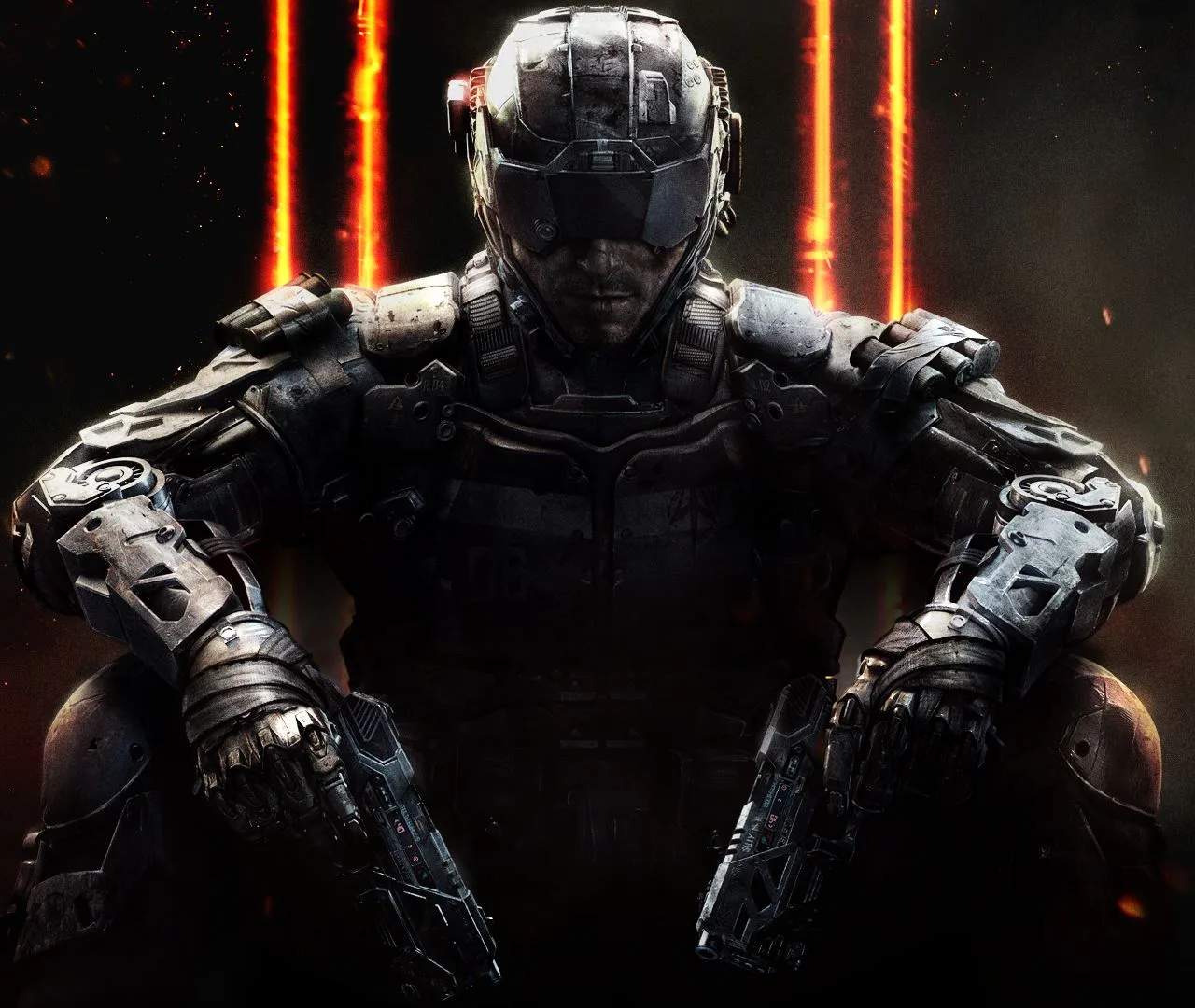
Character Customization
Welcome, Specialist! In Black Ops III's RPG elements, customizing your character isn't just about looking good; it's about optimizing your combat effectiveness and expressing your unique playstyle. This detailed guide will walk you through every facet of personalizing your operative, from cosmetic flair to tactical loadouts.
Accessing the Customization Menu
To begin your customization journey, navigate to the main menu. From there, select the "Specialist" tab. This will bring you to an overview of all available Specialists. Choose the Specialist you wish to customize by highlighting their portrait and pressing the interact button (typically X on PlayStation, A on Xbox, or Enter on PC).
Cosmetic Customization
Once you've selected your Specialist, you'll be presented with several options for visual modification. These changes are purely aesthetic and do not affect gameplay performance.
- Headgear: This slot allows you to change your Specialist's helmet, hat, or other head-mounted accessories.
- Unlocking Headgear: Most headgear items are unlocked by completing specific challenges related to that Specialist, reaching certain player levels, or through Supply Drop acquisitions. For example, the "Tactical Visor" for Ruin is unlocked after achieving 50 kills with his Gravity Spikes.
- Notable Items: Keep an eye out for rare "Legendary" headgear in Supply Drops, which often feature unique particle effects or intricate designs.
- Body Armor: Customize the main body of your Specialist's outfit.
- Unlocking Body Armor: Similar to headgear, body armor pieces are earned through Specialist challenges (e.g., "Reinforced Plating" for Prophet after 25 kills with his Tempest), player progression, or Supply Drops.
- Sets: Many cosmetic items are part of themed sets. Equipping a full set (headgear and body armor) often provides a cohesive and impressive look.
- Taunts & Gestures: Express yourself in-game with unique animations.
- Accessing: From the Specialist customization screen, navigate to the "Taunts & Gestures" sub-menu.
- Unlocking: These are primarily acquired through Supply Drops (Common, Rare, Legendary) or by completing specific seasonal events.
- Equipping: You can equip up to four different taunts/gestures to your quick-select wheel for use during matches.
Tactical Customization: Specialist Abilities & Weapons
Beyond cosmetics, true character customization in Black Ops III RPG lies in tailoring your Specialist's abilities and weapon loadouts to suit your strategic needs. These choices directly impact your gameplay.
- Specialist Ability/Weapon Selection: Each Specialist has two unique options: one powerful ability and one devastating weapon. You can only equip one at a time per match.
- Switching: In the Specialist menu, simply highlight the desired ability or weapon and confirm your selection. This can be changed between matches, but not during.
- Strategy: Consider the map and game mode. For objective play, Ruin's "Gravity Spikes" can clear a hardpoint, while his "Overdrive" ability allows for rapid objective capture. For defensive roles, Prophet's "Tempest" can chain-stun enemies, and his "Glitch" ability provides an escape.
- Weapon Loadouts: This is where the RPG depth truly shines. You can create multiple custom classes, each with a primary weapon, secondary weapon, lethal equipment, tactical equipment, and three perks.
- Primary Weapons: Assault Rifles, SMGs, LMGs, Shotguns, Sniper Rifles. Each weapon has a unique set of attachments (Optics, Grips, Stocks, etc.) that modify its stats.
- Unlocking Attachments: Attachments are unlocked by gaining experience with the specific weapon. The more you use a weapon, the more attachments become available.
- Weapon Camos: Personalize your weapon's appearance. Camos are unlocked by completing challenges (e.g., "50 Headshots" for a specific weapon unlocks a new camo tier) or through Supply Drops. The prestigious "Dark Matter" camo requires unlocking all other camos for every weapon class.
- Secondary Weapons: Pistols, Launchers, Melee. Useful for quick swaps or specific utility.
- Lethal Equipment: Grenades, C4, Trip Mines. Offensive tools to damage or deny areas.
- Tactical Equipment: Flashbangs, Smokes, Concussions. Utility items for disorientation, cover, or intel.
- Perks: Passive abilities divided into three tiers (Perk 1, Perk 2, Perk 3). You can equip one perk from each tier.
- Examples:
- Perk 1: "Flak Jacket" (reduces explosive damage), "Blind Eye" (undetectable by AI-controlled scorestreaks).
- Perk 2: "Fast Hands" (faster weapon swap and equipment use), "Hard Wired" (immune to Counter-UAV and EMP).
- Perk 3: "Tactical Mask" (reduces effect of tactical equipment), "Dead Silence" (silent movement).
- Wildcards: These allow for greater flexibility, such as equipping a second Perk 1, a second primary weapon, or more attachments. "Primary Gunfighter" is a popular wildcard for maximizing weapon effectiveness.
- Examples:
- Primary Weapons: Assault Rifles, SMGs, LMGs, Shotguns, Sniper Rifles. Each weapon has a unique set of attachments (Optics, Grips, Stocks, etc.) that modify its stats.
Experiment with different combinations of Specialists, abilities, and loadouts to find what best suits your playstyle and the demands of the battlefield. A well-customized character is a formidable force!