
The Heads-Up Display (HUD) provides vital information during gameplay. Pay close attention to your health bar, mini-map, ammunition count, and scorestreaks. The mini-map is particularly useful for tracking enemy positions and objectives. Understanding each element will help you make informed decisions in the heat of battle and improve your situational awareness significantly.
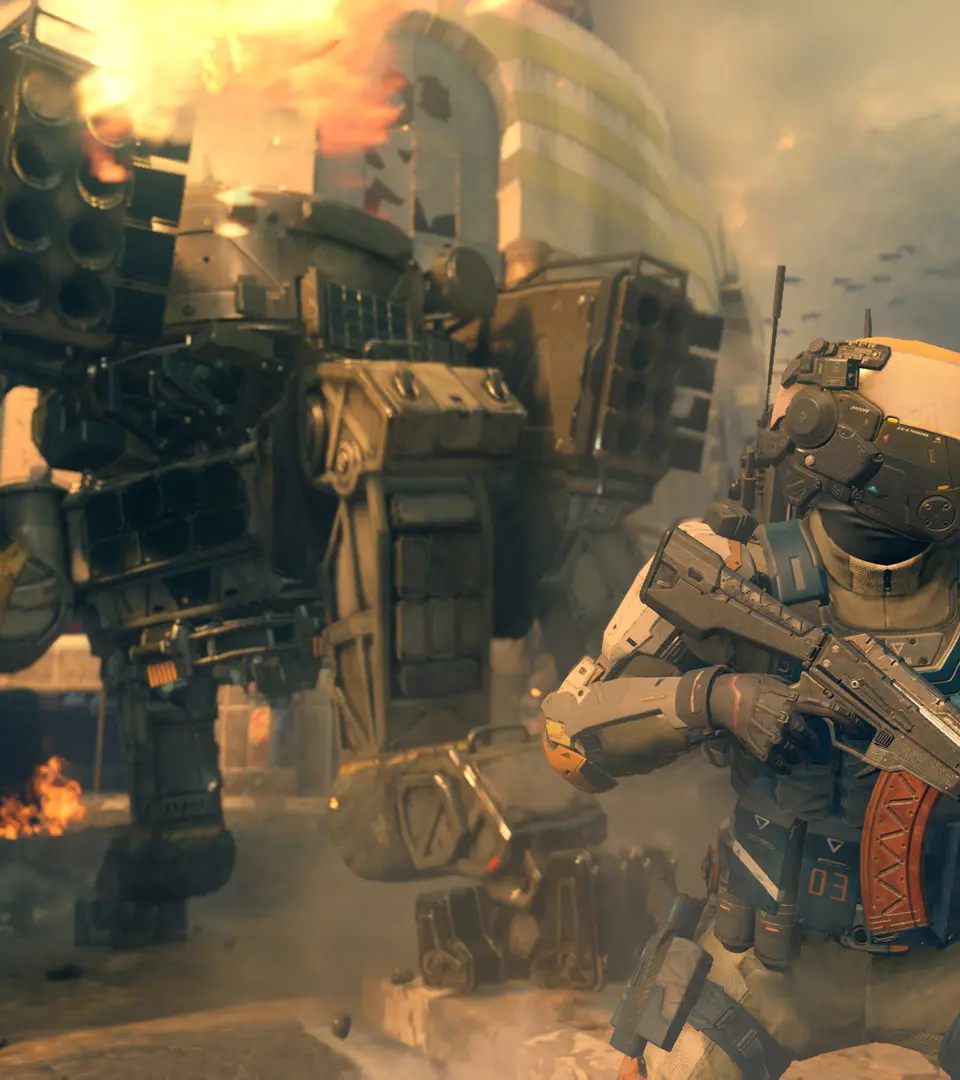
- Top Left: Mini-map (shows allies, enemies, objectives)
- Bottom Left: Cyber Core Abilities / Specialist Weapon status
- Bottom Center: Ammunition count (current clip / total reserve)
- Bottom Right: Health bar / Grenade indicators
- Top Right: Scorestreak progress / Killfeed