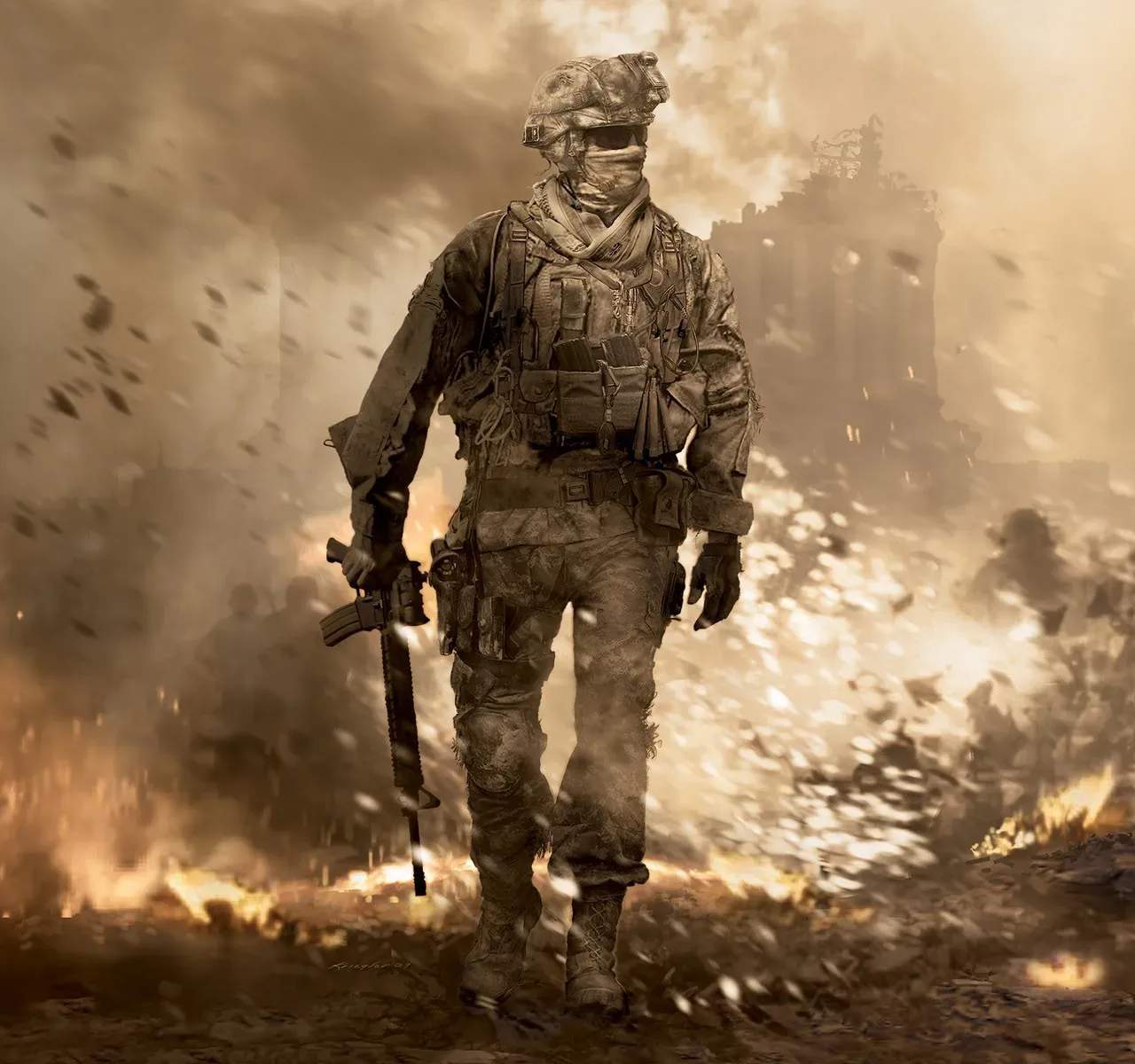
Mastering the controls is the first step to becoming a formidable operator. This section details the default keybinds for PC, PlayStation, and Xbox, covering essential actions like movement, aiming, shooting, reloading, and using tactical equipment. Familiarize yourself with these inputs to ensure fluid and responsive gameplay in any combat scenario.
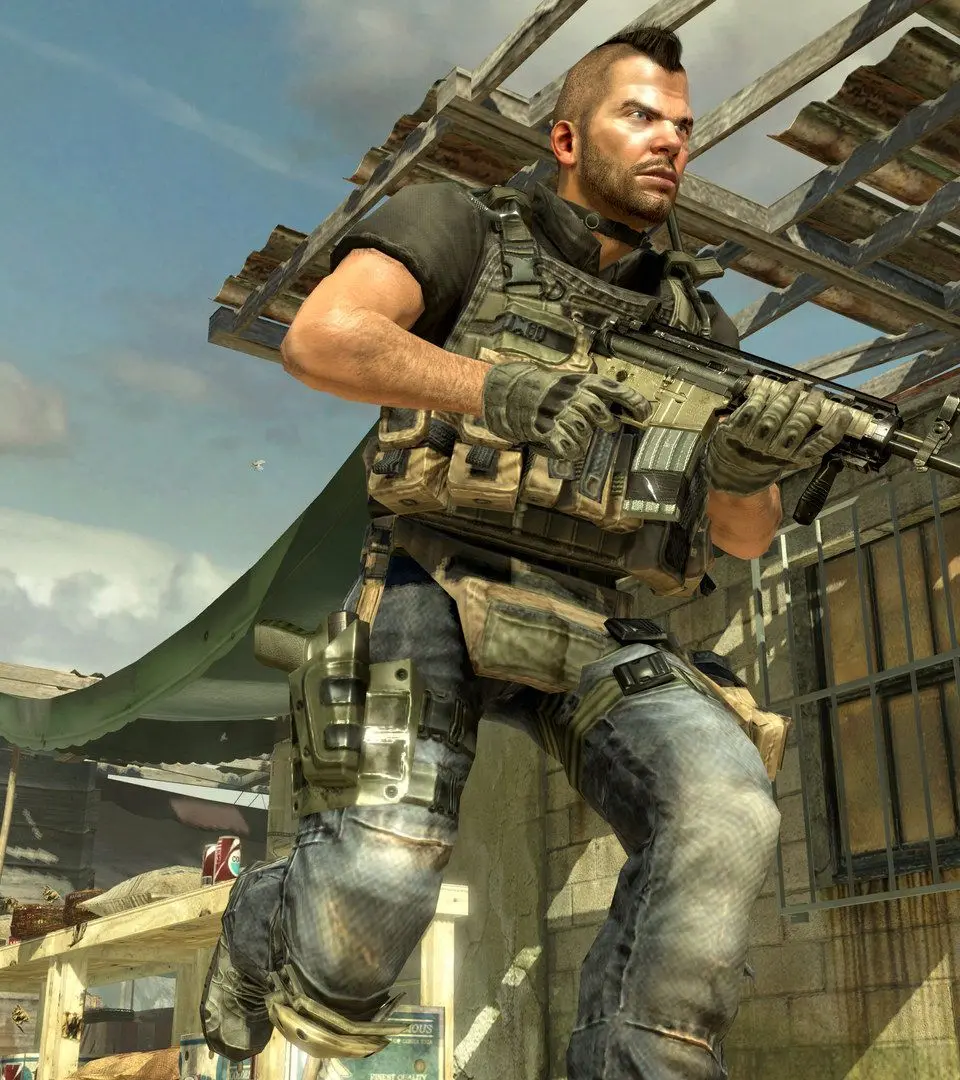
PC Controls (Default)
- W, A, S, D: Movement
- Left Mouse Button: Fire Weapon
- Right Mouse Button: Aim Down Sights (ADS)
- R: Reload
- Spacebar: Jump/Mantle
- C: Crouch/Prone
- Shift: Sprint/Tactical Sprint
- Q: Lethal Equipment
- E: Tactical Equipment
- F: Interact
- V: Melee
Console Controls (Default)
- Left Stick: Movement
- Right Stick: Aim/Look
- R2/RT: Fire Weapon
- L2/LT: Aim Down Sights (ADS)
- Square/X: Reload/Interact
- X/A: Jump/Mantle
- Circle/B: Crouch/Prone
- L3/Left Stick Click: Sprint/Tactical Sprint
- R1/RB: Lethal Equipment
- L1/LB: Tactical Equipment
- R3/Right Stick Click: Melee